

This Android 17 Feature Is A Lifesaver For Those With Motion Sickness
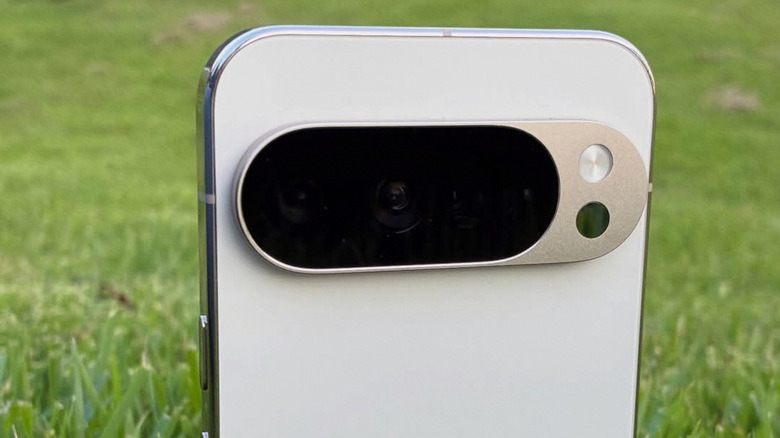
It looks like Pixel owners will be the first to get their hands on Google's new Motion Assist feature for Android 17. The new accessibility feature is still rolling out, but reports suggest that it has already been spotted on the Pixel 11 Pro XL. When it will show up on all the other Pixel devices that support Android 17 is unclear, but once it does, it could be a massive boon for users that struggle with motion sickness.
We were given our first look at what Motion Assist might look like on Android back in December 2024. However, it has taken almost two years for Google to finally bring the accessibility feature to its users. Pixels are far from the first phone to receive the functionality, either. Apple already launched a similar feature on iPhones. Google's iteration works similarly, providing little cues on the screen that are meant to help relieve the mismatch that often comes from using a screen while in a moving car. Of course, you still shouldn't use your phone when driving.
People often feel motion sickness when using a phone or tablet while riding in a moving vehicle due to how the brain registers movement around you and how your eyes register it. So, because your eyes aren't registering you moving when staring at your phone, but your body is, the senses get mismatched, which can cause you to feel sick.
How to turn on Motion Assist in Android 17

If you're rocking a Pixel 11 or another Pixel device running Android 17, then you can check for the feature in the main Settings app on your phone. To see if you have it, navigate to Settings, then tap your Google profile at the top and select All services . From there, scroll down to the "Personal & device safety" section — if you have Motion Assist available, you can select it here and then toggle it on. You'll be given two options — manual and automatic modes are available. To use automatic, make sure you select the option to Start in a moving vehicle. Otherwise, you can add it to your Quick Settings tray from this menu, and then tap the tile to start Motion Assist.
Once Motion Assist has been enabled, your phone will display a notification that it has been turned on. You can also edit the colors of the dots themselves, as well as change their shape to add a bit of customization to your experience. This is just one of the many accessibility features Android users should try out, though. Many are well hidden, so you might not even be aware they exist.
Features like this can be very helpful for people who suffer from motion sickness, as it helps to trick the brain into keeping its senses balanced. So, even though your phone isn't moving, your brain will see the moving dots, which line up with the movements of the vehicle, and it will register that everything is moving in sync.