

You Can Pair Your AirPods To A PlayStation 5, But There's A Catch
We may receive a commission on purchases made from links.
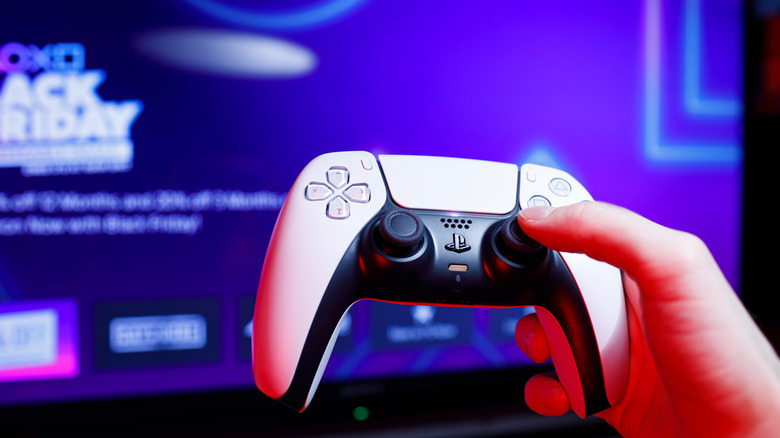
If you want to play video games without disturbing anyone in your house, you need headphones, or at least earbuds. These are essential gadgets for every PlayStation 5 owner — and Xbox Series X owner, but you can't connect your headphones to Microsoft's console wirelessly if you own the wrong model. Meanwhile, the PlayStation 5 is compatible with even Apple AirPods, but you have to jump through a few hoops first.
In order to connect any headphones or headset wirelessly to the PS5, you need to pair them to an adapter. This is true for the Pulse Elite wireless headset and for AirPods, but unlike the Pulse Elite, AirPods don't include a dongle — you need to supply your own. The Middle Rabbit D1 is a reliable and inexpensive device that can do the job. You can purchase the adapter on Amazon for $22.99. Best of all, once it's set up, the Middle Rabbit D1 will bridge the connection between your AirPods and countless other entertainment platforms.
To get started, simply insert the Middle Rabbit D1 into your PS5's USB-C port — or if that's occupied, plug it into the USB-A slot with help from the included USB-C to USB-A adapter. Once it's powered on, the dongle will enter pairing mode automatically. Now activate pairing mode on your AirPods. Usually it's as simple as opening the charging case while the earbuds are inside and pressing or double tapping a button, depending on your AirPods model. Make sure the devices are close to one another, and they should connect. If you open your PS5 Settings menu, select Sound, scroll down to Audio Output, and see "USB Headphones (Middle Rabbit D1)" next to "Output Device," the pairing was successful.
Are there any issues with audio quality or latency when using AirPods with a PS5?
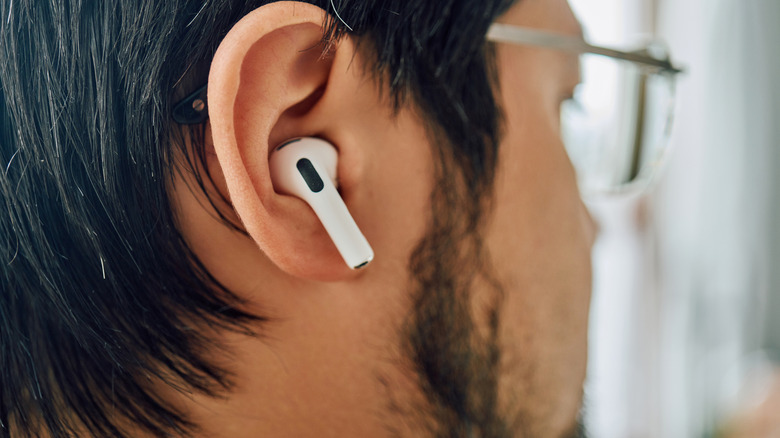
While AirPods are generally considered quality earbuds, especially when paired with other Apple devices such as the iPhone 17, they aren't technically designed to work with the PlayStation 5. The Middle Rabbit D1 forces synced AirPods to work, so some issues might crop up.
Latency is arguably the biggest problem users might encounter. All wireless headsets have an audio delay when compared to wired ones, but since the Middle Rabbit D1 is designed as a bridge for every Bluetooth headset under the sun, it focuses more on stable connections rather than fast ones. Some wireless devices experience less latency than others, so you might encounter a slight sound delay while playing games with AirPods in, which could be more or less pronounced than the delays you get with other devices connected to the Middle Rabbit D1.
Another issue, depending on your game of choice, is the potential lack of a mic. All modern AirPods include a built-in microphone, which the Middle Rabbit D1 should recognize so you can communicate with allies during multiplayer matches. If the Middle Rabbit D1 doesn't connect to your AirPods' microphones (or you use earbuds without microphones), you will have to find another Bluetooth device that does. Either that or start playing single-player titles that don't require a microphone. The "God of War" and "Marvel's Spider-Man" games are excellent choices.