

5 Signs That Your Laptop Charger Is No Longer Safe To Use
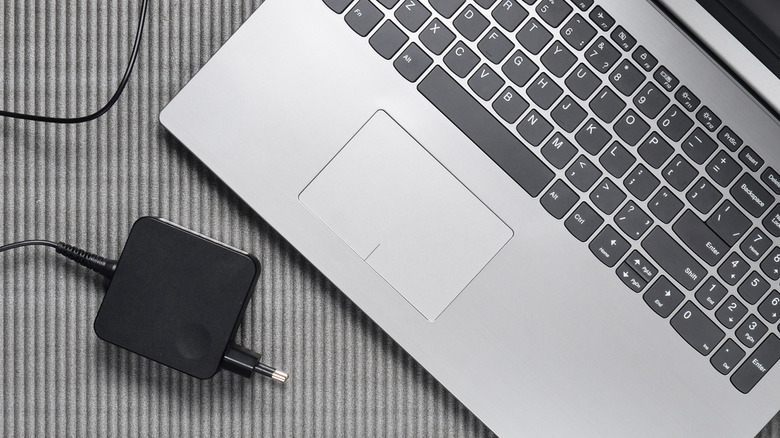
When plugging in your laptop to charge, your biggest concern might be about minimizing charging mistakes that could shorten your battery's lifespan or ensuring you can stay plugged in long enough to fill the battery's capacity. However, you should also pay attention to the condition of the charging brick. If it's not functioning properly, it could increase the risk of starting a fire, giving you an electric shock, or damaging the laptop.
Before using your laptop adapter, you should inspect it for physical damage, as this is one of the signs that it is no longer safe to use. Other signs that you should stop using your charger with your laptop include odd crackling noises or a burning odor, slow (or no) charging, excessive heat from the charger while you're working, or tripping circuit breakers while charging the computer.
The laptop adapter is an important part of safely using the computer. If you find that your laptop's charger is no longer safe to use for any reason, you almost certainly should replace it right away. Repairing these adapters is sometimes possible, but replacement is the safer option.
A laptop charger with visible damage is at risk of fire
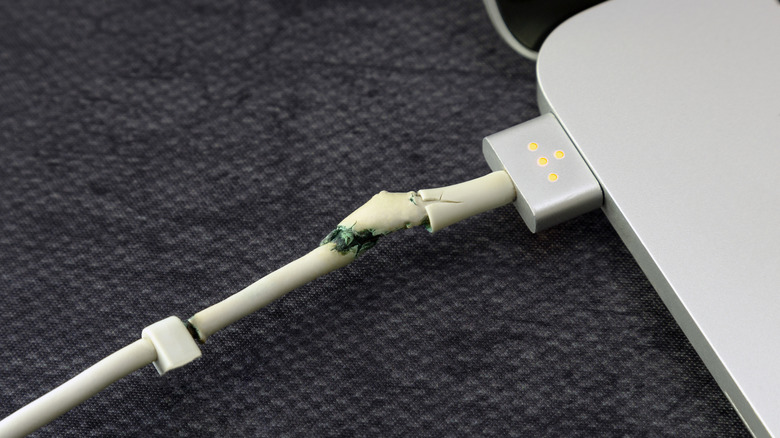
Physical damage is a telltale sign that a gadget is unsafe to use, and laptop chargers are no exceptions. Some common types of physical damage a laptop charger may have include cracked or exposed wiring, bent or discolored cables, cracked plastic blocks, and bent connector pins. Such issues could lead to an increased fire risk, an electric shock, or destruction of the laptop's components. The computer might not charge the battery when the adapter has visible damage, either.
In addition to any damage you can see on the outside, some laptop chargers may have internal damage that you can't see. Such issues can lead to a fire or electrical shock. For example, spilling water on the adapter or leaving it exposed to constant moisture could cause internal damage that could potentially even harm the laptop. And while most adapters can take some abuse without breaking, if you drop the adapter from a significant height, it could suffer internal damage.
Noticing odd noises or odors from the charger is worrisome

Odd odors emitting from the laptop charger could be problematic. If you notice a burning odor or see smoke, the charger could be overheating the internal components or experiencing electrical arcing, leaving it unsafe to use. Unplug it and stop using it to charge the laptop.
Laptop adapters may also make some faint humming or buzzing noises during operation. Most of the time this is not worrisome, as many units generate a faint noise when converting AC power to DC or when power is passing through the internal components. Sometimes, the noise from the laptop adapter will increase and decrease unexpectedly. This could occur if the power level from the wall outlet is fluctuating.
You may also hear buzzing or sizzling noises from the laptop charger if the connection between the cable and the laptop or the cable and the box in the middle of the power adapter is loose, but this noise shouldn't persist once the connection issue has been resolved. If you notice that the sizzling has grown intense over time or has become more frequent, the unit might have some internal damage and require immediate replacement.
Delayed or lengthy laptop charging could indicate a problem
If your laptop is not charging as fast as you expect, it could point to a problem with the charging adapter. If you regularly yank on the power cord when disconnecting it from the wall outlet or place a kink in the cord when wrapping it up for transport, you could damage the wires inside the cord, eventually causing these kinds of charging issues. Damage to the wiring may prevent the expected level of electrical power from reaching the laptop's battery. Bent pins in the charging port at the end of the cable or in the laptop port can also lead to poor charging results.
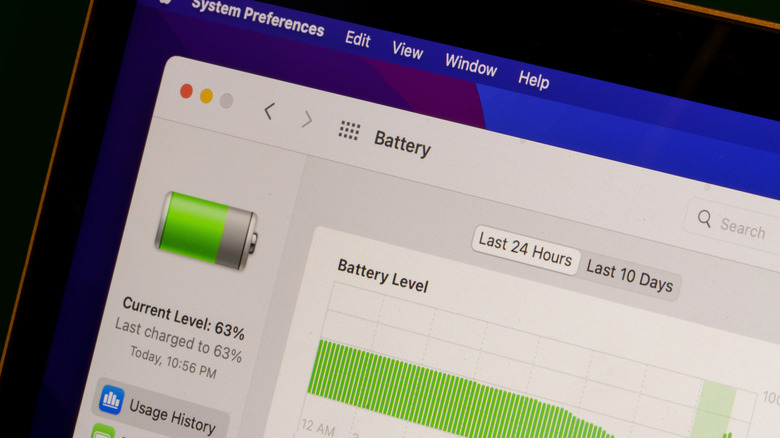
However, the same effects can also occur due to fairly benign reasons. To make sure the charger isn't at fault, ensure there's no dust, lint, or pet hair inside the ports, which could interfere with the transfer of electrical power. You might need to use a flashlight to see inside the ports. An aging laptop battery can cause similar problems. To try to figure out where the problem lies, you can run a software test on the health of the battery.
Sparking or excessive heat means you should stop using it
Although most laptop chargers will generate significant warmth when they're operating, excessive heat is a sign of a potential problem. However, unlike the laptop itself, the charging brick doesn't have interior fans to help move air for cooling. If the charger becomes unusually hot to the touch, you should consider replacing it because it could have internal damage. The components inside the adapter may melt under excessive heat, potentially even leading to a fire.
Chargers may heat up more than usual when the laptop is running processor-heavy functions because it's drawing extra power. However, if you notice significant heat during non-intensive tasks, it could be a major red flag.
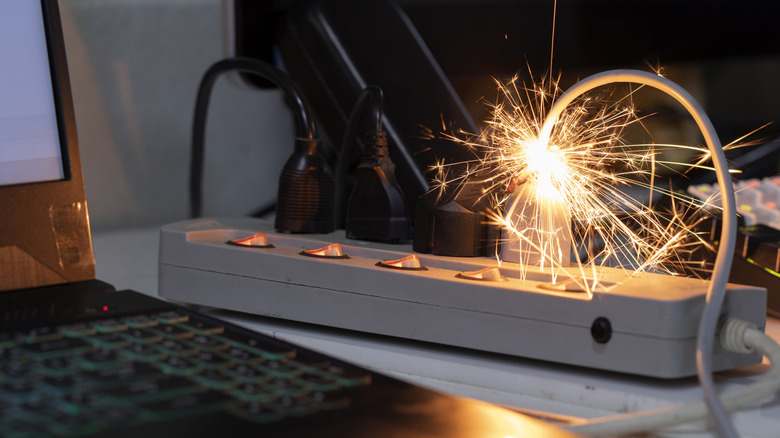
If you notice sparking when plugging the charger into an outlet, this can be normal if it's a brief blue spark. However, if the charger is creating yellow or orange sparks and is overheating, you may have melting plastic inside the unit. If you see repeated sparks during operation, it could indicate electrical arcing inside the unit, which increases the risk of fire.
Tripping breakers when charging the laptop is a bad sign
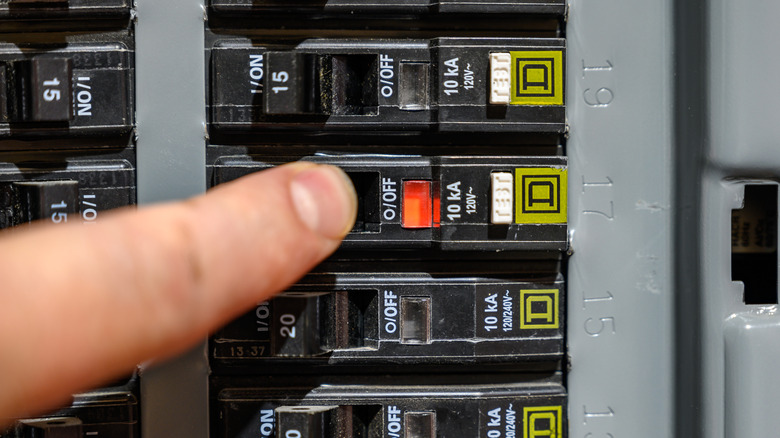
If you trip the breaker at your electrical panel when plugging in your laptop charger, you could have a significant electrical problem. A circuit breaker stops electricity from flowing through the wiring to outlets when it measures that the current is too high and serves as a defense against electrical hazards.
If your charger is causing the breaker to trip, you should outright replace it, but before that, you could first try plugging it into an outlet connected to a different breaker to see if the problem repeats. Also, using a power-hungry gaming laptop charger alongside other heavy appliances could cause the breaker to trip. To verify whether the charger is the issue, you might want to switch off other heavy appliances before testing the adapter. That said, if the tripping is primarily due to the charger, replacing it immediately is the safest way to move forward. In the meanwhile, though, you can use a portable laptop charger to keep your device running.