

Yes, You Can Use A PC Without A Dedicated GPU - But Here's Why You Probably Shouldn't

GPUs have become an essential resource in personal computing. Forget about spreadsheets, emails, and browsing GeoCities; it's all about video, art, and AI, and that mob wants a piece of your graphics card. It's also true that PCs cost more than they have in the past few years thanks to the tech industry's AI-driven demand for chips that is driving GPU prices back up from their post-cryptomania lows.
With economics being what they are, it's fair you'd be thinking about going for a new computer without a discrete card and stick with the integrated graphics capabilities of your CPU. For those building their own PCs (Steam machines included), this might be a good idea if you're able to put down the money for a fairly decent CPU and motherboard plus some fast RAM — the latter being an especially tough ask right now. On the other hand, those on a budget or anyone looking for a laptop should seek out options with a discrete GPU, as there are appropriate options across the price spectrum.
It's true that integrated GPUs have come a long way, even if they have to share RAM with the CPU instead of hogging their own GDDR memory. However, most options across the desktop and mobile chip ranges with a decent iGPU tend to be less competitive on a performance-for-price ratio than a cheaper CPU paired with a discrete GPU.
Do you save money buying a desktop with an integrated GPU?
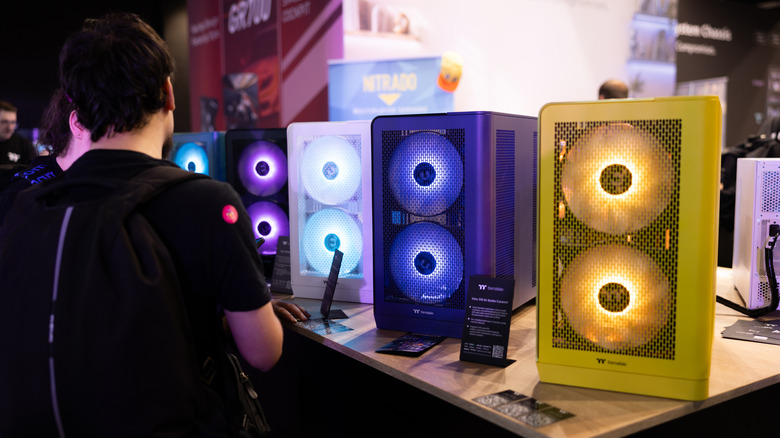
Integrated GPUs on the latest high-end chips are just about the best they've ever been in terms of raw muscle. ETA PRIME on YouTube tested out the iGPU on Intel's top-of-the-line Arrow Lake-based Core Ultra 9 285K and recorded results at or above 60fps across titles like "Overwatch" and "DOOM Eternal" at 1080p with mostly medium settings. Synthetic benchmarks shown in that video put it on par with Nvidia's entry-level GeForce GTX 1050 Ti from 2016. It's nothing to sneeze at, but this is a $500 processor. You can get comparable results for about half the price on the AMD side: the Ryzen 7 8700G and its Radeon 780M GPU perform similarly to a Radeon RX 570 from 2017 or something between a GTX 1050 Ti and 1060.
The budgeting math isn't only about the GPU, though. After all, your CPU's age will determine what type of RAM it will take – the older, the cheaper – as well as define any applicable upgrade path. On Intel's LGA1700 socket, for example, you're able to buy a motherboard with support for both DDR4 and DDR5 memory, so you can start off on a 12th-gen processor with DDR4 and then upgrade to a 14th-gen chip and DDR5 when you're ready. The consequence there is that it will stick you with a basic iGPU, but the subsequent hope is that it allows your budget to open up for a half-decent GPU.
In other words, if you want to prioritize future-proofing and can afford a new CPU with a good iGPU, the associated RAM, and mobo, go for it. Penny-pinchers, meanwhile, might prefer to budget for a proper graphics card and cut a few dollars from each part.
Do you save money buying a laptop with an integrated GPU?
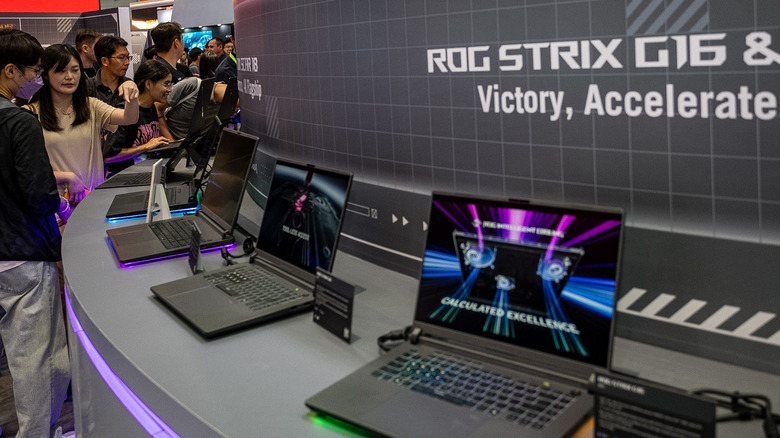
When it comes to a mini PC, laptop, or anything portable, you're more likely dealing with mobile processors, many of which have competent iGPUs. Handheld consoles like the ROG Xbox Ally series from Asus and Lenovo's Legion Go slabs are prime specimens of the category flaunting AMD's Ryzen Z series processors that blend in all sorts of recent Radeon mobile graphics. Still, Intel's no slouch as its Arc 130 and 140 graphics have been pulling their weight on Core Ultra laptops.
The same rule of thumb from the desktop realm applies here: you should be able to get blanket 1080p low to medium gameplay (with framegen and upscaling) in many titles. The big catch here is that if you're looking at the $800 to $1,000 bracket, you'll find a handful of laptops with the iGPUs we've just talked about, plenty more with baseline graphics, and maybe a few with a dedicated GPU like an RTX 4050.
Sure, it might have sat in the warehouse for many months; you might even be dealing with a refurbished or open-box unit, but it still scores twice the numbers in benchmarks for about the same amount of money. To be clear, if you're going after frames per second or test points or whatever performance metric you want per dollar, you might be best off seeking a machine with a discrete GPU.