

8 Components You Need To Build Your Own Steam Machine
We may receive a commission on purchases made from links.
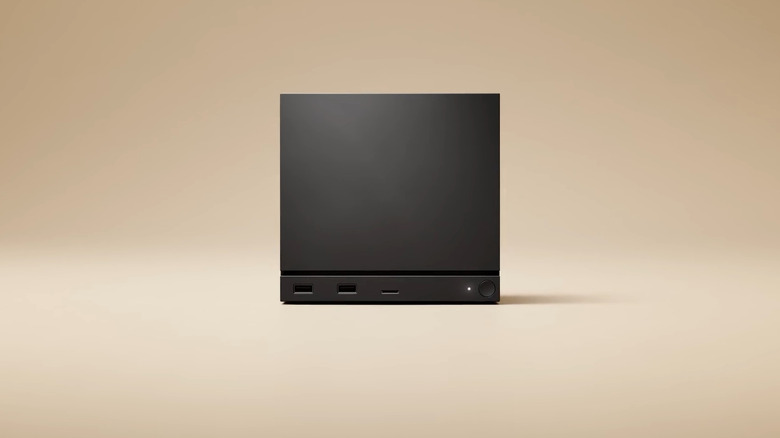
Valve has finally released the Steam Machine, a PC running SteamOS that effectively brings the Steam Deck experience to the big screen. It's undoubtedly an amazing little machine, but thanks to global component price increases, not everyone is thrilled with a starting price of $1,049 without an included controller.
In our list of things you need to know before buying a Steam Machine, we acknowledge that "The price is, indeed, whack," but that's not the only issue with the Steam Machine. The hardware is less powerful than the (still cheaper) console options on the table, and if a new generation of consoles lands in 2027, a Steam Machine could look positively wimpy in comparison.
That wouldn't be an issue if, like a regular PC, the Steam Machine was upgradable, but the only components you can beef up are the RAM and SSD. You're stuck with the semi-custom CPU and GPU the system ships with. However, you are entirely free to build your own Steam Machine, and Valve encourages you to do so. After all, it doesn't matter how you find your way to Steam; Lord Gaben gets his cut either way. So if the idea of the Steam Machine appeals to you, but you're not convinced of the value you get for that fat stack of bills, here's what you'll need to create your own PC-console hybrid.
SteamOS
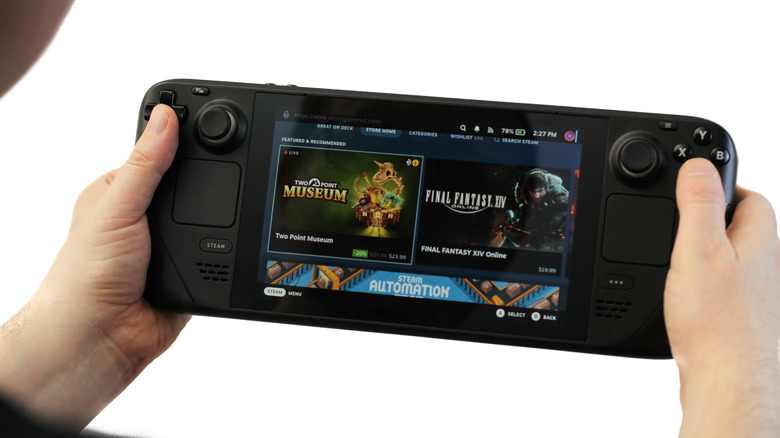
Valve will let you build your own Steam Machine, but the physical computer itself isn't what makes something a Steam Machine. It's SteamOS that makes the experience what it is. This is actually the second generation of Steam Machine. Valve's original attempt happened all the way back in 2014, but the concept failed to take off. There are many reasons for this, but chief among them is that the first SteamOS (which shares little with the modern version) just wasn't ready.
Today, about 90% of Windows games run on Linux, and that's largely thanks to Valve investing time and money in improving compatibility layer technology and supporting existing open-source projects working to get all Windows games to run. This is why the Steam Deck was viable: The software issues that killed off the first-generation Steam Machines had reached a tipping point.
Valve eventually opened SteamOS to other handheld PCs, and with the release of the Steam Machine, SteamOS has likewise been opened up to the public and PC makers to create their own take on the device. With SteamOS 3.8, we can all have a go at it. As long as your PC meets the stated requirements, you can install SteamOS on it right now and have the full SteamOS experience everyone else buying the Steam Machine will get. Be warned, it's not perfect yet, but we expect the patches to come thick and fast once more people start using SteamOS.
An AMD GPU (for now)
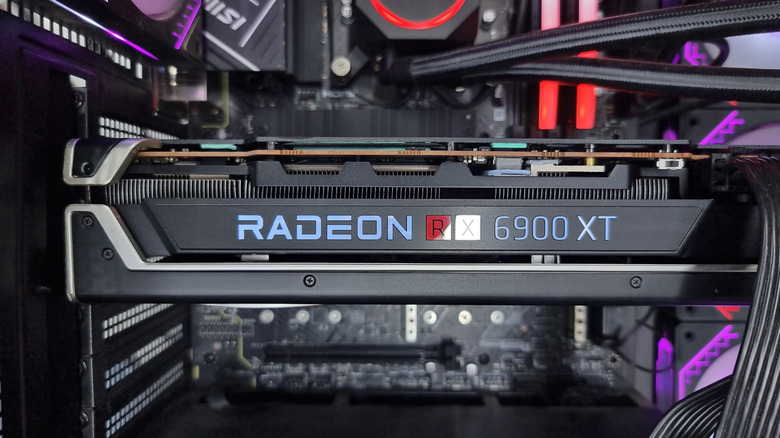
In the world of GPUs, there are two main contenders: NVIDIA and AMD. NVIDIA holds the lion's share of the global PC GPU market. However, AMD GPUs power current PlayStation and Xbox consoles, as well as most handheld PCs. Valve worked closely with AMD to tune SteamOS for modern AMD GPU architecture, and as long as you have a fairly modern AMD GPU (effectively RDNA 2 or later) in your custom Steam Machine build, it should work without issue.
As of this writing, however, only AMD GPUs are supported. Valve has stated that it's working with Intel and NVIDIA to include support for their GPUs. Intel is a minority player in the discrete GPU market, but there are a decent number of Intel cards in circulation, and some PC handhelds (like the MSI Claw) use Intel GPU technology.
So, if you're building a custom Steam Machine, you'll have to pick from AMD's stable. The good news is that there are plenty of powerful, reasonably-priced cards to choose from. The Radeon RX 9060 XT 16GB is an excellent choice. This is the latest generation of AMD GPU, so it supports FSR 4.1 upscaling, and it is significantly more powerful than the GPU in the Steam Machine. Also, it doesn't have the dead-end 8GB of VRAM the Steam Machine comes with. That's just our recommendation; there are many cost-effective graphics cards from AMD, and you have access to the used GPU market as well.
An SFF (Small Form Factor) or m-ITX case
The most striking thing about the Steam Machine, and the factor that probably grabs the attention of non-PC gamers, is the tiny form factor. Valve has put together a small case and cleverly engineered the internal components to fit. It's certainly a neat solution, and you're unlikely to build something quite as small using off-the-shelf parts. There are mini gaming PCs with lots of performance, but these are even more restrictive than the Steam Machine, so that's not what we're looking at here.
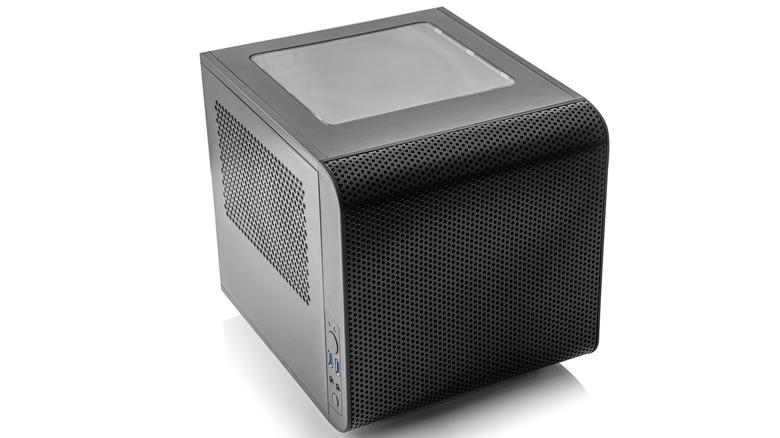
Does it really matter if the Steam Machine you build is just a little bigger? There's an enormous variety of SFF (Small Form Factor) and mini ITX PC cases to choose from. You can pick whichever one strikes your fancy. The only real requirement here is that the case allows for a full-length GPU, if that's what you want. Ultimately all of the components you choose will need to fit correctly in your case, so in some ways it makes sense to pick your chassis first, and then use that as the basis for your other component choices.
It means using a Mini ITX motherboard of course, and if you go the SFF route, you'll have to buy a special SFF PSU, but ITX cases usually accept standard PSU sizes. To get your mind going, look at the Lian Li A3 as an example of s stylish, compact chassis that lets you use high-performance components without cramping their clock speeds.
A quiet cooling solution
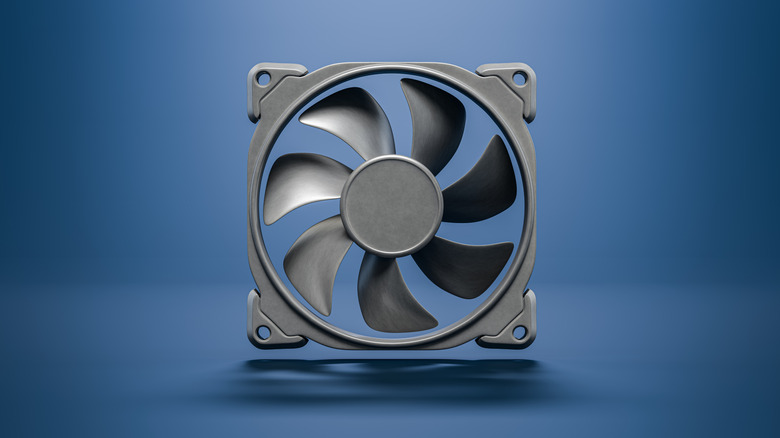
Surprisingly, the hardest thing to replicate in the Steam Machine is its cooling system. It uses one large central heatsink that dissipates the heat from both the CPU and GPU. The cooling system is why such a small machine can remain cool and quiet. Valve uses thick heat pipes, a cooler design inspired by server technology, and thermal putty where hard thermal pads are usually the norm. The PlayStation 5 and Xbox Series X use a similar strategy, with a large central heatsink and cooling by a single large, quiet fan. As such, both of these consoles also run quietly.
Your off-the-shelf Steam Machine won't have this benefit, and getting its noise down to similar levels will be a challenge, but is not impossible. Now, mineral oil PC cooling is one effective (yet highly impractical) option, but we don't have to go that far. First, you can select a CPU cooling solution that's less noisy. If your ITX case has room, a large fan cooler running at low RPM should do the trick, but many ITX cases also support substantial liquid-cooling radiators, which can be quiet if you tune them right.
Quiet GPUs are harder to pull off, but if you're willing to shave a little performance off the top, you can tune your GPU to never go above a certain fan speed, and then lower performance to keep temperatures in check. You can do the same thing for your CPU, if necessary.
An efficient power supply
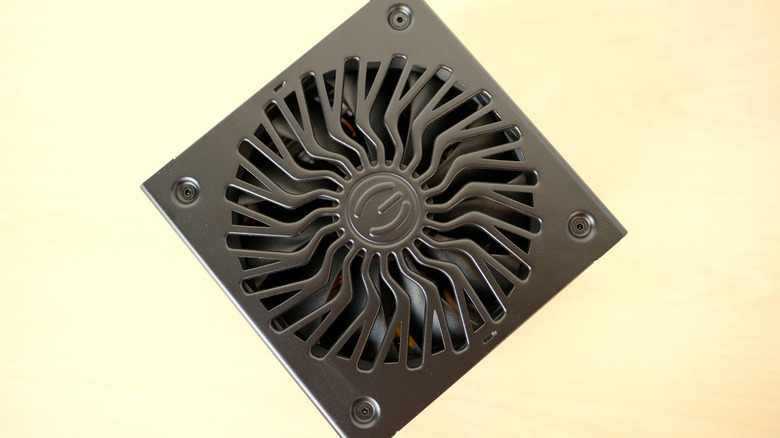
The Steam Machine uses a small, custom internal power supply. It's been designed to match the exact power needs of the hardware in the Steam Machine, which has more in common with low-power mobile components than desktop processors. This is another aspect of the Steam Machine we can't copy directly, and you'll have to use a standard off-the-shelf power supply.
This isn't a big issue in the greater scheme of things. Yes, you'll have to be happy with a slightly bigger machine because of PSU size limits, but it also gives you heaps of choices when choosing a power supply. Once you know what the peak power requirement for your build is, you can choose a PSU that can handle it with room to spare.
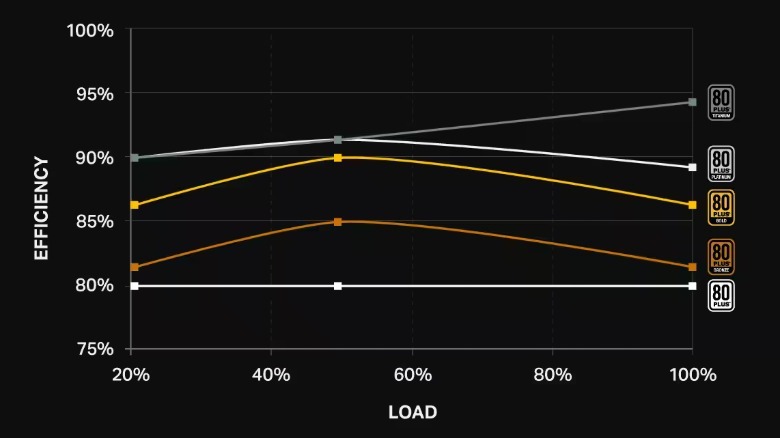
PSUs that are tested and certified will have an efficiency rating that tells you how much energy is lost as heat under load. Most PSUs have optimal efficiency at about 50% load, and should be quiet or even silent under that level of stress. So if your system peaks at 300W, for example, then a 600W 80 PLUS Bronze or better would be in the sweet spot for noise, heat, and stability.
Something like the Thermaltake Toughpower GX2 80+ Gold 600W comes to mind, but your PSU selection needs to match your specific build. Again, SFF cases usually require special SFF PSUs like the Cooler Master V850 SFX.
A controller (but also a keyboard and mouse)
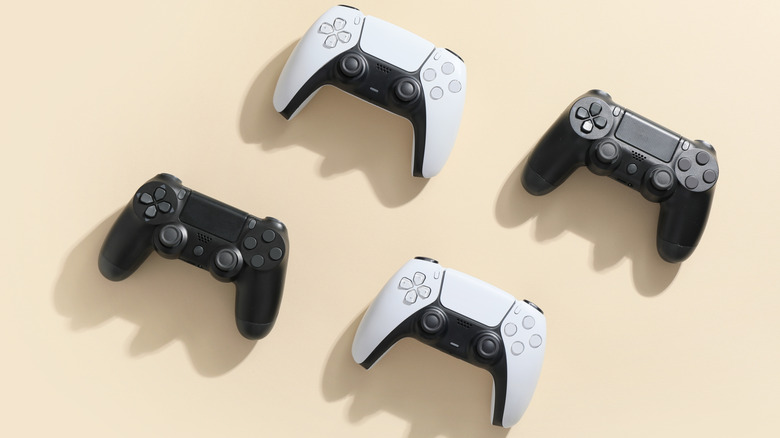
Steam supports pretty much any controller you can plug into a PC, which is likely why that expensive base-model Steam Machine doesn't come bundled with a controller. The assumption is that many people will already have a controller they can use, and might prefer it to Valve's Steam Controller, which might not appeal to everyone, and can be bought separately or bundled with a Steam Machine.
Everyone has a different opinion on what the best gaming controller you can buy is, and it's an extremely personal choice. I prefer the 8BitDo Ultimate 2C, for example, but you may like the official Xbox Series controller or one of the many premium "pro gamer" controllers.
Since you're playing PC games on your custom Steam Machine, you can use a keyboard and mouse with almost all of Steam titles. This is in contrast to current generation consoles where only a short list of games allow the use of a keyboard and mouse. Even if you don't play with a keyboard and mouse, you'll still need them to install and set up SteamOS and modify BIOS settings. In which case, you can just borrow a set from another computer for the few minutes you'll need it. That said, there are "lap desk" products that make it possible to use a keyboard and mouse while sitting on the couch, and many game genres benefit from this control method.
The other standard PC components
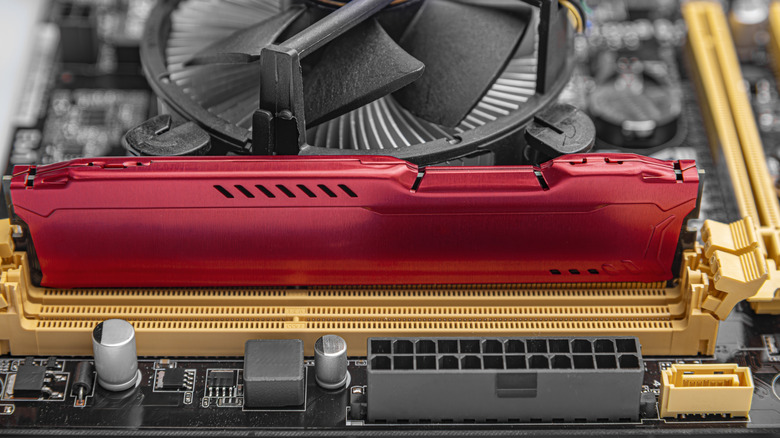
All that's left now is the rest of your custom Steam Machine's components. Everything we've covered so far needs a separate discussion, but when it comes to the CPU, RAM, SSD, and motherboard, there isn't much to say.
It's best to choose a CPU and pick the rest of these components around it. You could go for a CPU that's similar in performance to the Steam Machine's, but spending just a little more money will make a big difference. The Intel Core 5 Ultra 250K Plus is widely considered a sweet-spot CPU for gaming. However, you can aim fairly low in the CPU department if you're aiming for 4K 60fps gaming. In most cases, the frame rate at this level will be limited by the GPU and not the CPU.
Either way, once you've selected a CPU, pick a motherboard that supports it, RAM that works with it, and an SSD fast enough for the games you want to play. When it comes to SSDs, don't bother spending money on a PCIe 5.0 NVMe SSD. A PCIe 4.0 drive will be cheaper and offer more than enough performance. Here you can find many opportunities to save money because your motherboard, RAM, and SSD don't have to be from the most expensive brands or offer cutting-edge speeds. For example, there are several underrated SSD brands that can compete with Samsung and other premium SSD makers.
A (slightly) bigger budget

It is possible to build a Steam Machine that costs the same as one Valve made and is a little more powerful. LDCL proved it with the "Stim Machine", which is also a great example of how to pick components for your own build.
However, by spending just a little more, you can increase the value of your Steam Machine immensely. Using some of the components we highlighted above and adding the balance of parts you need for a full working machine, it comes out to around $1,400 without a controller. So $351 more expensive than the base Steam Machine. Except this system is more than 50% faster, has double the storage, and offers you an upgrade path in the future.
If the asking price of the Steam Machine is as much as you can afford or justify, then you have the freedom to stick to that number. However, both the official Steam Machine and your self-built one will feel terribly outdated in a year or two when the next generation of consoles comes to market. Heck, they'll feel dated today. Adding another 50% to the budget should save you money over the long term, because it will be much longer than a year or two before you feel the need to upgrade. Even then, you might only have to swap out the GPU to get a few more years out of the system. Hopefully, when RAM and SSD prices come down one day, you'll also have the option to upgrade your custom Steam Machine to the nines without a second mortgage.