

Your Xbox Series X Has A Powerful Smart Home App That The PlayStation 5 Needs
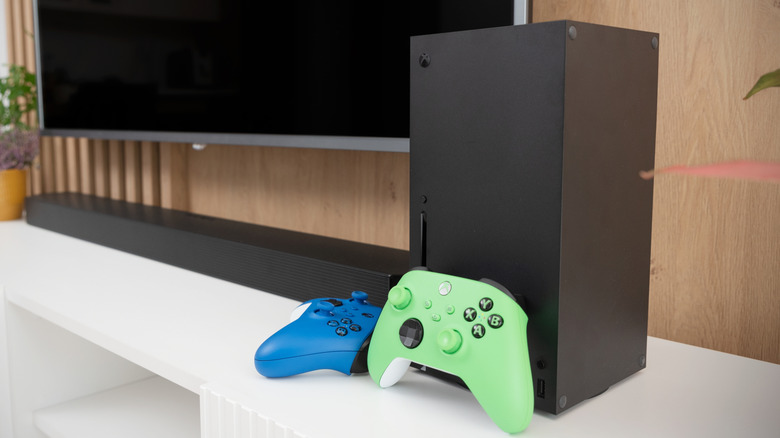
Nearly every device available today seems to have some sort of smart technology included. Whether it's your smartphone, thermostat, fridge, or lights, if it's connected to the internet, it more than likely can be controlled through a smart app. If you want to make things more convenient, you can combine all your smart tech into a single app. There's even one smart hub that works with your Xbox.
It may be strange to consider using your Xbox Series X as a smart home hub, but it's possible. Not only can you use it to play the latest AAA or indie release, but by downloading the Home Remote app onto it and pairing it with your smartphone, you can use either device to turn on the lights, set the temperature, and unlock doors. If a device connects to the internet and has a smart feature, you can control it directly through the Home Remote app on your Xbox. Just make sure everything you want to connect is compatible.
It works with the Xbox Series X and S, but if you own a PlayStation 5 you're out of luck, as it doesn't work on Sony's console. There are many apps to download on your Xbox, and if you want to have an all-in-one place to play games, stream content, and control your smart devices, Home Remote can be added to the list.
How to install the Home Remote app on your Xbox
Installing the Home Remote app on your Xbox Series X or S can be done the same way you would download a game. Go to the Xbox store and search for the Home Remote app. Then, select it and choose Get or Install, whichever prompt shows up. It should then begin automatically downloading the Home Remote app to your Xbox.
The download may take time, depending on your internet speed. You can check the status of it under the queue section where games and apps are downloaded to the Xbox. Once the download finishes, find the My games and apps section under Apps to see the Home Remote app now installed on your Xbox Series X. Select it to begin adding devices to the hub.
The Home Remote app on Xbox allows you to control your smart devices from the game console. If you want to sit down for a night of gaming, you can dim the lights from your Xbox and change them to green while you play "Halo." Technology has come a long way that you no longer need to get up to flip a switch to turn off the lights. That advancement and innovation is also powering the future of Xbox tech, and soon you'll be able to digitize your physical games.
Do users like the Home Remote app?
Users who've downloaded and tried out the Home Remote app say it has several good features and a few not so great ones. When it comes to using the app, reviews on the official website say it works great and runs rather smoothly. Users say connecting multiple devices is simple and can be done quickly, with the system quickly finding them in the UI.
The UI experience, however, may not be all it's cracked up to be. Users say they find it bland, but that doesn't make it more difficult to use. It just may not be all that great to look at, as they say it wastes a lot of space. Even tech reviewers agree that the app isn't particularly nice to behold and is a bit bare bones. It's functional but could use a glow-up.
The Home Remote app can be a handy tool if you want to combine all your smart devices together under one controller. There are other smart hubs available such as Google Home. and even your smartphone can act as a central place to control your smart tech. If you're setting up your smart home, be sure to think about what you want to use and how.