

4 Apple Maps Features Google Maps Still Doesn't Have
When it comes to traveling through the world, the battle between navigation apps is fiercer than ever. For years, the go-to choice for many folks was Google Maps. It had all the data, all the street views, and all the early momentum. But the landscape has shifted dramatically over the past few software generations, transforming competitor Apple Maps from a punchline to an option that's actually worth taking seriously. In fact, today, the app even rocks a slew of fantastic features Google Maps doesn't have.
If you're wondering how to choose between Google Maps and Apple Maps, know that it's about more than just finding the fastest route to a new restaurant. It's about how the interface feels to use, how well it respects your screen time, how useful it remains if you go offline, and how safely it gets you through terrible city traffic. Apple has poured endless resources into making your actual driving, walking, and hiking experiences smoother and more intuitive compared to what Google offers up. By leaning into tighter software design and cleaner visuals, Apple has quietly built up an arsenal of unique tricks that immediately feel like must-have tools.
So without further ado, here are four standout features that demonstrate exactly where and how Apple Maps outshines Google Maps.
Highly granular and custom offline route details for hikers
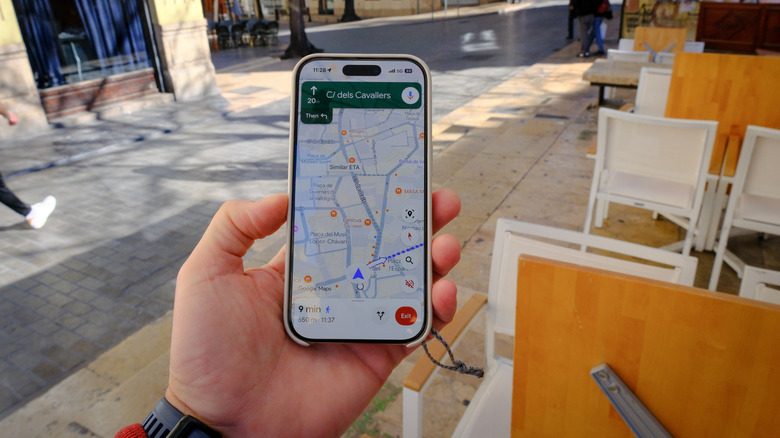
Losing cell service during a remote hiking adventure is a guaranteed way to spike your anxiety. While Google Maps does let you download an offline map, that process forces you to grab a giant, imprecise rectangle of a whole city or region then download the data to use later. It works well enough for driving, but it lacks the pinpoint detail you actually need when venturing off the beaten path for a hike. It feels closer to a basic, old-school paper map.
Apple Maps completely flips this script and makes things far more useful for outdoor enthusiasts and explorers. Instead of limiting you to downloading a massive, vague grid, Apple Maps lets you build and save incredibly specific, point-to-point custom traveling routes. Before you lose your cell signal, the app lets you map out a precise trail network complete with details like the exact topographical data and elevation changes.
Apple then saves your new custom route directly to your device for fully active turn-by-turn guidance, even in a dead zone. This tailored approach means your journey can stay on track no matter how far you wander. Having guaranteed, step-by-step directions like this in your pocket gives hikers a level of confidence and safety that a basic offline street map simply can't provide. And while there are disadvantages of using Apple Maps instead of Google Maps, Apple's handy offline feature isn't among them.
Using conversational language in navigation instructions

Trying to follow robotic voice directions in heavy, chaotic traffic is universally stressful. Google Maps relies on strict distance measurements, barking out commands for drivers to make a turn in 800 feet or a quarter of a mile. Unless you have some kind of innate sense of spatial awareness, this mathematical navigation style results in you splitting your time between looking at the road and glancing at your screen to figure out which intersection the app is actually talking about. This creates a frustrating distraction right when you need to be watching the road most.
Apple Maps solves this headache by giving you detailed directions just like an actual human would. Since it has meticulously mapped out real-world location names, it uses them to guide you as you drive. So, for example, it'll tell you to go past the current traffic light and then turn left at the next stop sign. This is far more precise and helpful than Google's approach, and makes driving through unfamiliar neighborhoods far less stressful. And beyond that, it keeps your eyes firmly planted on the road and turns a screen-dependent commute into one that's smooth and safe.
Directional haptic feedback for navigation on wearables

The entire point of wearing a smartwatch is to stop you from staring at your phone all day, and why should that idea grind to a halt when you need to navigate a busy city? When using Google Maps on a wearable, the device relies on generic buzzes that alert you of an upcoming turn. You still end up awkwardly needing to raise your wrist while meandering down a crowded sidewalk just to see whether you need to head left or right. It technically works, but it's clunky compared to Apple's setup.
Apple Maps fixes this by turning navigation into a tactile language you can feel. The company put its Taptic Engine technology in its newer watches, and this system delivers tapping patterns on your wrist. An upcoming left turn feels like three sets of paired double-taps, while a right turn triggers a fast series of 12 taps. You'll get one long vibration once you make it to your final destination.
Once you memorize that, you can focus on where you're going. This tactile approach entirely changes how you explore new areas and get to enjoy the scenery alike. Instead of squinting at a tiny digital map to make sure you're heading the right way, Apple Maps makes it easy to stay focused on the road, while your wrist quietly guides you to where you're going. It feels like it should be some secret, under-the-radar Apple Watch features you should be using, but it's just baked into the software.
Deep (and truly useful) hardware ecosystem integration
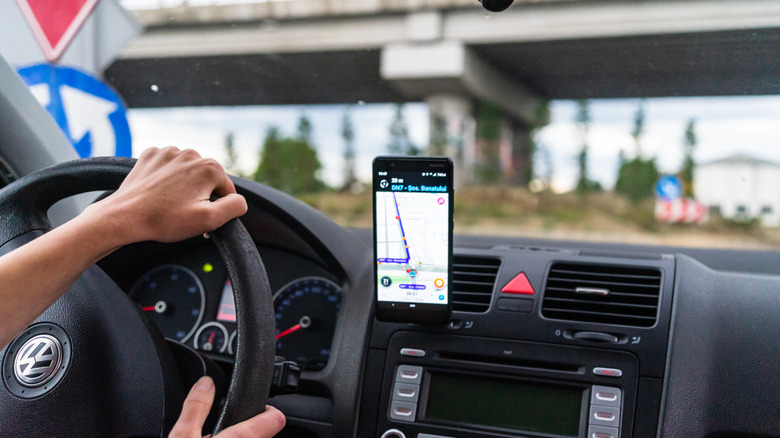
Yes, Google Maps will get you where you need to go, but the second you swipe away to answer a text (though we don't advise texting while driving) or change a song, your map disappears. Until you swipe back to the app, you're stuck relying on background audio alerts or easily ignored push notifications to learn your next move. It makes multitasking unnecessarily clumsy and even a bit dangerous.
Because Apple builds both the iPhone and the software running it, its built-in map enjoys perks that no competing ecosystem can match (despite this being the same for Google). The moment you start a route and switch to a different app, Apple Maps neatly shrinks down into the Dynamic Island at the top of your iPhone's screen. This gives you a constant, live-updating display of your next turn at all times, even when you're using other apps. Tapping it instantly brings the full map back.
That same flawless integration takes over your lock screen. Instead of a basic notification bubble, your locked phone displays a full-screen map with live directions. It feels less like a standalone app and more like a core part of the phone, making the travel experience feel frictionless. All-in-all, Apple's suite of navigation features makes walking or driving easy for you. Frankly, hats off to Apple; technology should help make our lives easier.