

This Cheap Accessory For Your 3D Printer Can Be A Lifesaver
We may receive a commission on purchases made from links.
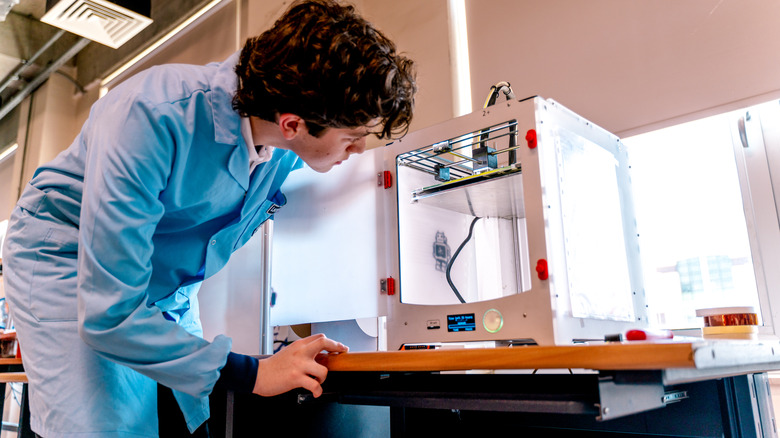
Making items with a 3D printer isn't usually a speedy process. Large-scale prints take hours, days even, and must be assembled in parts. Basically, a single multi-print project can take a long time, and the slightest mistake can derail it. Still, while a printer is working, it makes sense to walk away or do something else and check in occasionally, rather than sit there watching all day and night. However, you can monitor it another way at all times, using a fairly cheap accessory, and it's a downright lifesaver. The answer is a smart security camera. The reasonably priced WYZE Cam OG ($30) is a good start, but you could use any comparable model. Alternatives include the Tapo C100, Blink Mini 2K+, Ring Indoor Cam, and ADT Blu.
Here's why it works. A security camera lets you watch a live feed, usually through an app, that you can access virtually anywhere. If you leave the house to do some shopping, you can check in. If you go for a walk, spend time with family or do something else, you can check in anytime with the camera. Some 3D printers have cameras built-in, but they can be hit or miss with low-quality resolutions. Installing your own camera gives you full control over the video quality and features. The common 3D printing issues you'll encounter, like stringing, warping, and under-extrusion, can all be caught easily by keeping an eye on the machine.
You can also use built-in smart zones, automations, and notifications to stay informed whenever something goes awry or your printer needs your attention. With a tool like SimplyPrint, you can even use AI for failure detection to catch anomalies and stoppages.
Get creative with your camera mounting
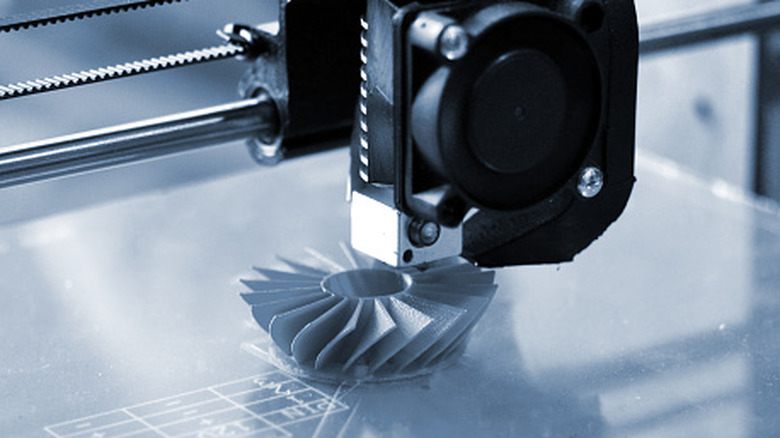
Some of the best-selling 3D printers on Amazon right now would benefit from a camera you can check anytime. The setup is pretty straightforward. It doesn't matter which security camera you choose; you just want it aimed at your full workspace and capturing it. That way, you can see when your printer is working, when it stops, and you can potentially course-correct before a print goes wrong. You can also use cameras to capture time-lapse videos of a project, document your work, or collect visual samples and videos of a print to share with the community. Of course, make sure your camera is recording, not just sharing a live feed.
I called out the Wyze Cam OG specifically because many users have shared successful 3D printer applications, and you can also find many model-specific mounting projects on places like Maker World. You can then print your own wall mounts, bases, and stands, and even find blueprints for specific printer models like a Bambu A1, P1S, or X1C. If you're creative enough, you could make your own mount using 3D modeling tools to attach, secure, or bolt your camera of choice to your particular printer or a nearby fixture.
I would argue that while many of the best 3D printer accessories for beginners cover extra tools, filament dryers, and cleanup supplies, a camera of some kind is an absolute must. Especially if you're not in the room or at your printer when something happens, you can always diagnose it later using the captured video, but that's only possible if you set up a security camera beforehand.