

Is There Any Point In Buying AirPods If You're Using An Android Phone?
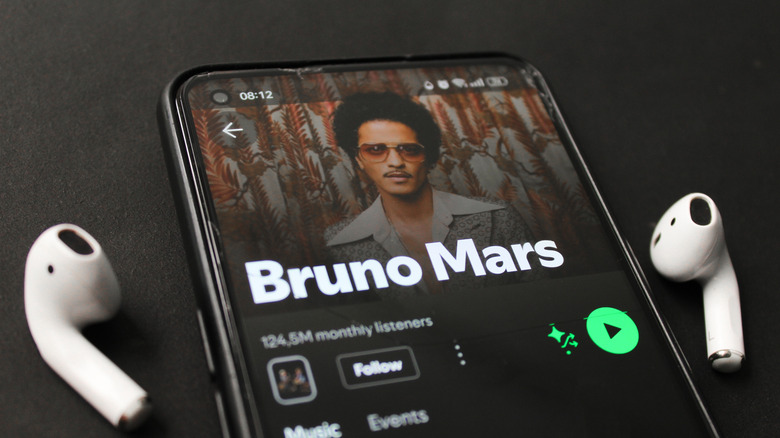
Android users looking for their next pair of headphones might find themselves tempted to pick up a pair of Apple AirPods, especially considering how highly reviewed they have been over the years. However, while you can use AirPods with an Android phone, the truth is that pairing a set of AirPods with your Android device will treat the headphones as nothing more than a traditional Bluetooth headset, causing you to miss out on many of the features that make AirPods worth the asking price.
The features that you'll miss out on aren't limited to just the active noise-canceling tech, either. AirPods won't support ear detection on Android, which means you won't be able to pause your media just by taking out your earbud. Additionally, you'll lose native access to control customization on the stem of your AirPods, so you won't be able to tap them to answer calls, skip songs, or pause playback. You'll also miss out on Spatial Audio and other premium functionality that AirPods offer when paired with an Apple-branded device.
While not directly audio-related, features like Apple's Live Translation won't work on Android, either, as those require an iPhone that supports Apple Intelligence. There are, of course, other issues that can pop up — like the fact that you'll need to visit an Apple Store or have a Mac or iPad handy to update your AirPods firmware.
You don't have to settle for unusable features
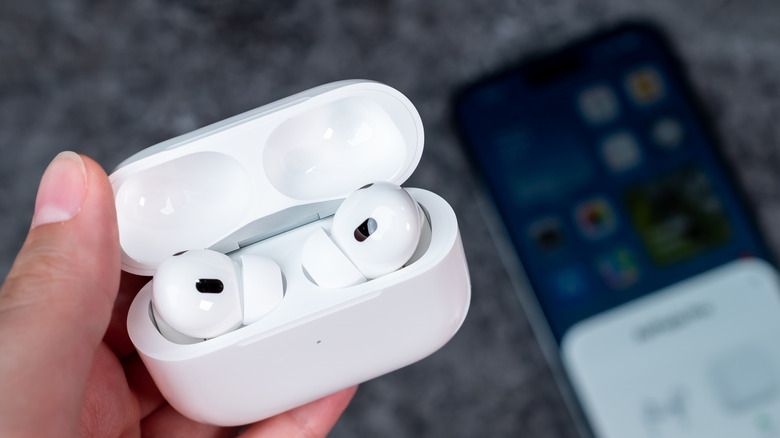
The good news is, you don't have to settle for using a pair of AirPods with most of their features disabled. There are plenty of high-quality Android-supported headphones out there, and depending on which brand of smartphone you have, the options become even clearer. If you're rocking a Samsung phone like the newer Galaxy Z Fold 8 Ultra, then you'll probably want to connect your phone with a pair of Samsung's latest Galaxy Buds Pro.
This lineup of earbuds from Samsung is comparable to the AirPods, and even offers some of the same features — such as active noise cancellation, EQ customization, and more. Pixel users may find that Google's own Pixel Buds lineup works better than other options, too, as working within the same ecosystem of devices often brings first-party features and functionality to the table.
Additionally, if you really want the same sound and features, or at least as close as you can get on Android, then going with a set of headphones from Beats could be a solid choice, too. Users often recommend Beats headphones as they build off some of the same tech that Apple uses for AirPods, but they are designed to work with multiple device types more fluidly. Beats has lost some of its splendor in recent years, thanks to Apple prioritizing AirPods over the brand, but they're still a decent option, especially if you want Apple-oriented sound on your Android phone.
There are places Android headphones still lag behind
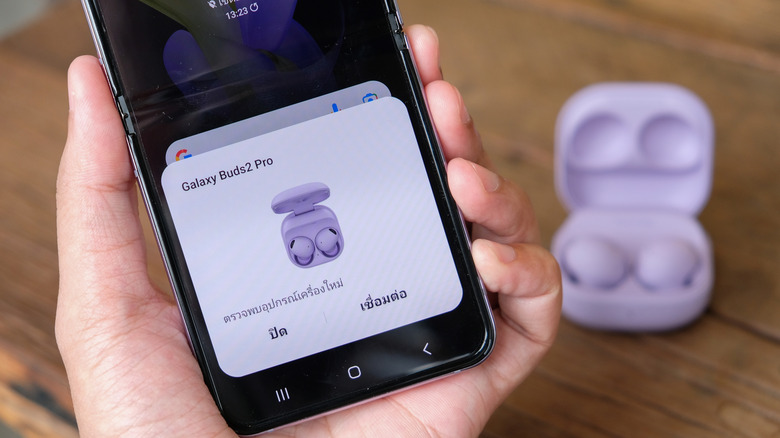
While most of the bigger features like active noise cancellation and even transparency modes are available on Android-branded headphones, they're still lacking in some places. One notable area that many users complain about is Android headphones feeling too bulky, even when the headphones in question are earbuds just like the AirPods or AirPods Pro 3. Even the Galaxy Buds 4 Pro, which are the closest to AirPods Pro 3 you can get, has a slightly thicker case design, which might make them feel bulkier in your pocket.
Additionally, AirPods feature a different sound profile than other earbuds, so if you've grown accustomed to the sound AirPods have out of the box, then you may not always like what you hear when you turn to another brand. Another problem area is multi-device switching. This ultimately comes down to the model, but newer Android-based earbuds have branched out with their multi-device support. For example, the Google's Pixel Buds allow for switching connections across two different devices, even if they aren't Google devices. Apple's multi-device switching only works across Apple devices, but that makes sense as AirPods are designed specifically for Apple hardware.