

5 Perks Of Switching To A Microsoft Surface Laptop
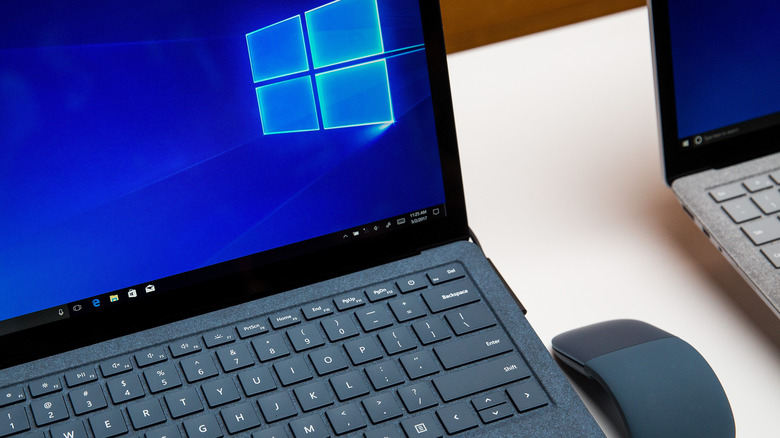
Since its debut tablet in 2012, the Microsoft Surface line has come a very long way. What started with a single design to showcase the Windows RT and Windows 8 operating systems has now become a full-fledged lineup of 2-in-1 hybrids, tablets, and traditional clamshell laptops. The latter category provides a number of perks that could move the needle in your purchasing decision, including incredible versatility, all-day battery life, unique displays, solid repairability, and a satisfying suite of built-in hardware and accessories (trackpad, keyboard, speakers, and stylus).
Microsoft has also had plenty of time to refine the formula with each iteration. Many of the downsides and disadvantages of earlier Surface models, like reliability concerns and poor repairability, were fixed or improved upon in the newer generations. At the same time, Microsoft was careful not to alter the formula too much, preserving much of what made the Surface look and feel unique.
That doesn't mean the Surface Laptop is the right choice for everyone, though. Manufacturers like Dell, HP, Lenovo, and Apple certainly have no shortage of cheaper Surface Laptop alternatives. So if you're on the hunt for a new laptop and you're choosing between a Microsoft Surface Laptop and an alternative like the MacBook Air, consider these perks when deciding if it's the right fit for you.
All-around versatility
One of the biggest perks of the Surface Laptop is in how many hats it can wear. At its core, it's a thin and lightweight clamshell laptop that won't weigh you down, making it a great fit for everyday productivity, college coursework, and working from home.
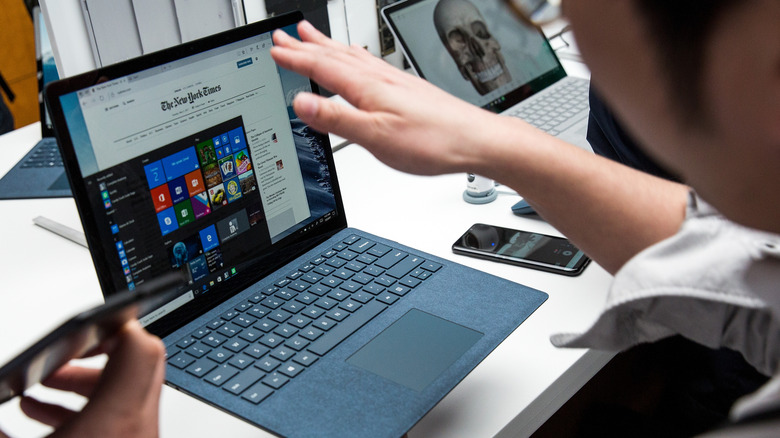
But unlike Apple's portable MacBook Neo and Air models, Surface Laptops have touchscreens, allowing you to scroll, tap, and use gestures when reaching for the screen — something you'll find is often more convenient than using the keyboard and trackpad. The traditional Surface Laptop doesn't fold into a tablet like the Surface Pro, but touch support still gives you more ways to interact with your laptop.
Plus, Windows has the greatest app compatibility of all laptop operating systems, along with very well-documented troubleshooting procedures. A Surface Laptop can handle everything from simple web browsing to complex creative applications, Microsoft Office work, machine learning models, and even some light gaming. You can also connect external monitors, mice, keyboards, docks, and other peripherals when you want a more permanent desktop setup thanks to the Surface Laptop's suite of connectivity options. That makes using the Surface Laptop just as comfortable sitting on a desk connected to accessories as it is at a coffee shop, on the train, or in a classroom.
Top-notch hardware and accessories
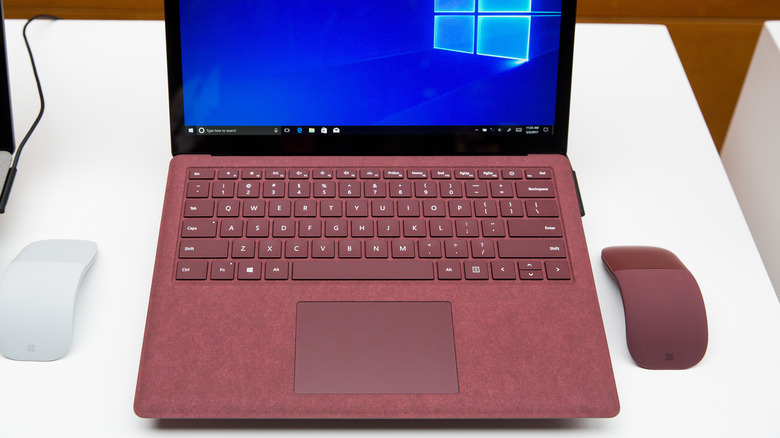
Recent Surface Laptops come with an impressive collection of built-in hardware, not the least of which are the premium keyboards and trackpads. The keyboards are mechanical chiclet style for quick, snappy typing, and the Precision or haptic touchpads — depending on the configuration — are satisfying to use while also being spacious enough for comfortable dragging and scrolling. The haptic versions are particularly interesting because they simulate a physical click rather than relying on the conventional diving-board mechanism, providing consistent feedback across more of the touchpad's surface, which is a boon for reliability as you don't have to worry about breaking the physical switches under the trackpad.
Current Surface Laptops also feature FHD front-facing cameras, along with Windows Hello facial recognition for quick sign-ins sans keyboard. Microsoft pairs these cameras with its dual Studio Mics and surprisingly powerful Omnisonic speakers, giving you a capable set of hardware for work calls, chats with family, and media enjoyment.
There's also plenty of room for expansion if you prefer a separate mouse, microphone, set of speakers, or just about any other accessory. Depending on the model, USB-C or USB gen 4 connectivity accommodates external displays, USB hubs, storage expansion options, Ethernet adapters, and many other peripherals. One of the best laptop docks can take this considerably further, letting you connect a Surface Laptop to multiple displays and desktop peripherals all in one place (and some with just a single cable to the Surface). You can also pair wireless accessories and game controllers from Microsoft or third-party manufacturers via Bluetooth or a 2.5 Ghz connection, meaning you can configure the laptop to be anything from a lightweight portable PC to the heart of a larger desktop setup.
Sharp, tailored display
Surface Laptops have somewhat unique displays because they come in a 3:2 aspect ratio, which is noticeably taller than the 16:9 and 16:10 ratios commonly found in other popular laptops (like the 13-inch MacBook Air or 15-inch Lenovo LOQ). That extra vertical space is particularly useful for productivity since it allows you to see more of a webpage, document, or spreadsheet at once. It also gives the screen more space for multitasking with multiple windows and makes a great case for using a nifty keyboard shortcut like Windows + Up to snap a window to the top half of your screen (making room for a window on the bottom half).
The PixelSense displays found in Surface laptops have more going for them than just their shape, though. The 13.8- and 15-inch Surface Laptop 8 models, for example, feature touchscreens with up to a 120 Hz refresh rate, Dolby Vision IQ support, adaptive color and contrast, and a max brightness of 600 nits. The 120 Hz refresh rate makes scrolling, animations, and general navigation appear noticeably smoother than on a conventional 60 Hz panel, and once you've used one, it'll be hard to switch back.
Of course, there are trade-offs depending on what you're comparing it against. Surface Laptop displays aren't necessarily going to compete with the vibrant hues and deep blacks of an OLED panel, and Apple's MacBook lineup offers excellent Liquid Retina displays of its own. However, the Surface Laptop's combination of a tall 3:2 aspect ratio, high refresh rate, touchscreen capabilities, and sharp image fidelity makes the Surface Laptop particularly well suited to those who spend much of their time browsing the web, writing, coding, or otherwise getting work done.
Impressive battery efficiency
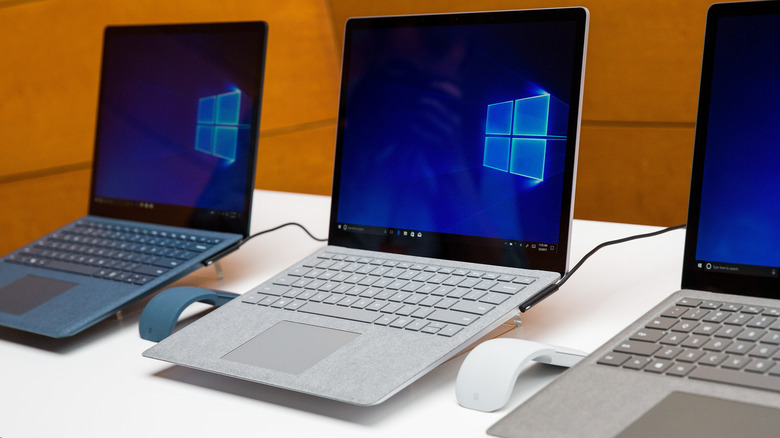
Thanks to the addition of incredibly performant Qualcomm Snapdragon X-series processors, battery life has become a major selling point for Surface Laptops. The 13.8-inch Surface Laptop lasts for up to 20 hours of video playback, and its larger 15-inch counterpart lasts 19 hours (or 16 and 14 hours of active web usage respectively). The actual amount of battery life you get out of a single charge will vary based on factors like screen and keyboard brightness and resource intensity, but you can reasonably expect the Surface to make it through a full day — possibly even two — of work and light browsing.
Much like Apple's transition to its ARM-based M-series chips, the change to Snapdragon processors allows Windows laptops to deliver greater performance while consuming considerably less power during light to medium workloads. If you primarily use your laptop for browsing the web, writing, streaming shows, or working in productivity apps, that means a lot less time tethered to an outlet.
Newer Surface Laptops also support fast charging, so draining the battery won't put you out of commission for hours on end (fast charging gets you up to 80% in about an hour on most devices, according to Microsoft). Combined with their lightweight design, the long battery life makes Surface Laptops an attractive choice for commuters, students, and remote workers.
Outstanding repairability
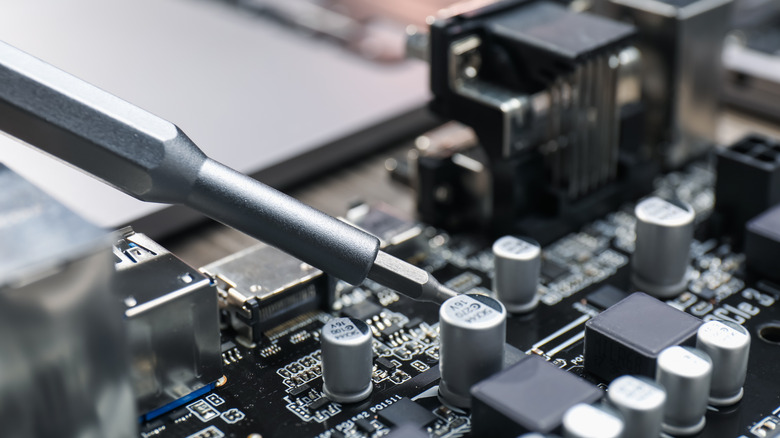
When the Surface lineup first hit the market, repairability was actually one of its biggest weaknesses. iFixit famously gave the original Surface Laptop a 0 out of 10 repairability score, stating "This laptop is not meant to be opened or repaired; you can't get inside without inflicting a lot of damage." Microsoft heard the criticisms and, in an impressive u-turn from planned obsolescence, made newer Surface models some of the easier laptops to service. While the Surface Laptop 8 doesn't yet have a repairability score from the iFixit team, the Surface Laptop 7 scored an impressive 8/10.
And iFixit's repairability score aside, the 8th Edition Surface Laptop continues the upward trend with a surprisingly long list of individually serviceable components. Microsoft's official Surface Laptop Service Guide (whose existence says quite a bit in its own right) documents replacement procedures for the battery, SSD, trackpad, display, keyboard, speakers, and much more. Even the rubber feet on the bottom of the laptop are easily replaceable.
Microsoft also directly sells replacement parts for supported Surface devices, so if you fancy getting under the hood yourself, you can. That doesn't necessarily mean you should reach for the nearest screwdriver — it's important to note that self-repairs should only be performed by technically experienced users, ideally with devices that are already out of warranty. Still, those easily accessible and replaceable parts are a huge win for consumers who don't want to undergo self-repairs because it means taking your laptop to a service shop is considerably cheaper and less complicated.