

How Secure Is A Mobile Hotspot?
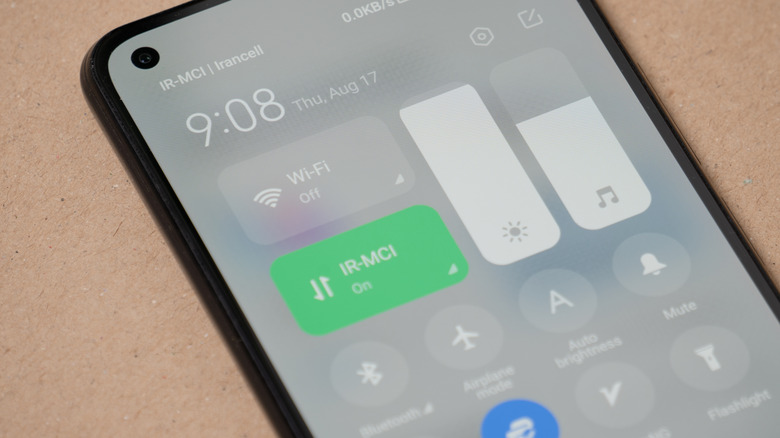
When there's no Wi-Fi in sight while you're in public or traveling, and you need to connect your Wi-Fi-only device, like a laptop, tablet, or handheld gaming console, you can just whip out your smartphone and create a mobile hotspot. As long as it has access to 4G or 5G internet connectivity, your other devices can connect to it like a router. But before you go about doing that, you need to know how secure mobile hotspots are in general. While there are risks involved, the overarching answer is that mobile hotspots are generally secure.
A mobile hotspot is certainly much safer than connecting to public Wi-Fi, which can expose your data and device to all sorts of bad actors and other dangers. You just need to ensure that it's protected by a strong Wi-Fi password, that you have an updated device, and that you're using a reputable VPN service to protect the tethered devices that might otherwise be vulnerable to hackers. Also, general good internet browsing habits will go a long way to ensuring that your mobile hotspot doesn't get hacked.
Why a mobile hotspot is generally safe
Unlike the public Wi-Fi you find at an internet café, airport, or hotel, you have control of the devices that can connect to a mobile hotspot. iPhones are even more secure than Android devices, as a password is required to set up and use a hotspot; just make sure you come up with a strong, memorable password that hackers cannot easily guess. On Android, you can disable the password, which can speed up the login process, especially if you want family and friends to easily connect. However, it's not recommended, because you have now lost control of who can connect to the mobile hotspot. Hackers could also get in pretty easily, and once that happens, they can do all sorts of damage, including depleting your data bundle, adding your phone to a botnet, or using the hotspot as a way to gain access to other devices connected to it.
Modern hotspots also use a security protocol called Wi-Fi Protected Access (WPA). It encrypts data and strengthens authentication methods in order to keep all devices safe. Most modern mobile hotspots use the WPA2 or WPA3 protocol. WPA3 provides the mobile hotspot with stronger encryption for your personal data and also has measures to ward off brute-force attacks. This is important because the devices connected to the hotspot transmit a lot of data between them and the hotspot, including passwords and other personal data.
How to keep your mobile hotspot secure
Since mobile hotspots can be a security vulnerability, you need to adjust your habits to make sure they stay safe. For instance, keeping your mobile hotspot on all the time is a huge mistake. Luckily, most phones will turn off their mobile hotspots automatically due to inactivity. It's just safer to do it yourself to be absolutely certain you don't pick up any unintended connections. Also, make sure to apply updates to your phone when the manufacturer makes them available. This ensures the phone has the latest security improvements and patches that remove vulnerabilities that hackers can exploit. If your phone has reached its end-of-life status (EOL), it means there are no more updates coming from the manufacturer. At this critical juncture, you need to upgrade to a new phone.
Even when you're careful with your mobile hotspot, things can go wrong, and you can always use a little extra help. A Virtual Private Network, or VPN, can be your friend in this regard since it helps protect your internet traffic by encrypting it and sending it through a secure tunnel. A VPN server will receive the data, decrypt the VPN-packaged data, and then send it on its merry way to the final destination. This helps prevent people monitoring the local network from reading the contents of your traffic. What's more, a VPN keeps the contents of your traffic hidden from your ISP, giving you a privacy boost (though the VPN provider may be able to see your online activity).