

7 Reasons Why Mobile Hotspots Might Not Be As Reliable As You Think
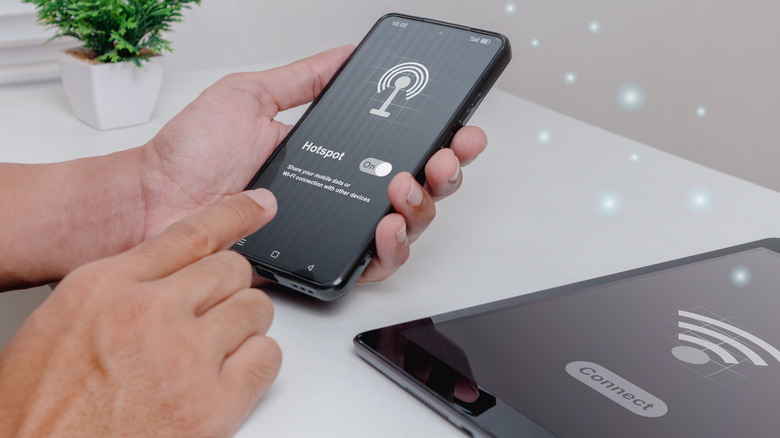
Every smartphone (or at least every model we know of) has the ability to share its mobile internet connection with other devices over Wi-Fi. It's usually called a mobile hotspot, also referred to as tethering, and it can be accomplished using a cable or a Bluetooth connection. This is, to say the least, incredibly convenient. If you've ever had to put up with terrible hotel Wi-Fi or struggled to get a connection at a coffee shop, having access to your own private mobile broadband is a revelation. It also neatly solves the privacy and security issues of public Wi-Fi. In fact, we'd go as far as saying you should never use hotel Wi-Fi. Complimentary or not!
Since mobile internet works so well, you might be tempted to wonder why you need to pay for home broadband. Why not just use your mobile hotspot for your home internet? You're not the first person to come up with this idea, but there are a few very good reasons why mobile internet might not be reliable enough to use as your primary internet service.
Congestion on mobile networks is devastating and unpredictable
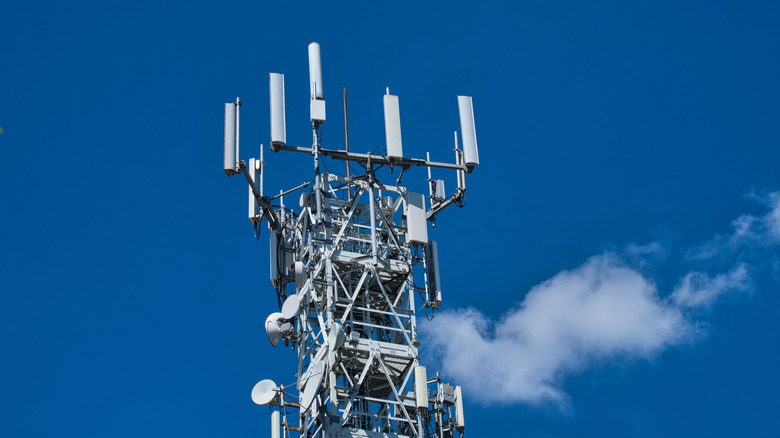
With a wired home broadband connection, the number of subscribers and physical network connections are known. This is a relatively stable number, which ensures everyone gets their fair share of the bandwidth. Not easy, but much simpler than the knotty problem of managing everyone's experience on mobile data.
The reason for this is that a mobile network consists of cells (that's why it's called a cellular network), which are manage by a mobile network communications tower. As people with cellular devices move from one cell to the next, the towers seamlessly hand the device off, but each tower only has so much bandwidth available and a limited amount of radio spectrum. If too many devices are within the same cell, or they're asking for too much data, it leads to network congestion.
This is why phone reception is poor at large events; When tens of thousands of people are trying to connect at the same time, there's just too much traffic for the network to handle at that moment. The same is true when trying to use your mobile hotspot as a primary means of internet as the quality of service can drop dramatically when the network gets congested. That's not a characteristic you want in a backbone internet connection.
Data caps and throttling spoil the fun
Mobile data providers have several tools in their arsenal to deal with network congestion. Two of these are data caps and throttling, which are related. A data cap is a limit on the total number of data you can use within a billing cycle. When you reach that cap, one of two things can happen. Either your connection is cut off (a hard cap) or you keep your connection, but it gets throttled down to much slower speed. Something that's often called a soft cap.
A more sophisticated type of throttling is known as traffic shaping. Here the service provider selectively limits the speeds of certain types of traffic. So, for example, regular browsing might be fast, but data-hungry traffic like streaming video is limited to a lower speed than your connection is actually capable of. When we looked at the phone carriers with the best cheap plans it was obvious that one major way they could get the pricing down was by using caps, throttling, and shaping. Incidentally, using one of the major VPN services can bypass shaping by hiding the type of traffic you're using.
That said, if you're willing to pay for it, some mobile providers are offer truly unlimited plans these days. Improvements in technology and lower costs of provision mean it is becoming feasible to give subscribers as much data as they want. However, it's not universal yet and not available everywhere.
Mobile hotspots can destroy your battery life, and eventually your battery
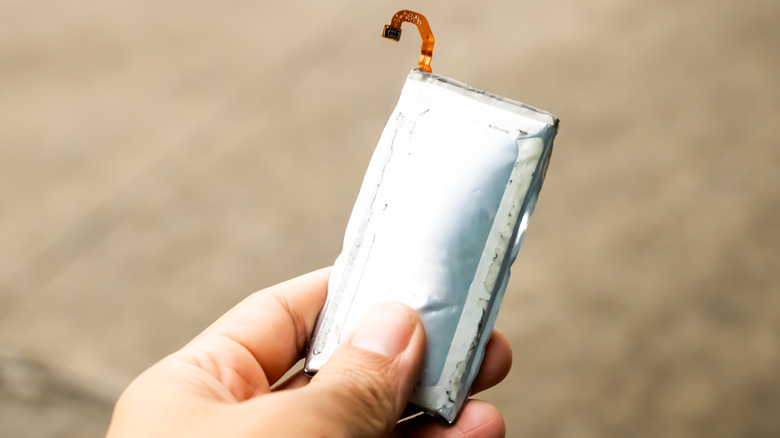
The radio transmitters in your phone are some of the most power-hungry components. When you are constantly sending and receiving data, especially high-volume data, your phone's battery will drain more quickly. The weaker the signal to the nearest tower, the more power the phone needs to transmit. You might not think this is an issue, since you can just plug your phone into a power source and keep it topped off.
The problem is that most smartphones don't have "bypass charging" where power stops flowing to the battery once its full as it does in a laptop computer. Plugged in or not, power flows through the battery, and this means you're increasing the wear on the battery and shortening its life. Eventually, you'll start seeing the signs your battery needs to be replaced. If you do have bypass charging, you may want to activate it if you intend to use your phone as a hotspot. It's generally not on by default and phone makers treat it like a secret charging mode. If you have no way of mitigating battery wear while using your phone as a hotspot, you should use the hotspot sparingly or accept that you'll have to deal with a worn-out battery sooner rather than later.
Latency and stability are weak points
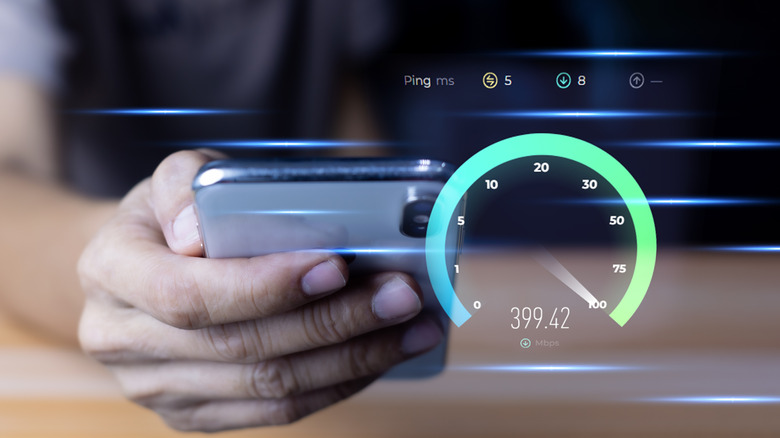
If you had to choose between the fastest internet speed possible but risk inconsistent service or a slower speed with more stable connection, which way would you go? While speed is nice, the sensible option is to have a connection that doesn't fluctuate wildly. Unfortunately, the very nature of wireless networking works against that goal. Unlike a wired connection, there are many factors that can change from one minute to the next.
We've already talked about congestion happening as people enter and leave the same region as you, but radio interference, solar flares, and even bad weather can wreak havoc on your connection. That's not to say that wired systems are immune to adverse events, but cables can be shielded in ways that the radio signals from towers can't.
A much more common issue with mobile internet connections is latency. This is the time it takes from a packet of data leaving your device to where the answer returns. Wireless signals usually have more latency than their wired equivalents, and this is true for cellular networks. You can run an internet speed test using your phone's connection to check its "ping," and if it's in the hundreds of milliseconds, you'll notice issues with latency-sensitive applications like video calling or online multiplayer games.
Your ISP might treat hotspots differently
If someone handed you a phone and said it had unlimited data, wouldn't you immediately come up with the idea to tether it other things and enjoy that sweet, sweet bandwidth? That's exactly what many people do, and it's led to some mobile service providers putting special policies in place when it comes to tethering. These rules apply whether you're using a cable, Bluetooth, or Wi-Fi to share your phone's connection.
On some mobile plans, tethering might simply be excluded. In others, there might be a crackdown on subscribers who seem to be abusing their data plans. You may also find that your tethered connection has a separate data cap, even if your phone's untethered connection is unlimited. In a worst-case scenario, you might be charged extra fees when tethering, so it's important to read all the fine print when you tether for the first time — if for no other reason than knowing how much you can rely on your tethered connection.
Hostpots can be a security risk
You're probably aware that there are security risks if you use public Wi-Fi, as we mentioned earlier, but what about your own, private mobile hotspot? While it's not common, in some cases hackers can intercept the communication between your phone and connected devices or gain access to your phone. It's worth noting that while your phone can act as a limited Wi-Fi router while in hotspot mode, it doesn't have the security features and robustness of a true dedicated router.
Mobile hotspots were never meant to be used long-term. If you use your hotspot in the same spot every day for extended periods of time, it makes it more likely that someone will crack it. They don't even have to take this technical route. It can be as simple as someone spotting your hotspot password as you type it in or look it up on your phone. From there they can run up your data bill, or worse. If you only need to connect a laptop or computer, consider using USB tethering instead of Wi-Fi as a way to mitigate this.
Weak hardware isn't up to the task
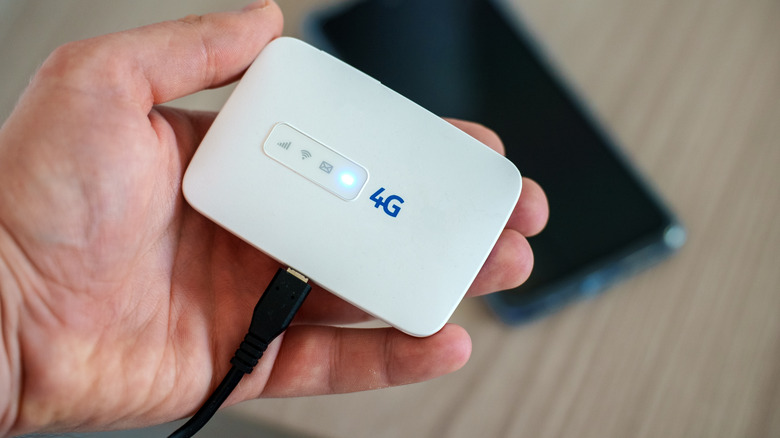
The router you use for home internet has multiple antennas. Even if you can't see them, they're still there hidden inside the casing of some router designs. Now, consider your phone. It's thin enough to fit in your pocket, and there's certainly no way it can have the number of antennas or transmission power of a proper router.
Older phones, or cheaper models in particular might have a hard time connecting multiple devices to the hotspot and offering good performance to all of them at the same time. Even if you have a newer phone, there's still only so much you can do within the laws of physics.
If you must use a mobile connection to serve multiple devices and want it to work reliably and with good performance, a dedicated hotspot device like the one pictured above is a good start. The best solution, however, is a dedicated travel router, which is one of the gadgets we think every digital nomad should check out.