

Is It Worth Replacing Your Galaxy Tablet's Battery?
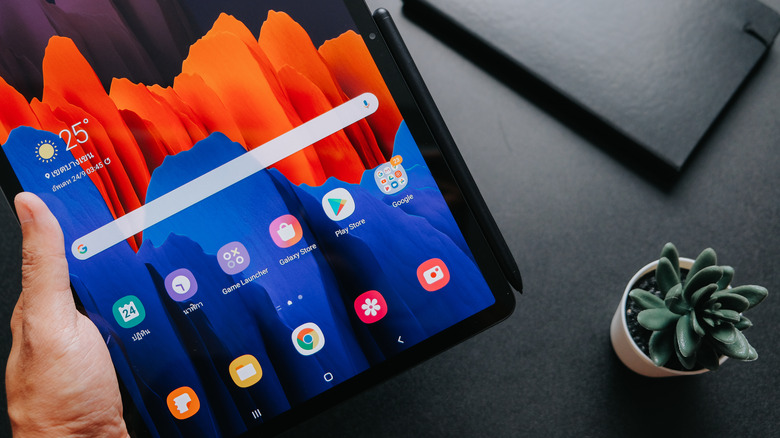
Just like the human body, Li-ion batteries degrade over time. The deterioration is chemical, as continuous use and each charging cycle cause tiny changes in the battery's chemistry. In other words, it's inevitable. That's a shame, because users say Android tablets like the Samsung Galaxy can last as long as five years if you take care of them. Sure, some popular Galaxy tablets are losing support soon, but with a fresh battery, you can get a few extra years out of your device if you don't mind skipping security updates.
Is it worth it, though? Generally, a third-party battery replacement will cost anywhere from $79 to $99 and up, depending on the model. Going directly through a Samsung Service Center will generally cost a little extra, but you may keep your warranty coverage, which is usually a good thing. Whether this is worth it depends on what device you own. Do you have an expensive or a cheap Samsung tablet? Say you're looking to replace the battery on a Samsung Galaxy Tab A9. A new one costs $110, so replacing the battery is overkill when you consider the device will also lose support in 2027. On the other hand, if you're rocking something newer and more expensive like the Galaxy Tab 10, a fresh battery will breathe new life into it and be worth every penny.
Can I replace the battery in my Samsung Galaxy tablet on my own?
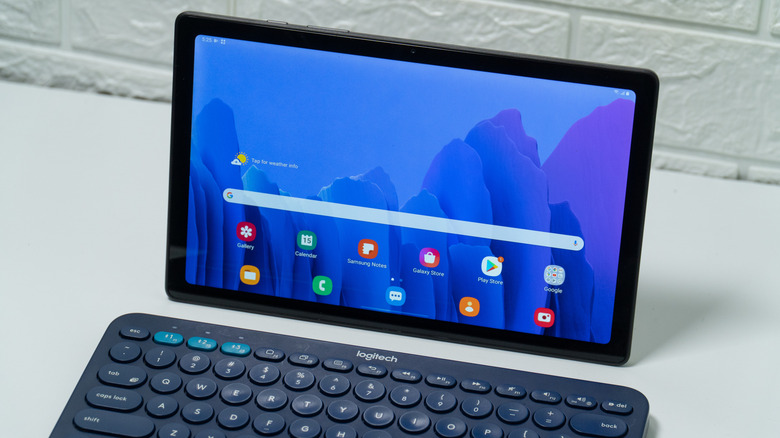
Absolutely. Samsung Galaxy tablet batteries are available online, and you can purchase them for anywhere between $10 and $30, depending on the model. Replacing the battery in older devices like the Samsung Galaxy Tab 4 is fairly easy: pry open the back, remove the green tape covering the connector, and disconnect the old battery. After you remove the drained battery, you'll just reverse the process to install the new one and put it back together.
While older devices are easy to DIY, repairing more modern devices is only recommended if you have prior experience. Take the Galaxy Tab A9, for example. The iFixit guide may make it seem like almost anyone can do it, since pointing a heat gun at the edges of the device seems easy enough. However, one twitchy movement could damage the flex cable. Using the heat gun can also be dangerous, as heating one area too long could spell disaster for the screen. For most users, this is best left to the professionals. If you don't want to break anything, saving $60 simply isn't worth it.