

Does Always-On Display Mode Use More Battery On Galaxy Watches?
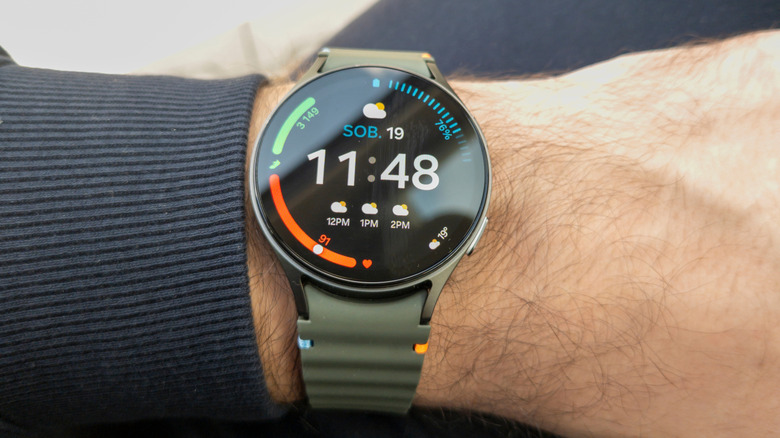
If you're looking for ways to extend the battery life of your Galaxy Watch, you may have heard that disabling Always-On Display (AOD) mode, which keeps the screen on continuously, can help. However, real-world tests by Galaxy Watch owners show that AOD actually consumes slightly less battery than the "Raise wrist to wake" or "Raise to wake" (RTW) mode, which turns on the screen when you lift your arm. The reasoning makes sense: keeping the screen on continuously uses less battery power than turning it on every time your arm moves a certain way, especially given how many times per day you may unintentionally activate the screen through regular movements.
Additionally, on the Galaxy Watch 4 and later models, AOD acts almost like a screensaver, preserving battery until you touch the screen to fully activate the display. This is because AOD uses its own low-power processor that is separate from the watch's main CPU, while RTW engages the main CPU every time it detects motion. AOD drains even less battery when RTW and "Touch screen to wake" are both disabled. This requires you to press a physical button on the watch to fully activate the display.
AOD mode doesn't always outperform RTW mode for battery life, though. Galaxy Watch owners report mixed results when comparing the two, with some saying AOD drains their watch's battery noticeably faster. Other factors may also affect battery life, including the smartwatch's age and model, display brightness and how often the screen activates when RTW is on.
Should you activate Always-On Display on your Samsung Watch?
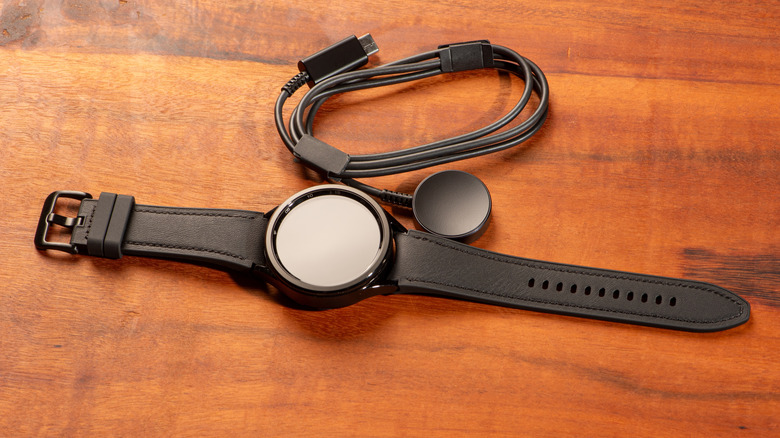
If your main concern is battery life, test both AOD and RTW to see which is more efficient for your watch. To ensure the longest battery life possible, it's actually best to disable both AOD and RTW. This means you'll need to tap the watch face or press a physical button to activate the display. Additionally, reducing the display brightness can help preserve battery life, whether you're using AOD, RTW, or neither.
If battery life isn't a major concern for you, or if you don't notice much difference between AOD and RTW in terms of battery life, it's totally up to you and your personal preferences. Some people like AOD because they want their watch to look like a watch at all times, instead of spending most of its time as a blank screen. Others prefer RTW because they aren't bothered by the watch face being blank when they're not actively using it. AOD mode isn't turned on by default when you activate a new Galaxy Watch. You can toggle it on and off and change the RTD and brightness settings in the display settings menu.