

What Does Alcohol Do To Your PC?
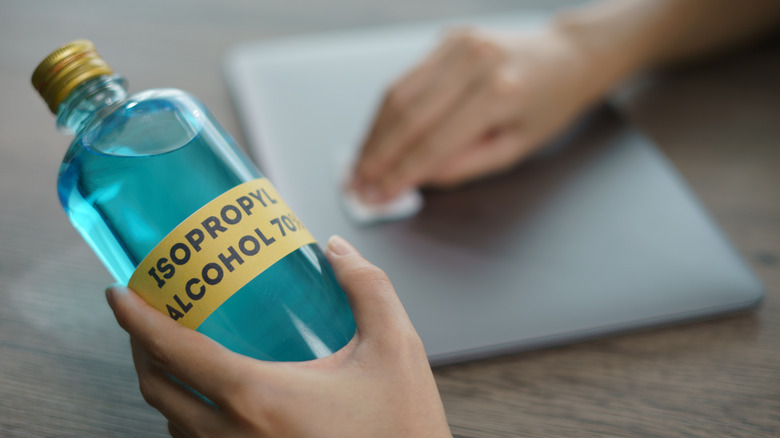
When cleaning digital equipment or disinfecting appliance surfaces, people often use different chemicals, such as diluted acetic acid in vinegar or an aqueous solution, like isopropyl alcohol. Choosing the right one matters because the wrong cleaning solution can do more harm than good. Isopropyl alcohol can be confusing because you can buy it in different percentages, which indicate its purity. The higher the percentage, the less water it contains. For example, 70% isopropyl alcohol contains 30% water, while the rest is alcohol. You'll commonly see solutions at 70%, 91%, and 99%. Different purities exist because adding water slows down the evaporation rate, which can be essential for disinfecting.
Knowing the purity matters because some electronic equipment — or a component of it — can be sensitive to how much alcohol versus water it's exposed to. You see this with computers. Generally, you want a higher concentration of alcohol (91% or 99%) to clean off thermal paste and your heatsink than water. However, you still have to be careful since it can also be too potent if it contacts soft plastics (like rubber feet). But if you accidentally use a lower concentration than recommended, it leaves behind water residue, which, if present when you turn your computer on, could fry your equipment with an electrical short – remember that alcohol evaporates fast (its boiling point is closer to room temperature) and doesn't leave any residue. Plus, leaving water behind can also promote metal corrosion, which wears the equipment down — just know that the drying-with-rice trick isn't going to work.
Is it safe to use alcohol to clean my PC?
There are a few PC components you should absolutely avoid cleaning with isopropyl alcohol: monitor screens (because it can strip anti-glare and protective coatings), anything with clear plastics (like acrylics), soft plastics, adhesives (unless intended), and powered-on hardware. However, high-purity isopropyl alcohol (at least 91%) is safe for cleaning circuit boards, just never use 70% isopropyl alcohol, as it should not be used on electronics; 70% is best as a disinfectant for other applications and outer plastics, such as keycaps or a mouse. For anything circuitry-related, avoid using anything lower than 91% unless you know exactly what you're doing.
If you accidentally use the wrong concentration, power off the computer and let it air-dry properly. If possible, absorb any excess solvent with a lint-free cloth and use a fan to help it dry. Typically, you should wait at least 24 hours for the drying process to complete, but to be on the safe side, consider a longer period (72 hours) to be absolutely sure.