

The Common Household Cleaning Item You Should Never Use On A TV Screen
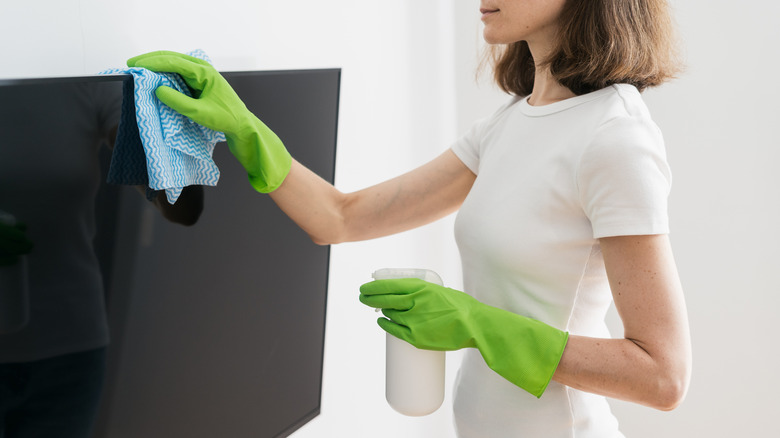
If you've spent much time on TikTok in the past several years, you've probably stumbled across the rich vein of "CleanTok" content. It's rife with hacks for making all the everyday cleaning chores you deal with easier, faster, and more effective, including the best way to keep your TV's screen clean. As with virtually every other subTok, however, it's also rife with misinformation or untested hypotheses, some of which can lead to deeply unfortunate consequences.
One of the most common of these involves some combination of lemons, vinegar (or some other acid-based liquid), and/or baking soda. And while vinegar is a great choice for some of the most onerous cleaning tasks, it can also be extremely damaging, particularly to things like sensitive electronics. While TVs are notorious for accruing gunk, and you may be tempted to scrub it away with a little spritz of that white cleaning gold, vinegar can cause permanent damage to your TV panel. You should never apply it to a television screen, but there are alternatives that will get the job done without the risk.
How vinegar can damage your screen
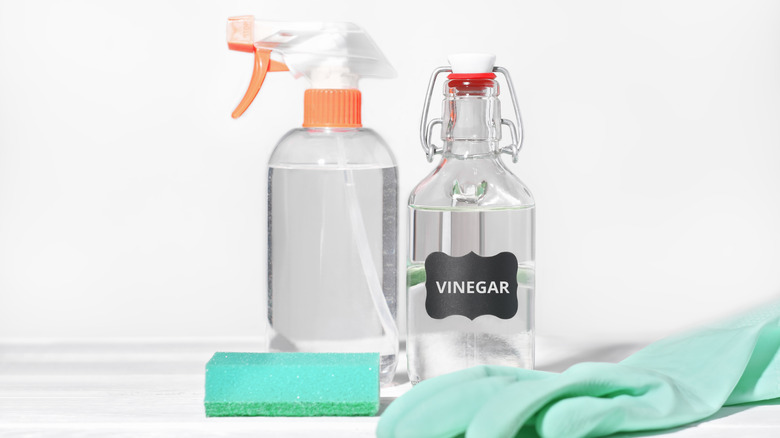
It's not just your TV cleaning routine – you should never use vinegar to clean any of your electronics' screens, including your laptop, tablet, or smartphone. The main issue is that vinegar can destroy a screen's carefully designed anti-glare properties. This is because vinegar is acidic: common household vinegar is typically made with acetic acid, diluted to about 5% with water (industrial cleaning vinegar can reach 10% acetic acid or more). That acid dissolves or wears away the thin anti-glare layer applied across the panel's surface, without which the screen loses its light-diffusing property, causing cloudiness, streaks, and reduced visual clarity.
Unfortunately, once that coating has been stripped, it can't be reapplied. It's even more dangerous to devices with touchscreens. Cleaning them with vinegar can actually reduce sensitivity, making them less responsive. This is in part because the vinegar may eat away at the oleophobic coating on touchscreens designed to resist fingerprints. Also, most touchscreens are capacitive, meaning they detect touch by subtle changes in an electric field through the glass/coating. Damaged or uneven coatings can disrupt this field, making it harder for a device to detect your fingertips.
How you should clean your TV screen
The above advice applies to "pure" vinegar, which, as it has been established, is diluted acetic acid. Somewhat controversially, laptop manufacturer Acer suggests that using a further dilution of 50% water, 50% vinegar (reducing the acetic acid content to around 2.5% for household vinegar) is perfectly fine to use for cleaning your laptop display. The company does warn against using tap water for this dilution, however: tap water can contain particulates that may end up scratching or otherwise damaging your screen.
If you'd rather avoid the risk of vinegar entirely, start with a simple microfiber cloth (though you should never clean a TV with a microfiber cloth after dropping it). Again, you'll want to avoid coarser fabrics like a rag or t-shirt, because they can also be rough enough to scratch the surface of your display. If a microfiber cloth alone isn't enough, try spraying a small amount of purified water onto the cloth and wiping down the surface.
If that still doesn't do the trick, TV maker Panasonic suggests a tiny bit of dish soap. Mix one part dish soap with 100 parts water, then apply to a microfiber cloth or soft sponge. Wring out the cloth/sponge thoroughly and then wipe down the panel. You'll then want to immediately dry the display off with, you guessed it, a microfiber cloth, to avoid streaking. Regardless of which method you use (and particularly if you're cleaning a laptop display), be wary of excess water dripping onto sensitive components like the keyboard deck or into vents on your TV.