

How Long Should Your Router Password Actually Be?
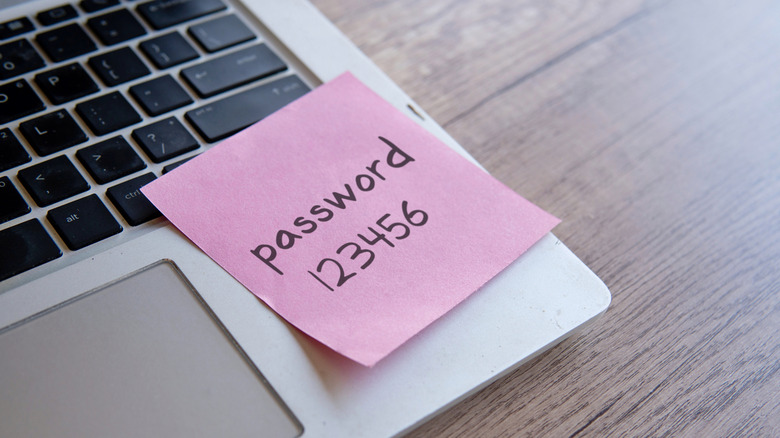
When it comes to setting up a brand new home network, many folks end up just picking a short, easy password for their router so they can get their internet-connected devices up and running. Most of the time, router wizards only require you to throw in a minimum of eight characters. The problem is that, when it comes to doing security right, eight characters is considered too short of a password and not secure enough. Likewise, graphics cards are more powerful than ever, able to cycle through and guess billions of password combos per second. This means your basic eight-character password might take a determined hacker only hours or days to crack, leaving your smart home devices and any other gadgets on your network potentially exposed. The solution? Choosing a password that's 16 characters or longer.
Creating a longer password makes it drastically harder for man or machine to crack it, with a 16-character password statistically taking centuries to crack. Aiming for this many characters, which is the recommendation of the U.S. government's Cybersecurity and Infrastructure Security Agency, is enough to net you a serious amount of protection without quite making the password impossible to type into something like a smart TV or gaming console. A blazing fast Wi-Fi router with a secure password is an easy way to better protect any of the devices you connect to your home network.
Securing your home network by going beyond password length
Making sure you have a high enough character count is only part of the security equation. If you have 16 password characters, but they're all just lowercase letters, you're still vulnerable (especially if it uses a recognizable phrase or word). To make your password as strong as possible, make sure you combine uppercase and lowercase letters along with both numbers and a few special symbols, all in completely random sequences. Sorry, but using pet names is one of the most dangerous password habits you could have.
One of the reasons people often choose easily guessable passwords is that they're easier to remember; having a proper password (aka, one that's longer and randomized) throws a wrench into that. So instead of trying to memorize a random combination of letters and symbols, find a secure password manager and have it take care of all that for you. These tools work on all your devices and can safely store logins, autofill passwords, and generate complex unique passwords for you when you're setting up a new login, among other features, while you then only have to remember the single account password.
Securing your home network goes beyond just setting up a good wireless password, though. Some routers, which control all the settings on the device, often use a generic factory login that persistent attackers can easily find online — this should also be changed to something more secure. By changing your router and network passwords to options that are complex and strong, you'll be able to keep your home network safe.