

5 Secure Password Managers You Should Try Instead Of Google Password Manager
We may receive a commission on purchases made from links.
One thing that makes password managers indispensable is that they allow you to store all your passwords conveniently in one place, and you can access them on different platforms at any time using just one master password. Using a password manager means you can have strong and unique passwords for every website or app that you use, because you don't have to remember every login. This reduces the risk of reusing passwords or creating easy-to-guess common passwords that are more susceptible to compromise.
Google's Password Manager is a great option to consider, as it has some essential features you expect from a password manager, like secure storage, auto-fill, password generation, cross-device sync, and data breach reports. If you have an Android phone, it's already built into the system, and you might even think you don't need a third-party password manager. However, Google's Password Manager isn't the best for everyone since it's tied to your Google account, which can be a dealbreaker for some. Besides, it lacks advanced features offered by many dedicated password managers. As a result, you shouldn't settle for Google's option when better alternatives exist.
We've done extensive research to find the best Google Password Manager alternatives that you should try. After checking the available options, we've selected five that are secure and offer all the essential features you expect from a password manager and then some. Check our methodology section at the end of the article if you need more details about our selection process.
Bitwarden
Bitwarden is an open-source password manager that is audited by third parties and reviewed by the community, ensuring it meets high security standards. It uses zero-knowledge encryption to protect your stored credentials, but it also gives you the option to self-host if you need more control over your stored data. Besides that, it has several features that make accessing, using, managing, and storing your passwords a cinch. You can auto-fill for your login credentials online with ease, and cross-device sync makes your passwords easily accessible across platforms.
Bitwarden has dedicated apps for mobile (Android and iOS) and desktop (macOS, Linux, and Windows), as well as browser extensions for Chrome, Edge, Safari, Firefox, Opera, Vivaldi, and Brave. Bitwarden also supports storage of more than just passwords and passkeys. You can store notes, cards, and even sensitive files that you don't want to keep on your device or mainstream cloud storage services. For convenience when filling out forms on the web, Bitwarden supports storing your identity information.
Additional features that the password manager offers include data breach reports, email aliases, and secure credential sharing. Bitwarden also helps you create strong and unique login credentials with its built-in password generator, which can generate usernames, passwords, and passphrases. If you don't want to pay for a password manager, Bitwarden is one of the best free options available, with only a few features locked behind a paywall billed at $19.80/year for Premium and $47.88/year for the Family plan.
Proton Pass
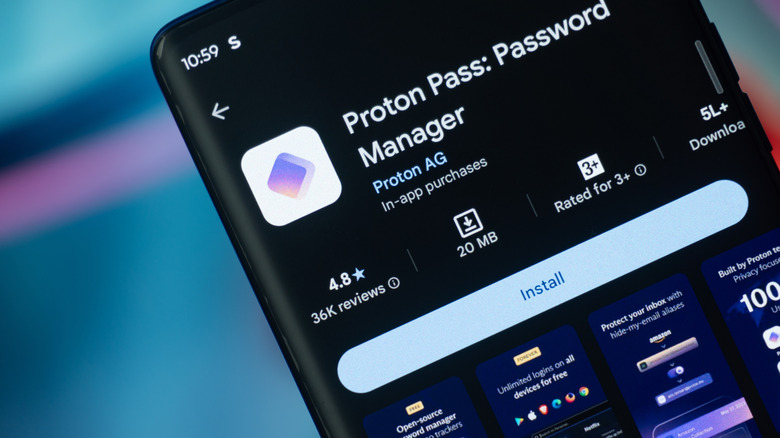
Made by the same team behind Proton VPN, Proton Pass is a password manager that comes packed with a variety of features, starting with secure credential storage. Proton Pass uses the industry-standard AES-256 encryption to keep your logins secure. Furthermore, it's fully open-source, allowing anyone with the necessary technical chops to review its source code and see how it all works under the hood. One of its handy features is email aliases that help you hide your actual email while signing up for apps or services.
It also offers unlimited storage of login credentials and a password generator. And if you'd like to ditch passwords in favor of passkeys for extra security, Proton Pass has built-in support. On top of storing your passwords and passkeys, Proton Pass allows you to store secure notes as well as credit card details for easy access. Another convenient feature that it has is alerts for weak or reused passwords, ensuring your passwords are strong and unique at all times. Proton Pass is available across platforms, including Android, iOS, Windows, macOS, ChromeOS, and Linux.
It also has browser extensions on Brave, Chrome, Firefox, Safari, and Edge. Thanks to automatic sync and unlimited device support, you can access your stored credentials across all the supported platforms. Proton Pass has a free plan, which should be good enough for most, but subscribing gives you access to extra features like dark web monitoring and unlimited email aliases. There are two plans to pick from: Pass Plus ($4.99/month) and Pass Family ($6.99/month).
1Password
If you want a better password manager than Google's and are willing to spend cash, you can check out 1Password. While it's considered one of the best password managers available, the only caveat is that it doesn't have a free plan. But once you look past that, 1Password is a solid option that you can use instead of Google's offering. It's easy to use and has polished apps that are available on all the major platforms and browsers. You can download its app on macOS, Windows, Linux, Android, and iOS or get its Chrome, Firefox, Safari, Edge, and Brave extensions for use in the browser.
It uses AES 256-bit encryption to secure your credentials and has a one-click auto-fill functionality for speedy logins. It supports storing passkeys, passwords, and sensitive data like card details. You can also store addresses, notes, and sensitive documents (it offers 1 GB or 5 GB of secure file storage in the personal and family plans, respectively). A password generator is built in for helping you create strong and unique passwords, and there's also a username generator.
Whenever you need to share specific login credentials, 1Password has a secure password-sharing feature available. 1Password sends alerts for weak, compromised, or reused passwords, which is useful in protecting your online accounts. If you travel a lot, there's a handy feature called Travel mode that removes certain select vaults from your device. As noted before, 1Password isn't free. An Individual plan costs $4.99/month, while a Family plan costs $7.99/month.
RoboForm
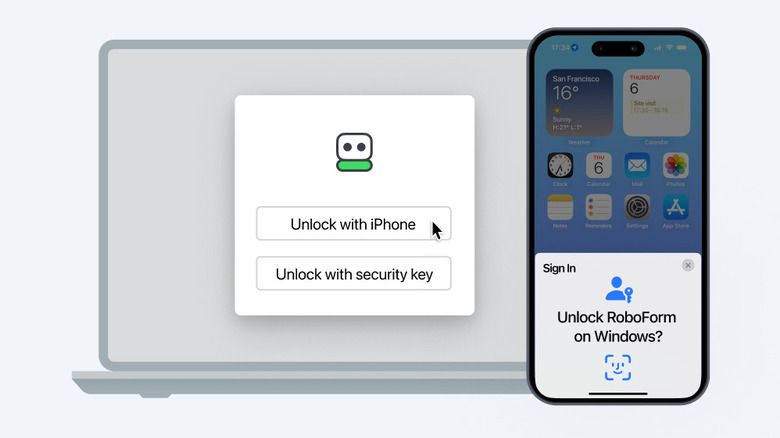
Another secure password manager that you should try is RoboForm. RoboForm uses the standard AES-256-bit encryption with PBKDF2 SHA256 to help secure your stored credentials at all times. On top of that, it also uses a zero-knowledge architecture, ensuring that not even the company itself can access your data. There are several two-factor authentication methods available for securing your account, including email, text messages, authenticator codes, passkeys, trusted devices, and hardware security keys.
RoboForm also offers additional security features, such as secure credential sharing, breach alerts, and a password health feature that identifies any weak, reused, or compromised passwords stored in your vault. You also get standard password manager features like unlimited password storage, a password generator, auto-fill, and cross-device sync. Additionally, you can store notes and passkeys. Although RoboForm has a free plan, it's very limited, unlike what you get in Proton Pass and Bitwarden. You can only access your passwords on one device, for example, which will likely be a bummer to many people as owning multiple devices is common these days.
The good news is that RoboForm is quite affordable as it only charges $29.88/year for Premium and $47.75/year for a Family plan. Both plans unlock all of the app's features, including emergency access, secure sharing of items, web access, data breach monitoring for five emails, and cross-device sync. RoboForm is available on macOS, Windows, iOS, Android, Linux, and ChromeOS. It also has browser extensions for Chrome, Firefox, and Edge.
NordPass
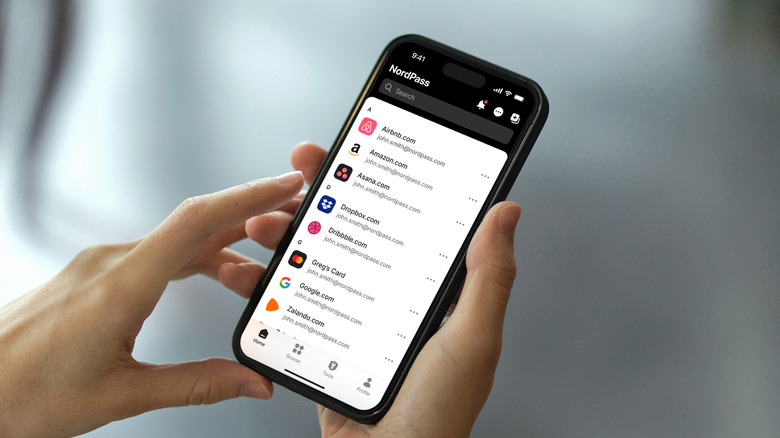
This password manager was created by the same company that's behind NordVPN. However, being affiliated with NordVPN is not enough to make NordPass worth trying. It's the app's value in terms of features and security that makes it worth it. At the core of its security is the XChaCha20 encryption algorithm, which NordPass uses to secure your data. Like most password managers on this list, NordPass supports storing different kinds of data in your vault. You can store your passwords, passkeys, card details, and even documents.
It also allows you to attach files to vault items for simple file management. Multi-factor authentication is available, adding an extra layer of security to your account in case your master password falls into the wrong hands. Like previous password managers we've discussed, it has a password generation feature and performs checks on your vault to identify weak and reused passwords as well as those that have been leaked in data breaches.
NordPass is available across different platforms (iOS, macOS, Windows, Linux, Android) and has browser extensions on Chrome, Firefox, Edge, Opera, and Safari. Most importantly, it supports cross-device sync, enabling access to your data on all the major platforms. Other useful features available include emergency access, secure credential sharing, password history, email aliases, and a built-in authenticator. NordPass has a free plan, but it's very restrictive, with single-device access. It has two paid plans: Premium ($35.88/year) and Family ($71.88/year).
How we selected Google Password Manager alternatives
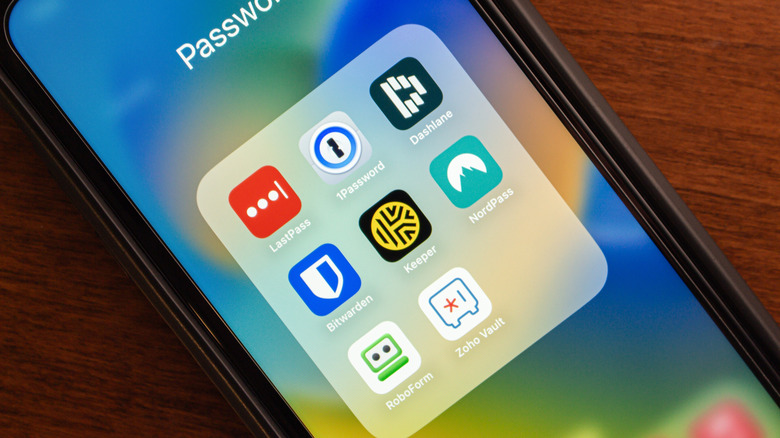
Choosing a password manager can be a daunting task, as it could essentially become the single point of failure of your entire digital ecosystem. To search for alternatives for Google Password Manager, we looked for options that offer more features, like dedicated apps across major platforms.
But before we looked at the extra niceties, the major factor that we looked at when selecting these alternatives was strong security. You'll be storing all your digital credentials in a password manager and, as a result, it's important that it stores the data securely.
Next, we prioritized password managers with dedicated apps for Android, iOS, macOS, Linux, and Windows, as well as browser extensions for mainstream browsers (Chrome, Safari, Firefox, and Edge). Cross-device sync support is another factor that we considered, which ensures you can access your credentials across all the supported platforms. It was also important for the password managers we selected to enable you to store more than just passwords and passkeys.