

Not Gemini, Not Gmail: Google Pixel 11 User Discovers What Really Drains The Battery
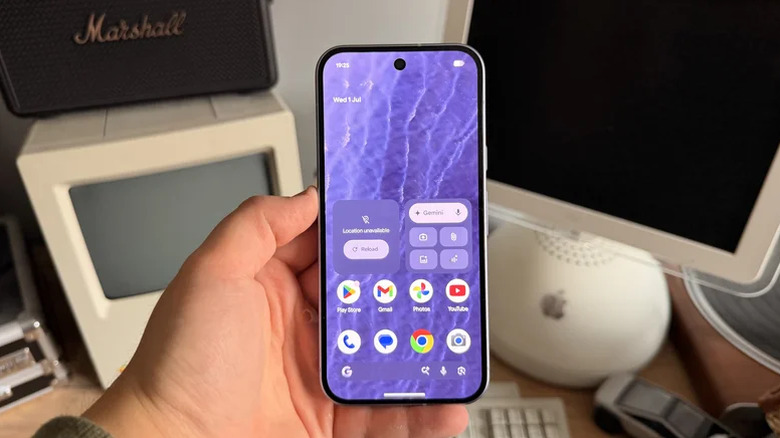
If you have a Pixel 11 and notice the battery doesn't last as long as you'd expect, you're not alone. Reports say some Pixel 11 owners have noticed fast-draining batteries in their new Pixel phones. And while some might chalk the issue up to AI features that continue to bury the other features your Pixel offers, or even Google's Tensor as the cause of the problem, a new test from a member of the Pixel community could point to an issue that has everything to do with the way your Pixel 11 communicates with your home Wi-Fi router.
According to a Reddit thread shared on the official Google Pixel subreddit, the strange battery drain seen in some Pixel devices could be related to a setting in your Wi-Fi router. The user behind the thread notes that their new Pixel 11 Pro XL was losing about 2.5 to 3% of battery per hour while idle and connected to Wi-Fi at home.
After digging deeper with an app called BetteryBatteryStats, the original poster found that their phone's battery was draining due to an overabundance of Wi-Fi wakeups, as the router and phone were in almost constant communication. The poster tried changing the settings on their Tenda Wi-Fi 6 mesh router from Wi-Fi 6 to Wi-Fi 5. The wakeups cut drastically, changing from roughly 135 per minute to around 2.4. While this might make it seem like Wi-Fi 6 was the main culprit, further digging proved it was likely more firmware-related.
Some Wi-Fi router firmware appears to affect Pixel 11 battery life
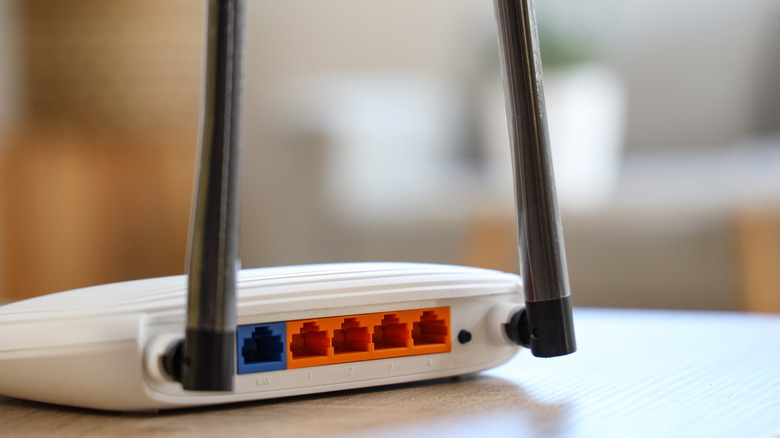
While switching the Tenda system to Wi-Fi 5 fixed the issue, the user wasn't satisfied. The poster also ran more tests using other routers, including connecting their phone to a HUAWEI Wi-Fi 6 router. They found that the device and router didn't produce the same number of wakeups, even in Wi-Fi 6 mode.
Other comments on the post also showed that users with other brands of Wi-Fi 6 and even Wi-Fi 7 routers experienced normal behavior. As such, the router firmware itself could be causing the problem. However, with the number of reports right now and without additional testing or an official response from Google, it is impossible to say for sure that this is the sole cause. So even if you are running one of the best Wi-Fi routers, finding the best solution can be difficult.
If you do notice your Pixel 11 having similar issues, though, it may be worth looking at your router as the potential culprit. Some also suggest disabling Wi-Fi scanning to reduce battery drain.