

The New Google Pixel Update Quietly Buried This Useful Feature Under AI Marketing
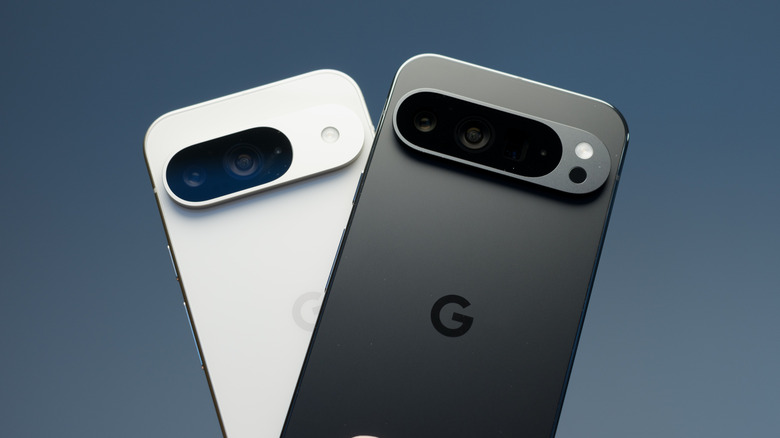
Google really wants Android users to know about its artificial intelligence (AI). Along with Android 17 rolling out to Pixel and other Android phones, Google has also released its June Pixel Drop, both of which contain a barrage of goodies for users to enjoy. While Google is adding plenty to the Android experience, its focus on new items like video editing with Gemini Omni, along with other AI features, means many may have overlooked something pretty cool for older Pixel devices.
The Pixel 9a and Pixel 8a are gaining access to Apple Airdrop. The feature is a way for iPhone and iPad users to quickly exchange photos or documents, though Google has slowly been getting the Pixel series in on the action. What's particularly neat is that neither party needs additional software to exchange files, as AirDrop is supported on Pixel phones through Quick Share.
While it's a rather small feature, it's an incredibly useful one, and easily one of the coolest features arriving in Android's June 2026 update. More phones having more options is never a bad thing. While Google may continue to tout the capabilities of its Gemini AI model, it's still delivering plenty of things for users looking for more in an update.
How to get started with AirDrop through Quick Share
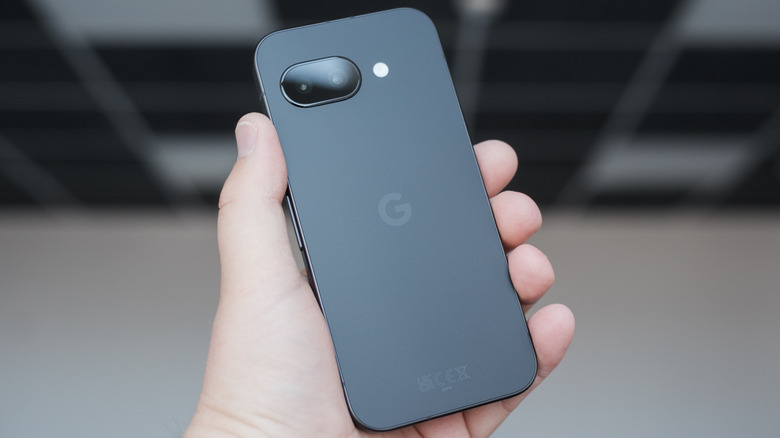
Since November 2025, Google has been delivering Apple AirDrop support through Quick Share to a variety of devices, starting with the Pixel 10 lineup. Now, the Pixel 9a and 8a are joining in on the fun, giving every device in the Pixel 9 lineup AirDrop access. Unfortunately, AirDrop support is still suspiciously absent from the Pixel 8 Pro and base model Pixel 8, which can be a shame for those still using these devices.
For Android users looking to use AirDrop, open Quick Share, select the items you want to send, and choose your recipient. Make sure you have 'Share with Apple devices' enabled in your Quick Share settings, and the iPhone is near the Android. Make sure the iPhone has AirDrop visibility set to 'Everyone for 10 minutes,' which can be done by long-pressing the AirDrop icon from Control Center. If the Android has Quick Share properly set up, Apple users just need to follow the usual AirDrop process.
Though users are sure to appreciate the new updates from Google, the experience hasn't been entirely smooth sailing for all users. Some reports indicate that certain Google apps may not function on Wi-Fi with the update. Android Authority also reported that Android 17 is messing with the touch inputs on certain Pixel devices. Nonetheless, keeping your phone up to date ensures access to the latest security patches alongside cool new features, so be sure to check if one is available for your device.