

4 Major Problems The Nvidia App Has Faced Over The Years
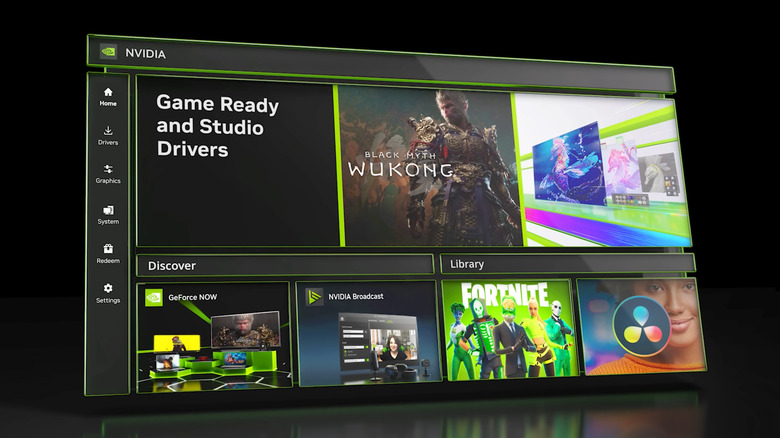
In 2024, Nvidia Control Panel and GeForce Experience were replaced by a single app; appropriately named the Nvidia App, that was designed to serve as a "unified GPU control center," per Nvidia. But if you've ever found yourself agitated by its functionality over the years (or lack thereof), you're not alone. Many users have chosen to avoid the app for reasons including performance hits, which were particularly rough on launch. The Nvidia App had also been missing several key features that Nvidia only recently reintroduced following the decommissioning of the old Nvidia Control Panel.
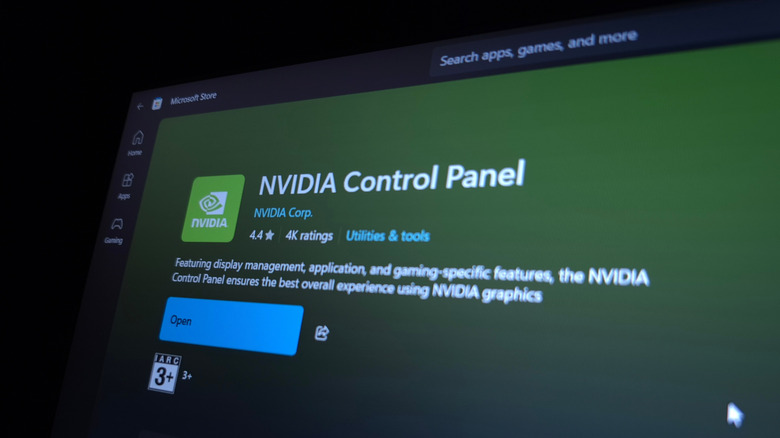
Thankfully, Nvidia hasn't locked users into using the app, so they do have other GPU management options. If you just need to install and update your drivers and tweak graphics settings, that isn't hard to do without the Nvidia App. Nvidia offers individual driver downloads on its website that you can install manually. If you do go that route, though, just don't forget to keep your drivers updated. You can also still use the now-retired Nvidia Control Panel: It's still available on the Microsoft Store, it no longer has driver update functionality, but it offers a simple way to tweak graphics settings.
Over the years, a fair share of users have found the Nvidia App to be bloated and missing functionality compared to its predecessors. The two-year-old Nvidia App has also faced a number of overlay issues that can interfere with gameplay and recording. While the company's graphics cards themselves are solid — Nvidia GPU owners say they last about 10 years — it's easy to see why some users have gone out of their way to avoid the companion Nvidia App.
Too much overhead
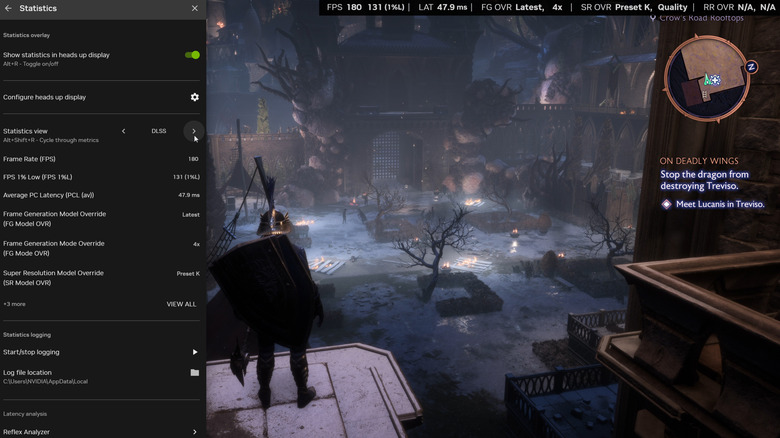
Resource-draining companion apps like Razer Synapse, Corsair iCUE, and Logitech G Hub can be more annoying than they are useful. While GeForce Experience was also known to be a resource hog, the Nvidia App wasn't that different on launch. The app's game filters were found to decrease frame rates by as much as 15%, although toggling off the Game Filters and Photo Mode option ended up being the solution for this. The Nvidia host process called "nvcontainer.exe" has also been known to cause memory leaks, but you can easily update your Nvidia drivers to help mitigate that problem.
Some user testimonials about the Nvidia App's performance are also unflattering. It's not hard to find posts on sites like Reddit that outline frustrations about the Nvidia App, and you can also find gamers complaining about it on Steam forums. When the app first launched, users even ran benchmark tests to prove it caused games to run worse while it was running in the background. Fortunately, more recent tests show the main culprit is just the filters nowadays, which is to be expected given its inherent resource needs.
Missing legacy features
While it made sense to migrate the old apps' ever-expanding functionalities onto a new codebase that would be easier for Nvidia's developers to work with, the Nvidia App created problems for some longtime Nvidia customers. There's a reason why some users continued using the Nvidia Control Panel despite the Nvidia App being available. For one, some actually appreciate its simple-but-outdated UI, while others had stuck with it for its niche features that hadn't yet made their way to the Nvidia App, such as multi-monitor setup options.
In simplifying its app interface, however, Nvidia dumbed down its software suite by removing desirable features. Feature omissions had prompted certain power users to use community-made, third-party apps like Nvidia Profile Inspector to fill in for things like fine-tuning resizable BAR support on a per-game basis, which had been dropped in the migration from GeForce Experience. Luckily, Nvidia's developers added it to the Nvidia App this past month, but it was still absent from the app for almost two years.
While it's great that enthusiasts have freely released community apps to fill in feature gaps, those apps seldom match the polish of commercial products, and there's a risk to using unofficial, unauthorized software — especially for controlling something as expensive as a graphics card. To Nvidia's credit, though, the company has made significant strides in bringing back missing features, and the 2025 release of Nvidia App version 11.0.5 brought back not just multi-monitor support, but also the ability to control 3D settings like anti-aliasing, PhysX, and texture filtering.
Bloatware
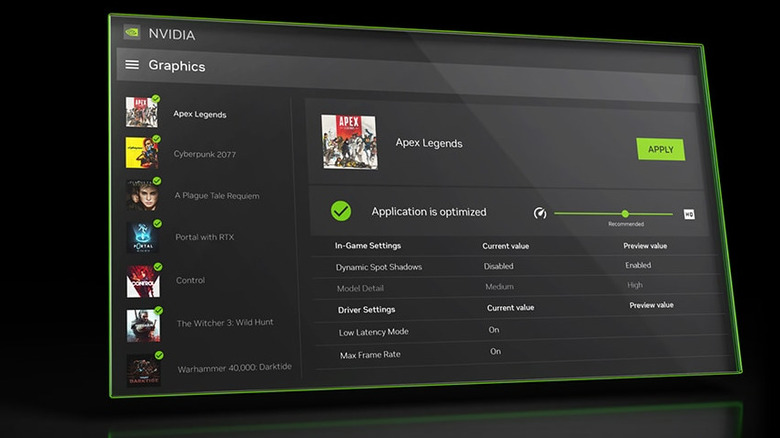
Installing the Nvidia App means you're installing a collection of software functions; you can't opt out of installing components like you could when installing GeForce Experience. That lack of flexibility has led some users to seek out unofficial, community-made, third-party tools to avoid perceived bloat with apps like NVCleanstall.
While Nvidia removed the unpopular mandatory login feature found in GeForce Experience, there are still plenty of Nvidia App telemetry containers running in the background by default. The Nvidia App also features ads for other products — also by default — including store links for GeForce Now, which further muddies the software experience. Building and running a gaming PC these days will make anyone's wallet cry, especially because GPUs are so expensive. So, when companion apps like the Nvidia App read like bloatware, it gives some gamers pause.
If you're already relying on community tools to regain functionality from the older Nvidia apps, it might be worth cutting Nvidia's software out of the equation, given this has been an issue that has plagued the app since its launch. It's not all bad news, though. Nvidia does offer ways to mute the app's more annoying bloat, like its reward notifications that can be turned off within the app's settings.
Buggy overlay
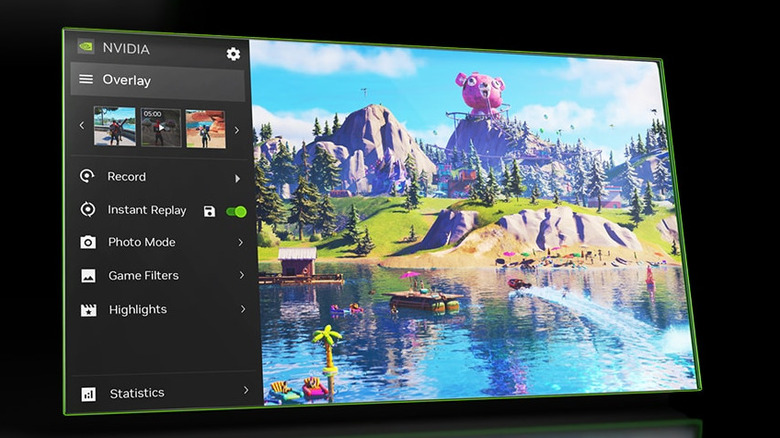
Many PC gaming apps, from Steam to Discord to first-party options like the Windows Game Bar, have a built-in functionality to overlay your games with an interface that displays notifications, messages, and even gameplay recording features as you play. While useful, these overlays can be buggy, and Nvidia's implementation has been no exception.
Some users have reported that the Nvidia App's overlay can cause games to hard-freeze. Many people rely on these overlays to record gameplay and take screenshots, but some users have experienced the overlay crashing their games or even failing to record mid-gameplay. In one 2024 thread on the Nvidia forums, several users reported faulty microphone syncing under various circumstances. For a gamer, there may very well be nothing worse than pulling off a challenging move in-game, hitting the Instant Replay button, and the recording fails — or doesn't initiate outright.
Nvidia moved its app to a Chromium base to simplify development and maintenance, but thanks to Chrome's excessive sandboxing, the Nvidia App struggled with multi-monitor setups. The app's overlay got confused and would pop up on a secondary monitor rather than the screen displaying your game. Worst of all, in classic Chrome fashion, the Nvidia App's background processes could hang or even duplicate, wasting even more system resources. At least it does appear Nvidia addressed the problem, seen in recent release notes for 11.0.9, where some capability issues had been fixed for playback and statistics overlay in multi-GPU configurations.