

CPU Vs. GPU - Which Should You Upgrade First?
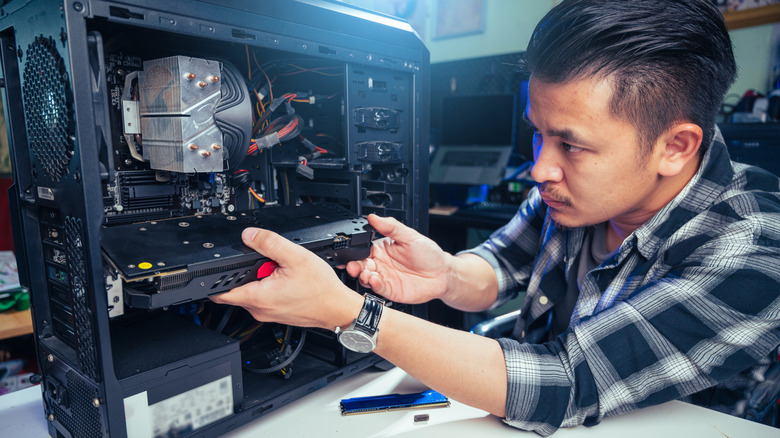
Choosing whether to upgrade your PC's CPU or GPU first really depends. For example, currently sitting on my workbench is an old HP Pavilion TG-01 gaming PC that I bought during COVID. Deciding whether to upgrade the CPU versus the GPU first in order to save money is the primary goal, as I've already added 16GB of DDR4 RAM that I had lying around. The first thing anyone doing an upgrade needs to consider is what you're going to be using the machine for.
If you're gaming, then I'd recommend a GPU upgrade. If you're simply upgrading a work machine, the CPU is a great choice after a RAM upgrade. Just understand that whether you have an Intel-based board or an AMD-based one, the motherboard you have will dictate the upgrade path for it. You can't simply go out and just purchase the most powerful CPU on the market and think it'll work, as your motherboard may not support it.
The PC I'm working on had a Ryzen 5 3500 CPU, a solid 6-core 3.6 GHz processor. The top-end CPU I could install on the motherboard would be a Ryzen 7 3700X, but a faster CPU won't improve gaming performance much beyond the refresh rate if you already have the best graphics card you can get.
Graphics are king (for my use case)
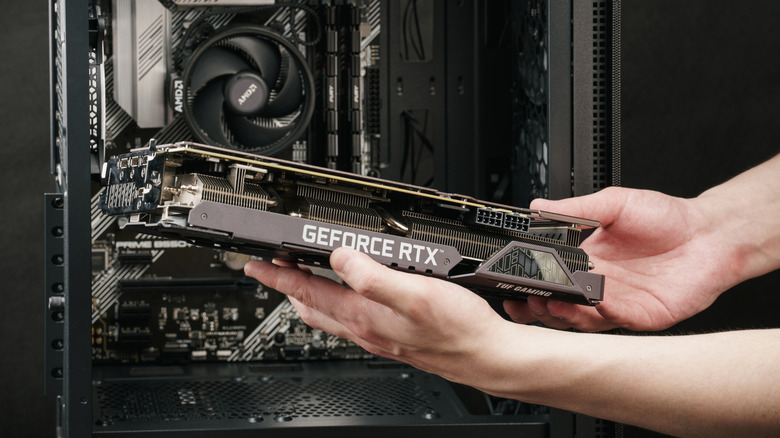
This TG-01 came with a GTX 1650 Super, the one-time mid-range king of graphics cards and on par with the Xbox Series S in terms of performance. Released in 2019, this card kept many gaming through the COVID era, and these particular HP gaming PCs were often purchased by scalpers in order to sell the GPU alone. This was because Walmart was selling these models for under $500 refurbished in 2021, making the parts inside more expensive if bought individually than in pre-built form.
And while you can still game on the GTX 1650 Super for older and more lightweight titles, the 4 GB of RAM is really going to limit you. The lack of ray tracing support also means you just can't play some games, even if the card could theoretically run them, such as "Indiana Jones and the Great Circle." A better CPU wouldn't fix this, but upgrading to a Radeon RX 6600 XT would. I picked up an as-is condition RX 6600 XT locally for $100, and after repasting it and installing a new fan that was grinding, it gave me a nearly 60% performance boost.
Pick the proper upgrade path

Before upgrading, running modern titles wasn't very fun. I was limited to 1080p gaming, with most games quickly hitting the VRAM limit. Even older titles like "Red Dead Redemption 2" were struggling to hit 60 FPS on high settings. The game was playable on medium settings just fine, but it serves to show that if a game from 2019 was pushing the 1650 Super, anything modern would only work on low settings at best. If I were to keep this machine, I'd have used it to replace a laptop that I keep in my garage to run my small home business.
In that use case, the only thing I would have done would have been to upgrade the RAM. The next move would have been to upgrade the CPU sometime down the road, as I do sometimes use that computer to edit small YouTube videos as well. And as video editing software relies heavily on the CPU for decoding, rendering, and codec support, a CPU upgrade would make the most sense. So, in the end, it all really depends on what your specific needs are, and possibly the deals that you can snag.