

Can Your Samsung S Pen Be Traced?
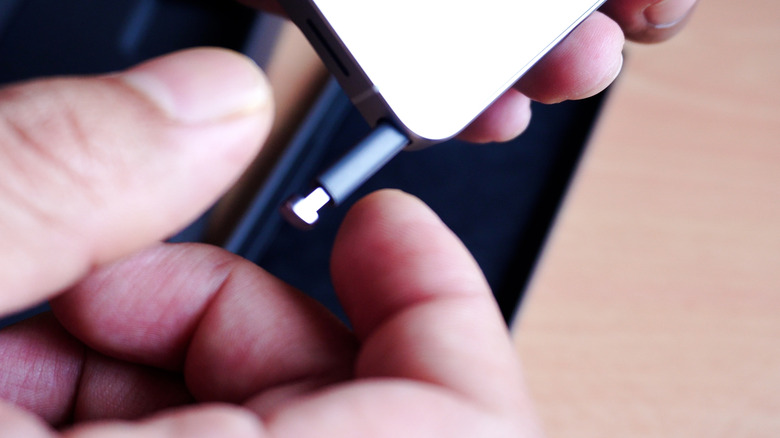
You can do a lot of neat things with the S Pen, the stylus Samsung includes with Galaxy devices like the S25 and S26 Ultra. That includes some features you might not know about. Unfortunately, none of them will do you any good if you misplace it. Although the pen tucks inside the phone in a special docking port, it's not difficult to lose. Popping the spring mechanism just needs a little push — and when you've used the S Pen a lot, it can slide out easily. It could come out accidentally in a pocket, purse, or while carrying the phone. But it's also plausible you might forget it on a cafe table, on a counter, or somewhere nearby, only to walk away without securing it. So, what if you could track its location or ping it somehow?
Being able to find your S Pen depends on what model you have. The S Pen included with the S26 Ultra doesn't have location tracking support. If you misplace it, you're out of luck. However, the S Pen Pro and premium models indeed allow for limited tracking, but you must turn it on first. That's because the S Pen Pro syncs via Bluetooth versus the standard S Pen, which doesn't. Bluetooth was dropped from the Galaxy S25 Ultra's S Pen because it wasn't commonly used, and that carried over to the S26 Ultra.
If you have the S Pen Pro, you can trace it. If you have the standard S Pen from the Galaxy S25 or S26 Ultra, you can't, unfortunately. But if you have an older S Pen with Bluetooth, there may be hope yet.
How to track or locate a lost S Pen Pro
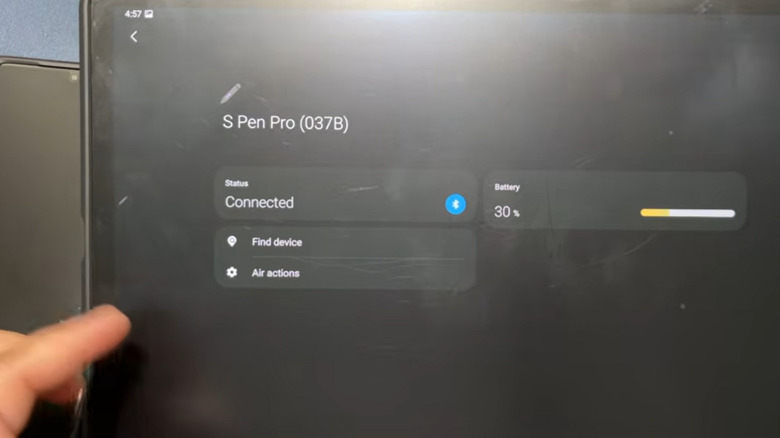
You can absolutely track the last known location of your S Pen Pro, but there's a catch. You have to enable the trace functionality through Samsung SmartThings first. If you lose your stylus before doing that — and you're far away — it's going to be very difficult to find your S Pen. You may still be able to use a Bluetooth meter app if it's nearby, though, and you can try to scan for it using the main settings. Go to Settings > Advanced Features > S Pen > More S Pen Settings, then choose Scan for S Pen and follow the onscreen instructions. Samsung says you can try resetting the pen to factory defaults if scanning doesn't work. That's going to work best if it's in close proximity, like in your home or a nearby room.
To enable offline tracing, open Samsung SmartThings and navigate to Life > Find > More Options (three vertical dots in the top right) > Settings > Allow Devices to Be Found. Enable the toggle next to Offline Finding and select your S Pen Pro. As long as that setting is enabled, if your S Pen Pro has been paired with your device and is powered on, you can locate it using the Samsung Find card in SmartThings. It shows you an approximate location on a Map, similar to Google's Find My Devices interface.
How to find your normal S Pen
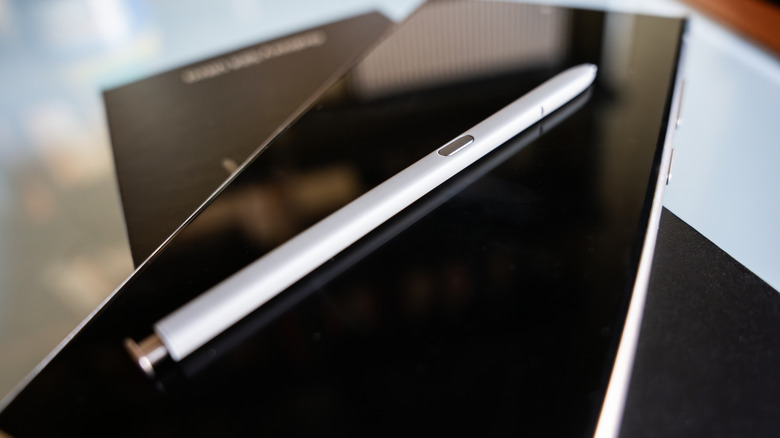
If you have the standard S Pen for a Galaxy S24 Ultra or below, there's no precise tracking available if the stylus is far away. If it's relatively close, though, you have some recourse. First, turn on the left-behind warning Samsung offers if you never have. This applies to Galaxy S25 and S26 Ultra owners, too. Go to Settings > Advanced Features > S Pen > More S Pen Settings, and enable the toggle next to Warn if S Pen is Left Behind. If you eject the S Pen and walk away without putting it back in, the phone will warn you, saving you from leaving it behind. MagSafe accessories can mess with the S Pen signal normally, but it shouldn't matter for the warning since the phone detects when the S Pen is removed and stays ejected.
If you need to actually locate the S Pen — like when it falls between the couch cushions — you can use an app like Bluetooth Signal Meter to find it. By scanning for its signal intensity, you can essentially figure out its location in an area; high-intensity readings mean you're close to it. But there are some important things to note here. The S Pen must have enough power to transmit a Bluetooth signal, and that power dissipates over time. If you lost it a long time ago, the meter app probably won't work. In addition, this method only returns a signal from Bluetooth-enabled S Pens from the Galaxy S24 Ultra and older models. As mentioned, Samsung removed Bluetooth functionality in newer models, so your options are limited from there.