

You Can Optimize Your Home Printer's Settings For Better Quality - Here's How
If you have ever been disappointed by the quality of your home printer's output, you may be interested to know there are improvements you can make without upgrading to a new model. Sure, that's always an option, especially if your printer is quite old. But before you head to the store or order one online, it's worth trying to optimize the machine you do have. To understand what you can optimize, you need to know what effectively alters the quality of your prints.
Starting with the printer itself, default and maximum print resolution, ink quality, paper type, calibration settings, the quality of the print's input file, and even software and driver updates all matter. Acting as a rudimentary checklist, begin by making sure all software and driver updates for your particular model have been downloaded and installed. Whether you're using Windows or another OS, you can usually find the necessary download packages on the manufacturer's support page. From there, always calibrate a new printer after you replace ink cartridges and, if needed, load new paper types. As mentioned, ink and cartridge quality also matters, so if you're buying budget or third-party options instead of buying from the big brands directly, it may be worth testing official sources to compare output quality. There are affordable and quality printers out there that don't require you to spend a fortune on premium ink.
You can also try common troubleshooting tips, like cleaning the printer heads or cleaning the ink cartridge contacts. The current print resolution and the resolution of the file you're working with can also be adjusted.
What about print and file resolutions?
When it comes to print resolution, consider two separate facets: input versus output. Input refers to the quality of the source or file you're feeding to the printer, from black-and-white documents to photos and other imagery. If the resolution of the image or content you're sending to the printer is low, grainy, or fuzzy, it will print an image with the same appearance. But even if you start with an excellent image, you won't get the same quality output unless the printer supports and is set to the appropriate print resolution.
Print resolution is measured in dots per inch (DPI) or pixels per inch (PPI), while digital screen resolutions are measured in pixels, in order of width times height. A higher DPI or PPI usually means higher physical print quality. Meanwhile, larger digital resolutions translate better to bigger prints, so if you have a low-resolution image and you're trying to print it on a larger material, it will likely end up blurry or pixelated. 300 DPI is a common default for printers and works well for standard 8.5 x 11 paper, up to 600 DPI — it's mainly good for laser printing as well. If you're printing a large document or image onto a larger material, you'll want to increase the DPI or PPI appropriately. Printers might allow you to increase this between 300 and 1,200 DPI, sometimes as high as 2,400 DPI.
The paper or material type is also important
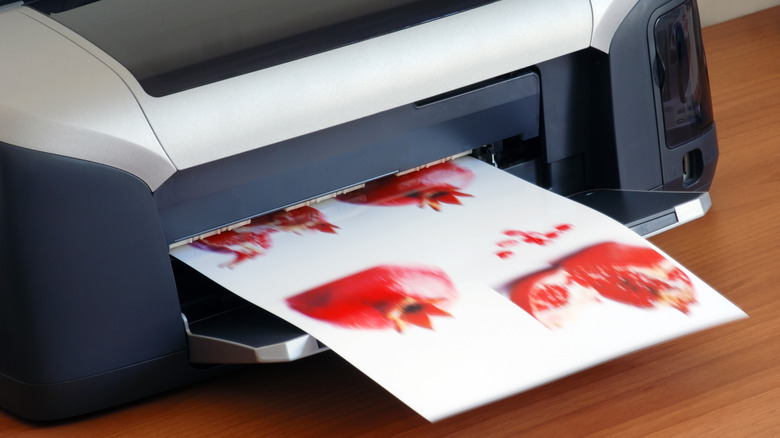
Another often-overlooked element in print quality is the paper or materials you choose. There are lots of factors that affect print quality, including paper size, weight, brightness, coating, source materials (fibers versus wood), and even color. Premium paper selections are also designed to perform optimally right out of the package. When printing images, symbols, logos, or photos, choosing a suitably bright paper type makes all the difference. The brighter the paper, the more vibrant the imagery.
Because there are so many different types of paper options, each with varying traits, unfortunately, there's no easy answer to which type you should use for any one occasion. Just as you might want an extra bright source for photos, there are instances where you might want the opposite: to print images on less opaque or more dull surfaces. You might want standard weighted paper for documents or cardstock instead to give them more heft. Experiment with different options to find the best fit for your project.
Paper types also vary by printer. Inkjet paper is best for ink-based printers, laser paper is ideal for laser printers, and photo paper is for photo printing. You also have options like cardstock for posters, newsprint paper, and copy and multi-purpose paper. Bond paper is another type used commonly for formal projects like letters, official documents, and so on. Do note that some paper types may or may not be compatible with your printer. In some cases, it's a good idea to choose a printer suited to what you're trying to achieve, like a convenient instant photo printer for personal photography and detailed photos.