

What Discs Can You Play On Your Xbox Series X?
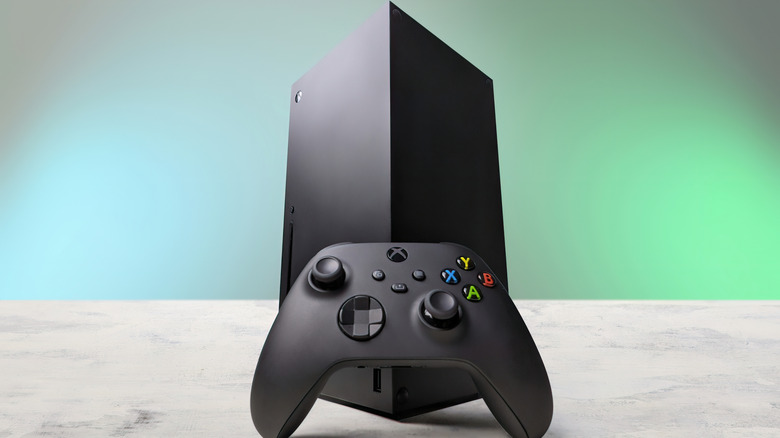
Unlike the budget Xbox Series S, the Xbox Series X features a 4K UHD Blu-ray optical disc drive. This is helpful for a multitude of reasons: For one, if you're the type of person who doesn't like the digitalization of games, it allows you to buy the disc versions of games and run them without a hassle. Secondly, due to Xbox's four-generation backward compatibility, you can insert a disc from your older Xbox consoles into the Xbox Series X and enjoy the classics without having to buy them again.
Since the Xbox Series X is made for physical media collectors, it also lets you run different kinds of media. From Ultra HD Blu-ray discs to DVDs, you can use it as a standalone media playing hub. However, there are a few caveats. Even though the Xbox Series X supports different kinds of formats, there's a specific way to access some of them. If you've been struggling to get the most out of your console, here's how you can take advantage of its full capabilities.
Gaming discs and the four-generation backward compatibility
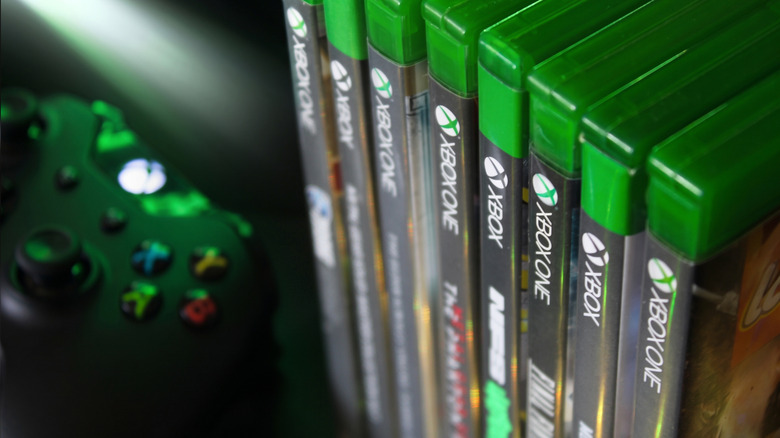
The biggest advantage of owning an Xbox Series X is the game library that comes along with it. If you've always been a part of Team Green, chances are you have a few discs lying around from the days of the Xbox One, Xbox 360, or the original Xbox. If that is the case, you can use them in your new-generation Xbox. With its backward compatibility feature, the Xbox Series X lets you play these classic titles on better hardware.
However, you have to make sure that the discs you're using are part of the backward compatibility whitelist. When you insert an older disc into your Xbox Series X, it doesn't access the legacy code on that specific disc. Instead, the disc acts as an authorization tool or a license, and if that game is part of the whitelist, your console downloads the updated version from its library. As of now, this library contains over 600 games, spanning over four generations.
Another important caveat is that Kinect-exclusive games are not supported. Since Xbox discontinued the Kinect sensor after the Xbox One, the motion-controlled games can't be enjoyed on the new-generation console. Other than that, though, you can boot up your favorite classic titles and play them with faster loading times, better frame rates, and higher resolution.
Entertainment playback across different formats
While the extensive game library is a definite perk, the Xbox Series X can act as your entertainment station as well. The optical disc player supports playback for 4K UHD Blu-ray, standard Blu-ray, and DVDs. This allows you to play any old discs you have lying around. If you lived through the Blockbuster era and own movies, TV shows, or other entertainment content on Blu-ray or DVDs, you can use the Xbox Series X to run it.
However, simply inserting the disc into the drive won't cut it. Instead, you must manually download Microsoft's free Blu-ray Player app, which can be found on the Microsoft Store. Once you have it installed on your console, it'll be able to run all the different types of content formats. The only downside is that the Xbox Series X can't play 3D Blu-ray discs. Microsoft dropped support for this, so that's something you won't be able to experience on the new console.
On the other hand, though, a bonus on the Xbox Series X is that it also supports audio CDs. To play them, you have to follow a similar process as the Blu-ray player. Download Windows Media Player from the Microsoft Store. Once you have it installed on your console, insert the audio disc, and it should start playing automatically. If it doesn't, you can open the media player and play it from there.
How Xbox Series X disc support compares to the PlayStation 5
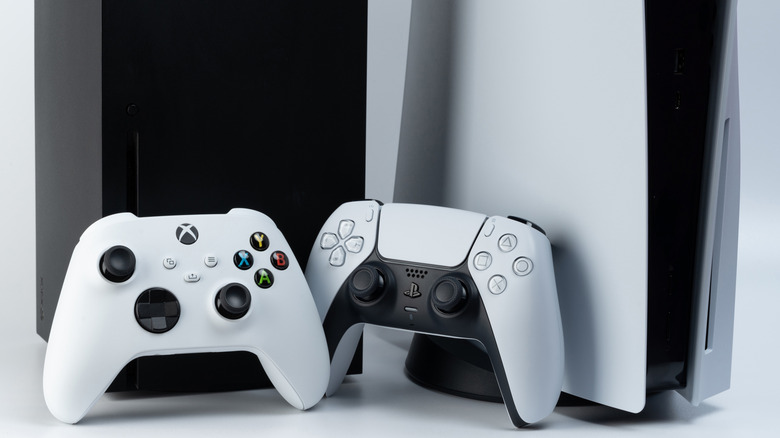
On paper, both the new-generation consoles have variants featuring the optical disc drive. However, the content that can be played on both differs significantly. The biggest gap exists in terms of backward compatibility. While the Xbox Series X supports playback for all four Xbox generations, the PS5 is limited to only two generations: the PS5 and PS4. The PlayStation disc drive doesn't support playback past that; making PS3, PS2, and PS1 discs useless on the modern console.
To run the older-generation games on PS5, you need an active Premium subscription to PlayStation Plus. This unlocks the classic library of games and lets you play them on the new-generation console. Keep in mind that the Essential and Extra tiers of the subscription don't contain the classics catalog, and you need to be subscribed to the highest tier to access it.
Besides the backward compatibility difference, the PS5 doesn't have support for audio CDs either. Unlike Microsoft, where you can install a playback app to bring the feature to life, Sony completely dropped audio CD playback for its new-generation console. Other than that, however, both consoles have similar functionalities and support 4K Ultra HD Blu-ray discs, standard Blu-ray discs, and DVDs.