

Does Mesh Wi-Fi Use More Electricity Than A Router?
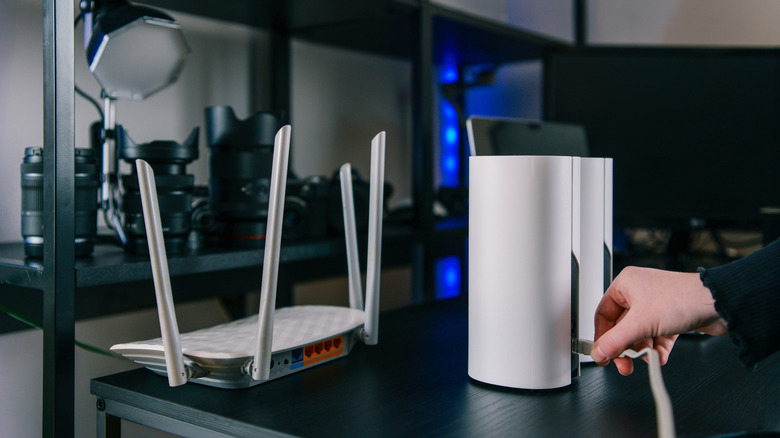
If parts of your home have unreliable Wi-Fi, you may want to upgrade to a mesh network. All you have to do is distribute several devices called nodes around your house – this will expand your network's coverage and eliminate dead zones. However, the more devices you plug in, the more power you need. For that reason, it's important to consider running costs too.
Working these out isn't as simple as you might expect because every router and mesh network has differing power requirements based on its hardware and capabilities. One study tested five mesh networking systems, recording single-node power usage of between 4.04 and 9.15W, compared to the control router's 5.91W draw. However, with three nodes connected, the mesh network required 10–25W when idle.
What about under load, though? Assuming three hours of actual traffic per day, the average three-node mesh network was predicted to use 195.6 kWh/year. The router (a TP-Link AX1800), meanwhile, averaged 13.3W under load, extrapolating to 63.66 kWh/year. Assuming you pay $0.196 per kilowatt-hour, the mesh network would cost $38.34 annually, and the router would cost $12.48 – a difference of $25.86. In short, even a high-powered, ultrafast Wi-Fi router is more energy-efficient than a relatively small mesh network.
How to balance Wi-Fi coverage and cost
Mesh networks have several disadvantages, with higher electricity costs being just one. That said, if you're hoping to gain reliable internet access in a home with thick walls or multiple floors, they're certainly more convenient than running Ethernet cables into every room. If you want to minimize running costs, use as few nodes as possible and consider a plug-in power meter to measure usage for a few days. This will let you see how much use each node gets and at what times, helping you accurately estimate costs and determine if the benefits are worth it.
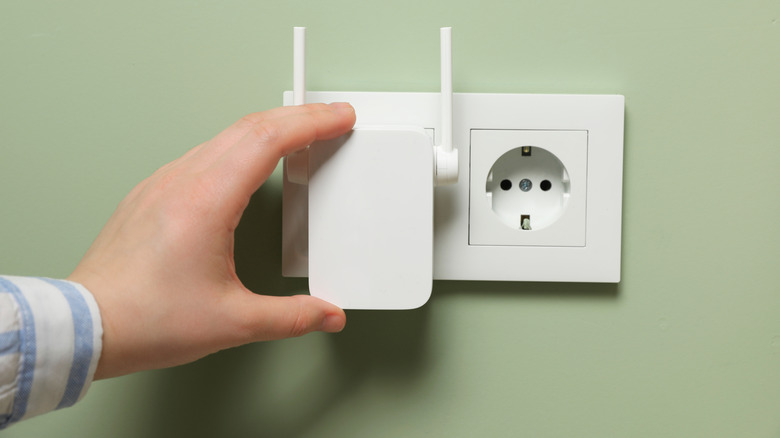
If you only have one or two rooms with unreliable Wi-Fi, you may be better off with a range extender (also known as a repeater or booster). These still draw more power than a router alone, but are far cheaper than mesh networks, with most costing under $40. Just be aware that extenders create a second network, whereas mesh nodes let you use the existing network from anywhere in your home. Still, as long as your device has connected to both networks, it should switch between them seamlessly as needed.
Finally, you may be considering turning off your router at night to lower energy costs, but be careful. Doing so could prevent smart home devices like Ring doorbells and thermostats from functioning properly, plus devices that usually update overnight won't be able to.