

What Does The Blue Light On Your Alexa Speaker Mean?
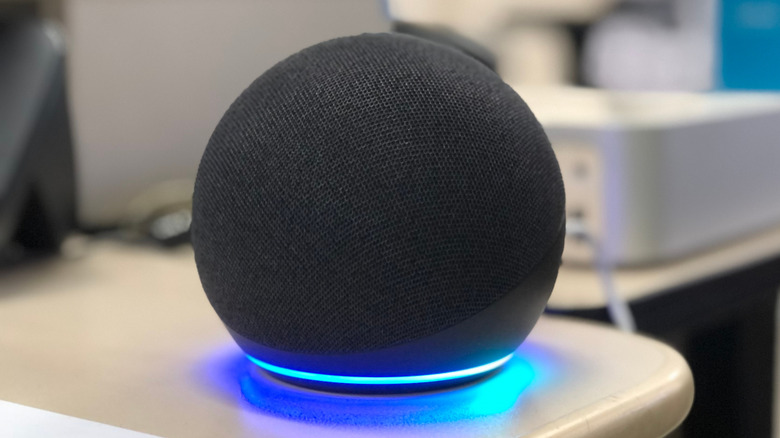
Amazon Echo speakers with Alexa, as well as those compatible with Alexa+, feature LED lights that display different colors to communicate the device's status to the user. While some of these LED colors are distinctive, like the yellow or red indicators, the blue light on your Alexa speaker can be harder to decipher. Echo speakers display three main blue light indicators: teal blue, cyan on blue, and spinning cyan.
Each blue light variation indicates a different speaker status, with the teal blue signifying your Alexa device is ready for you to speak, the cyan on blue indicating Alexa is listening to or processing a request, and the spinning cyan telling you that your device is booting up or restarting.
However, the similar coloring of these blue lights — particularly the colors of the two cyan lights — can make it tricky to work out what exactly your Alexa speaker is trying to communicate. As these are some of the lights you'll likely see most commonly when using your Echo speaker, it's important you understand the differences. Below, we break down what each of your Alexa speaker's blue lights mean and how to fix common blue lights errors, including a spinning blue light that won't stop.
Alexa blue light variations and meanings
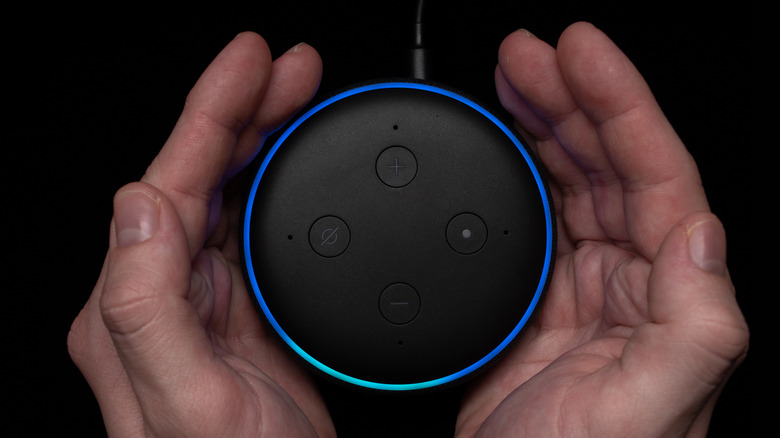
An Alexa speaker can display a cyan on blue, teal blue, and a spinning cyan blue light. The cyan on blue LED light that indicates Alexa is listening looks like a cyan (bright blue-green) spotlight on a solid blue light. The cyan spotlight glimmers when Alexa has heard a command (such as the essential commands you need to start using) and is processing it. The blue light may also slowly rotate when the device is receiving a software update. Otherwise, it stays stationary.
This is not to be confused with the spinning cyan light that signifies your Alexa speaker is booting up. When this light is displayed, the cyan (brighter) blue light segment will follow the outline of the solid blue circle, stopping when your device is ready to use. However, if your speaker hasn't been set up, the light will turn orange when it's finished starting up. If your Alexa speaker displays a spinning blue light without the cyan, it means your device is in Bluetooth pairing mode.
The teal blue light that tells you that Alexa is ready for you to speak is the easiest to recognize, as it doesn't look like the other two. This light displays as solid teal (dark green-blue) and means you can directly speak to your Alexa speaker without having to say its wake word first.
How to fix stuck blue light errors on Alexa
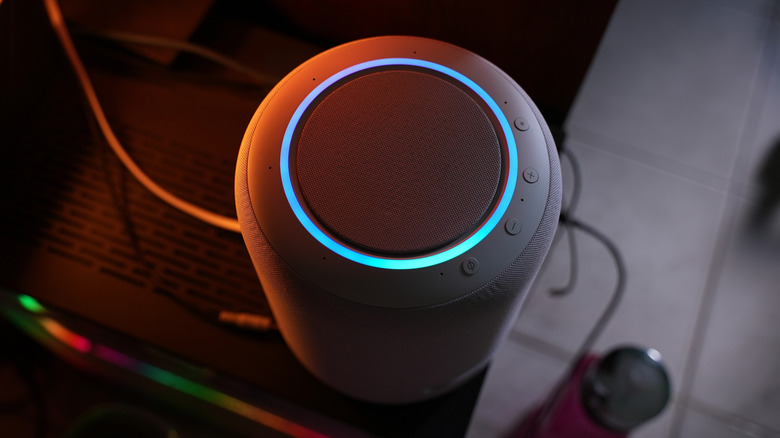
Sometimes, your Alexa speaker might display a solid blue light (also known as the blue ring of death) or a spinning blue light that won't stop. This may indicate an issue processing your request or connecting to your network or the device has glitched during booting. Fortunately, there are some steps you can take to troubleshoot these common problems.
First, try manually restarting your Echo speaker by unplugging it from the power and waiting 30 seconds before plugging it back in. If that doesn't work, try saying "Alexa stop" or plugging your device into another wall socket. You should also ensure you're using the original power adapter that came with your device and have a stable internet connection. If you are still encountering issues, ensure Do Not Disturb mode is turned off, and then try deregistering your Echo device from your Amazon account and re-registering it. If the blue light remains, factory reset your speaker.
If you see the spinning cyan light but didn't turn off your speaker, your device may be restarting following a software update, which can take up to 40 minutes depending on your internet speed. So, avoid turning the device off (or trying other fixes) until you're sure it's stuck. Likewise, the blue light may become stuck if it's accidentally triggered by sounds in a room with a lot of background noise, so try moving it to a quieter spot — ideally close to your router — if that's the case.