

How Long Can Meta Glasses Record?
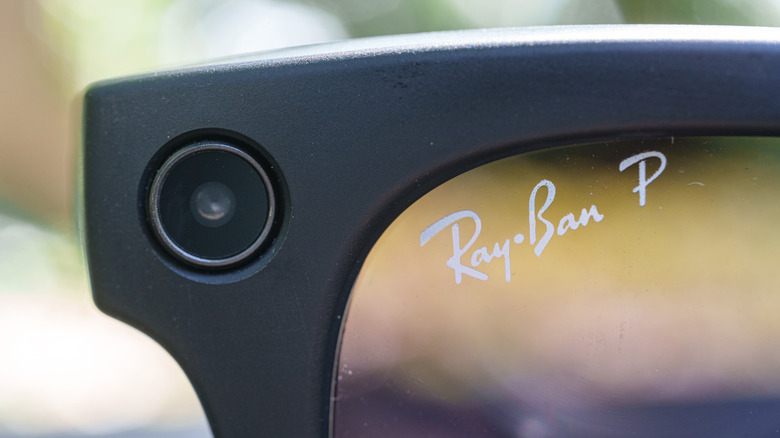
It depends. When Meta first announced and released the Gen 1 Meta Glasses, those shiny spectacles could record up to three minutes. Following generations can still record a maximum of three minutes, but they also have the ability to adjust resolution for higher-quality video capture.
But not all Meta Glasses are the same. The new Meta Audio Glasses can only capture audio, while the Oakley Meta Vanguard glasses can record video for up to five minutes. If you want longer recording time, you'll have to get a little creative. The easiest way is to take several three-minute videos on your Meta Glasses, then stitch them together with video editing software.
It's not the most efficient way to create a long-form video, but many people can get pretty good at it with enough practice. Several creators online make longer videos this way with their Meta Glasses. Another way to take advantage of longer recording is through the live-streaming capabilities currently exclusive to the Gen 1 Meta Glasses.
Sometimes older is better
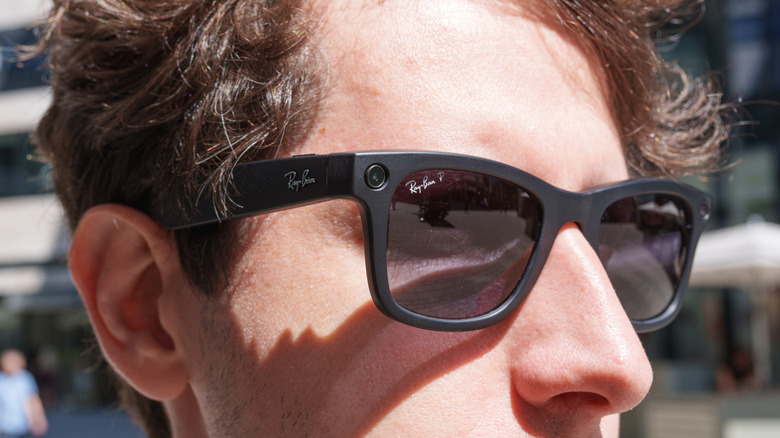
While all Meta Glasses now have facial recognition software, only the Gen 1 Meta Glasses support something as simple as live streaming. Meta removed the feature from all future models, and a community manager said it won't appear in future AI offerings. Some speculate the removal was due to battery and overheating issues, but it's unclear why the feature was removed or whether it will ever return.
If you do have Gen 1 Meta Glasses and want longer recording times, you can create a private livestream, export the result, and edit it inside your favorite editing software. This lets you record videos up to 30 minutes long. Just be aware that the quality will be lower during livestreams.
It's worth noting that someone has found a way to livestream on all versions of the Meta Glasses through an app available on GitHub, and Meta won't ban you for doing it. Demonstrated by MetaLensAI on YouTube, the app lets you livestream for up to 90 minutes from your smart glasses. It's still rough around the edges, and be aware that your glasses may overheat when you use it.