

If Your Amazon Alexa Is Glowing Red: Here's What It Means
We may receive a commission on purchases made from links.
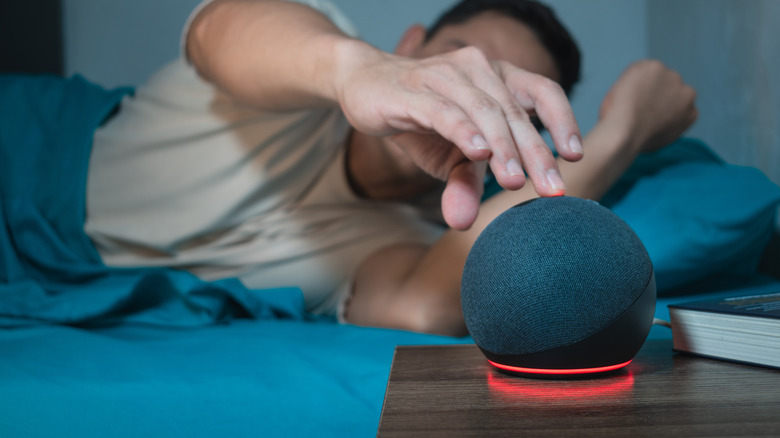
Red is sometimes a color you do not want to see flash on your devices. Xbox fans know the dreaded red ring of death represents the design flaw that haunted the Xbox 360, and thus signifies the irreversible death of a console. While Amazon Alexa users shouldn't be as shaken whenever their device glows an ominous red, they should still be aware that a slight problem needs addressing because Amazon Alexa devices sometimes light up red if the microphone isn't connected and, therefore, Alexa isn't listening.
This happens after the mic's on/off button is used and can be easily remedied by simply pressing it again. The signal resembles a similar indicator spotted on the device's cousin, the Amazon Fire TV Stick remote, which also turns red if it has a low battery or is experiencing connectivity issues. If your Echo device has a camera, the red light bar may also indicate video sharing was disabled. Red lights can also appear when there are network or connectivity issues, or hardware problems occur. Regardless of whether internet issues or physical damage are the root of the problem, there are several troubleshooting steps you may take before deciding the device has bricked.
There are ways to get your Alexa device out of red mode
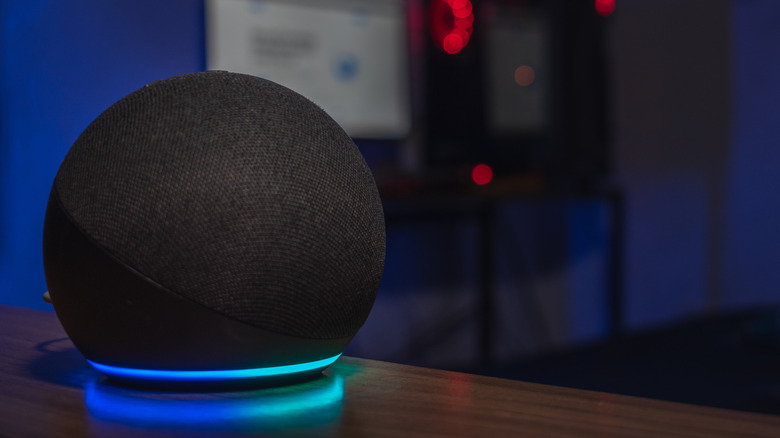
The LED colors on your Amazon Echo and other devices come with several meanings: an orange light could indicate your device is connecting to the internet, while the color green may signify an incoming phone call. The sight of an ominous red light circling your Amazon Alexa device can be a troubling, stressful experience, especially if simply unmuting the system doesn't solve the problem. If you haven't encountered this problem before, you may not know where to begin resolving it.
An Amazon staff member recommended unplugging the device for 30 seconds in a May 2020 forum post. If that strategy falls short, Reolink suggests restarting your router, inspecting the hardware to spot signs of a malfunctioning microphone, and, if all else fails, performing a factory reset. In situations where the red light is indicating connectivity issues, Amazon advises ensuring your Alexa device is sitting within 30 feet of your router and separating it from other appliances that could cause interference, like microwaves.
It may also help to disconnect other devices from your Wi-Fi network, swap your device from the 2.4 GHz to the 5 GHz connection, if applicable, or vice versa, or update your Wi-Fi settings on your Echo device. Again, if none of these remedies work, your device may need to be reset.