

How Long Does Coolant Last In A PC?
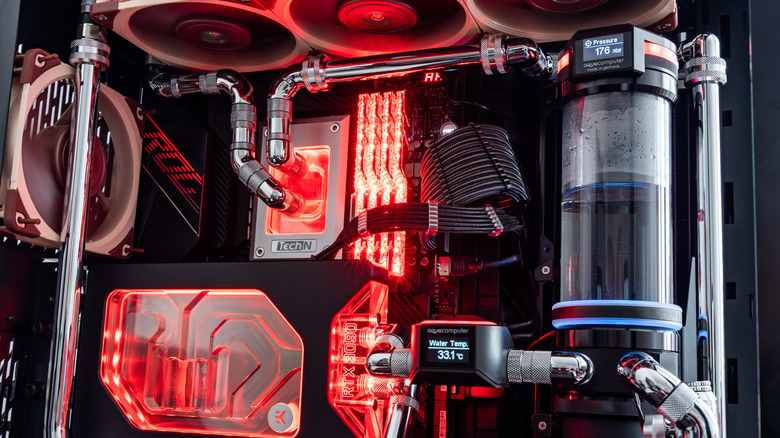
The most efficient way to cool a PC is to use a liquid cooling system, but this form of cooling requires installing a closed loop, including pipes, a pump, and a radiator, which then circulates cooling solution through said loop. It needs to be filled with coolant, unless you're installing an AIO (all-in-one), which already comes with coolant inside. The thing about coolant in a PC, just like in a car, is that it needs to be replaced occasionally.
Most AIO coolers never need to be replenished. The system is vacuum-sealed, and trying to open it would likely break something. They can and do lose some fluid over time, which evaporates, but you shouldn't have to do anything with the coolant throughout their lifetime. That does not mean there's no maintenance involved, just that you don't have to fuss with the liquids. An AIO still has a bit of maintenance required to keep it running optimally.
Custom loops, on the other hand, which you would have to fill initially, do require a coolant change every 12 to 24 months. That is a big range, but it's also because liquid cooling systems have a lot of different variables, and so do the coolant solutions. There are traditional clear coolant liquids, colored liquids, and various mixtures. If you're looking for the best of the best, that would be Aquacomputer's DP Ultra or Koolance 702.
What determines the coolant replenish cycle?
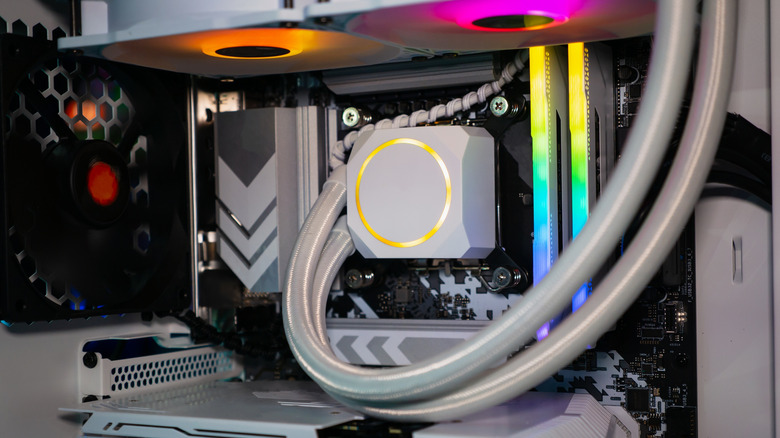
A liquid-cooling system, custom or otherwise, often comes with several basic components, including the pump, water block, reservoir, piping, and the radiator. You also need the coolant solution. Because each coolant system is unique, the design can directly influence how often the liquid needs to be serviced or changed. Pipes can either be metal or plastic, as can the other components, and that changes the maintenance considerations in various ways.
With metal, because you're dealing with liquids, you need to worry about corrosion. A proper maintenance schedule with flushing once or twice a year and replenished fluids can help fend off potential corrosion. That's not as much of a concern with plastic pipes, but some of the other components you use may incorporate metals, and even if they don't, regular flushing is still necessary, just not as often. Moreover, no matter how closed off, contaminants can seep into the coolant, making it less effective over time.
Just like an air-cooled system can build up dust on the fans, blades, and heatsinks, coolant can also get dirty. The rate at which it soils is always going to be different from system to system and environment to environment. None of these considerations include when or if there's a leak somewhere, if you fiddle with the system or open it more often than you should, or how clean the fluid was when you first filled up the reservoir.
What are some signs the coolant needs to be changed?
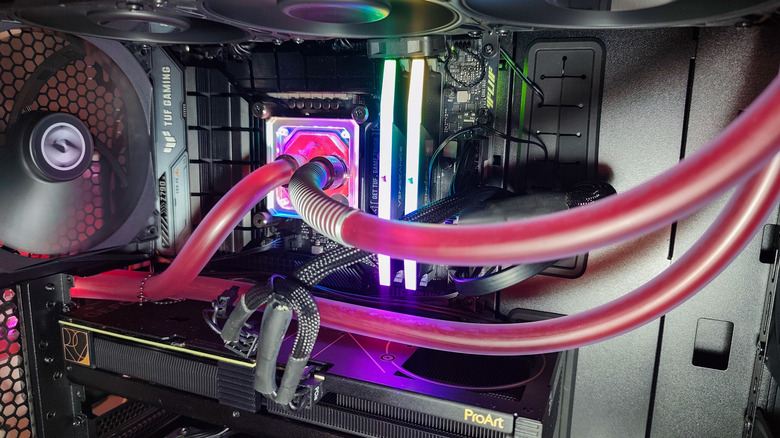
If you have a liquid cooling system in your PC, presuming it's already full, there are some red flags you can look for that will help discern when it's time to change the fluid. The more obvious signs are cloudy or murky fluid, visible particles in the system, debris in the reservoir, or color changes. Most liquid cooling systems also have diagnostic tools to check the fluid temps. If you have access to that, monitoring the temperatures will also help you determine how clean the fluid is.
Hotter running temperatures, above what you'd normally see, typically indicate that you need to flush and refill the system. In regard to full system failure, you can also watch for the same signs that reveal an AIO liquid cooling system is failing. Unexplained temperature spikes and CPU behavior, liquid that stops moving through the system, fans constantly at max speed on the radiator, loud noises, and other odd observables are notable indicators.
The biggest drawback of an AIO is that if something fails, you have to replace the entire thing. With a custom liquid cooling setup, you can usually replace the individual component that fails, such as the pump, or the section of piping that sprung a leak. Along with your leak checks, regularly scheduled cleanings, and thermal paste reapplications, a coolant flush and replacement is something you should add to your regular PC maintenance routine, if you haven't already.