

5 Things To Stop Doing If You Have Liquid Cooling
We may receive a commission on purchases made from links.
Those brave enough to attempt to build their own liquid cooling loop for their gaming rig, or gamers who just want an easy-to-fit AIO liquid cooling solution, do so because it looks great, runs quieter than a hulking air cooler, and everyone seems to think there's zero maintenance. A sealed AIO ships factory-filled, so no one has to get their hands dirty, right?
Not quite. The reality is that dust accumulating on radiator fins can reduce cooling efficiency by up to 30% over time. The biggest threat to any loop isn't the leaks users fear, but a pump wearing itself out while the warning signs go unnoticed.
Regular upkeep not only optimizes performance but extends a gaming PC's lifespan and prevents critical components from suffering needless heat damage. Liquid cooling is more reliable than its reputation suggests, but it's not set-and-forget. A handful of bad habits can tank thermals and cut its 5-7 year lifespan short. For anyone who wants a liquid cooling investment to last its full five to seven years while keeping a CPU or GPU out of the danger zone, there's some behaviors worth unlearning. Here's five things to stop doing immediately.
Stop thinking a sealed AIO needs zero maintenance
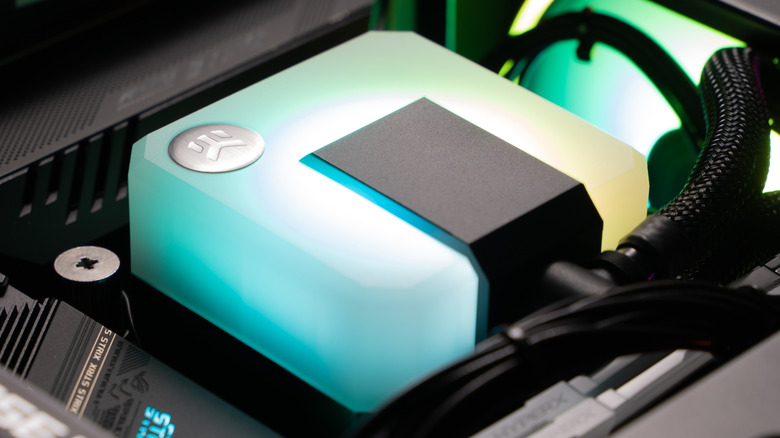
It's easy to assume that because an all-in-one cooler arrives pre-filled and factory-sealed, the job is done the day it's bolted into the case. Manufacturers reinforce that idea, with sealed AIOs designed to be maintenance-free throughout their operational life. But the external components are another story entirely. The radiator lives in the airflow path and acts like a dust magnet, slowly choking itself with every hour the fans push air through it.
Stocking up on compressed air canisters or investing in a HOTO airduster and vacuum, alongside fine paintbrushes, makes for a solid basic maintenance kit. Before doing anything, always power down and unplug the system. Over months, dust buildup on radiator fins creates an insulating barrier that forces fans to spin faster and louder just to maintain the same cooling performance.
A quick blast of compressed air through the radiator fins at a 45° angle every few months, followed by a gentle pass with a paintbrush for stubborn debris, is genuinely all the external maintenance a sealed AIO needs. When blasting fan blades, secure them in place so they don't spin freely. This keeps electricity buildup from damaging a PC while powered down. None of this takes more than 10 minutes, and it's the cheapest performance boost.
Stop mounting the radiator with the pump fighting gravity
Where a radiator sits relative to the pump matters more than first-time builders realize. Every liquid cooling loop, even a factory-sealed AIO, contains a small amount of air; it's unavoidable. The critical thing is making sure that air never reaches the pump. A pump impeller is designed to push liquid, and when a bubble gets drawn through it, owners will hear a grating, gurgling noise that means the pump is working against air instead of the coolant. Over time, that air exposure can weaken the pump and accelerate its failure.
The golden rule here is to always position the radiator so its highest point sits above the pump. Air rises, so any bubble will naturally settle at the top of the radiator rather than being pulled into the pump block on the CPU. For front-mounted radiators, the tubes should enter at the bottom whenever possible, trapping air harmlessly in the radiator's top tank. The only thing worse than front-mounting with tubes at the top is placing the entire radiator at the bottom of the case below the pump. That's going to pretty much guarantee pump noise and an early death.
This doesn't mean every other orientation instantly destroys a cooler. But if an AIO gurgles every time the system cold-boots, or the pump makes a ticking sound that comes and goes, radiator placement is the first thing to check. A five-minute remount can add years to a pump's life.
Stop ignoring strange noises from the loop
A healthy liquid cooling loop isn't silent. Builders should hear a faint hum from the pump and the gentle airflow of radiator fans. But it should never gurgle, grind, rattle, or tick. These noises are a dead giveaway that something isn't right, and dismissing them will lead to killing a water pump or, with a custom loop, a leak that fries components. Any irregularities with the pump should be addressed immediately, because the pump is the heart of the entire cooling system.
Gurgling or sloshing sounds, especially during startup, almost always point to trapped air reaching the pump. Placing a fingertip on the pump housing should produce a steady, subtle vibration. If it's silent, it may have failed entirely. A grinding or buzzing sound usually means the pump bearings are on their way out, a mechanical wear problem that only gets worse the longer it's ignored. For custom loops, fittings need regular checks. Vibrations from a system under heavy load can gradually loosen them, and overtightening when a loose fitting is noticed is just as risky.
The flipside of this anxiety-ridden fitting process is that the actual leak rate on quality AIOs is ridiculously low. A leak failure rate of just 0.016% has been reported across Corsair's range, the iCUE Link Titan 360 RX RGB AIO liquid CPU cooler, for example. The broader industry figure also sits well under 0.1% over the 5-7 year lifespan.
Stop running the pump at 100% around the clock
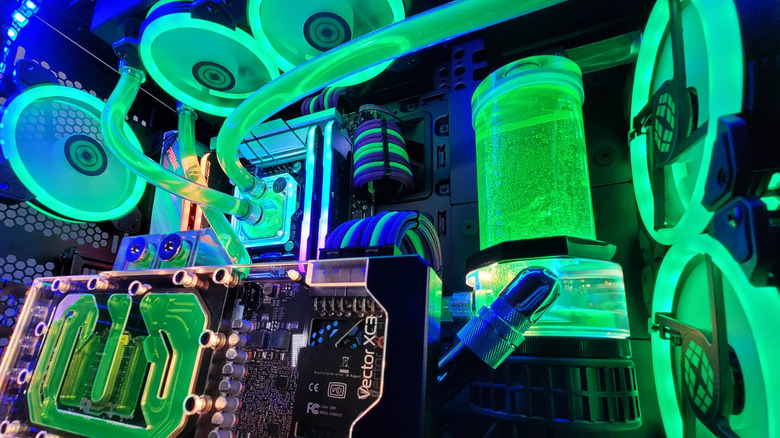
There's a weird belief in PC-building circles that setting an AIO pump to maximum speed delivers the best thermal performance, with anything less leading to inefficient cooling. It sounds logical, but more flow equals more cooling, but the physics of heat transfer goes against this logic. Running a pump at 100% rarely improves CPU temperatures by more than 1°C to 2°C, and in some cases it can actually reduce efficiency as the coolant moves through the radiator too quickly to shed its heat properly.
All this logic achieves is wearing out the pump faster. Many AIO pumps are rated for 50,000 to 70,000 hours at normal operating speeds around 60% to 70%, but running them at full RPM 24/7 accelerates bearing degradation and shortens lifespan. Unlike a radiator fan, the pump in a sealed AIO isn't user-replaceable. When it goes, the whole unit goes with it. A quality air cooler will outlast any AIO on a pure longevity basis.
The smarter approach is to set a moderate pump curve in the BIOS or fan control software. Builders should check the pump manufacturer's documentation for the baseline RPM. Healthy pump RPM can vary between models, so the specific number should match what is published in the official product materials. Keeping the pump header at a fixed, sensible speed, somewhere between 60% and 80%, is the sweet spot for most AIOs, and letting the radiator fans handle the variable cooling work results in quieter operation, less mechanical wear, and temperatures that are functionally identical to running everything flat-out.
Stop assuming coolant and tubing last forever
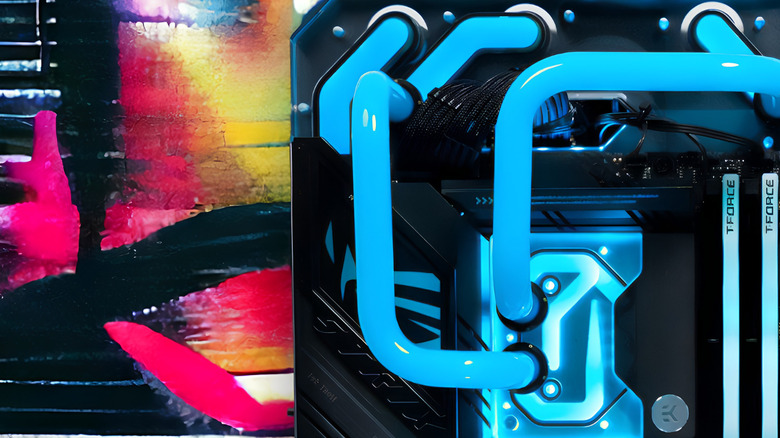
A sealed AIO is not a closed loop in the truest sense. Coolant slowly escapes through the tubing walls via a process called permeation, a kind of slow-motion evaporation that no sealed cooler can fully prevent. Owners will never see a drop of liquid, but over several years enough coolant migrates out, allowing air pockets to form. That's why an ageing AIO often develops a faint gurgle after two or three years, and its temperatures creep upward even though the fans and pump are still running. For anyone using a custom loop, it's a different fix but still a real concern.
Coolant should be drained and replaced annually for standard fluids, and every six months for semi-transparent or opaque liquids that fade faster and risk leaving residue. The loop should be rinsed with distilled water until it runs clear before refilling.
The tubing itself isn't immortal either. Soft tubing can crack and discolor after as little as one or two years, with repairs rarely being an option. It needs to be fully replaced. Hard tubing is more durable but still needs the same visual inspections for discoloration or cracks. On a sealed AIO, topping up or replacing anything isn't possible. The unit isn't designed to be opened, and doing so voids the warranty and introduces contaminants that accelerate corrosion.