

5 Essential Liquid Cooling Maintenance Tips Every PC Owner Needs To Know
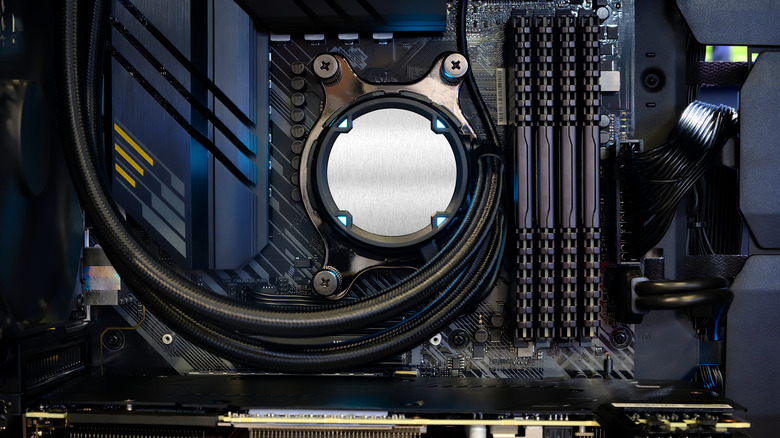
PCs with more powerful builds, equipped with the latest-generation graphics cards or processors, usually generate more heat, and traditional coolers cannot always dissipate it. To get around this, users often choose liquid cooling, since these systems offer more efficient cooling for these machines. However, maintenance requires more care.
That is because neglecting this routine can reduce your liquid cooler's useful life or even reduce the performance of other parts of your computer. The good news is that AIO maintenance usually stays simple, while custom loop owners need to do it more often. By doing this, you can also avoid one of the main causes of PC overheating: neglecting the cooling system. Simple things, such as checking for leaks and cleaning accumulated dust, already help a lot. However, some of these tasks require more attention and effort depending on the type of liquid cooling you use in your PC.
Cleaning your PC's liquid cooling radiator and fans
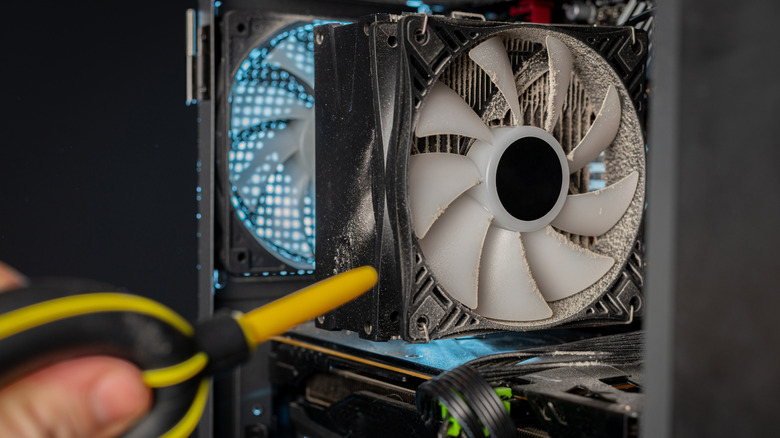
Liquid is used in these systems to cool your PC, but they still utilize fans and a radiator to do so. This means they can still be affected by problems that happen with traditional air coolers, like dust and pet hair buildup over time, and can lose efficiency as the layer of dirt creates more resistance for air when passing through.
Before doing any kind of cleaning on your desktop, it's important to turn off your PC and unplug it to avoid any accidents. After that, you can use compressed air, a soft brush, and a microfiber cloth to clean it. If the dirt sticks too much to the fan, it is worth removing it so you can reach both sides of the radiator and do everything properly.
How often you should clean your computer this way also varies a lot, since it depends on where you live and whether you have pets at home. Places that favor that buildup may require a cleaning every two or three months, while controlled environments usually need only a cleaning every six months.
Checking for leaks in your AIO and custom cooling systems
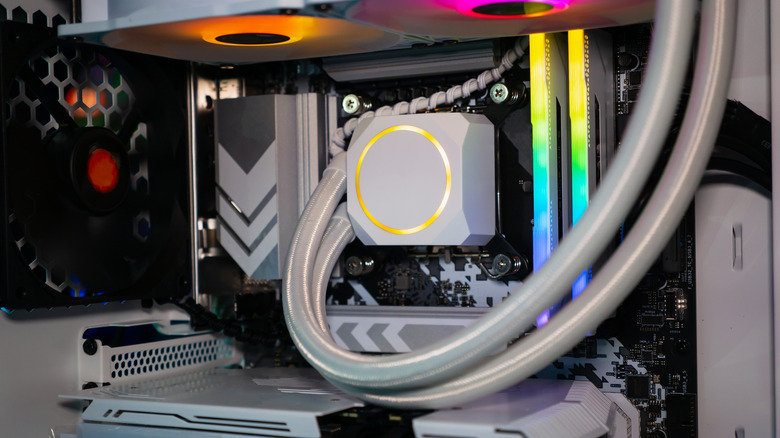
One of the biggest disadvantages of liquid cooling is the need to watch for leaks and signs of wear that the system may show. For that reason, one of the most important things you can do is a visual check to ensure that everything is working correctly. Doing this often helps you identify problems before they affect another PC component, especially if you find moisture, drops, stains, or signs of corrosion on your cooling system.
For AIO units, the factory seals the hoses and connections, so you shouldn't attempt to tighten fittings, open pumps, or refill the fluid manually. In the event of a leak, the best course of action is to power down the PC immediately and contact product support, since the safest solution usually is to replace the entire cooler.
For anyone who chose a custom system, the inspection also needs to cover fittings, seals, the reservoir, and fluid level. Dry or discolored hoses usually require replacement before this wear compromises the system seal. At the same time, connections should remain firm, but you should not use too much force, since it can damage other parts.
Identifying liquid cooling issues through temperatures and pump noise
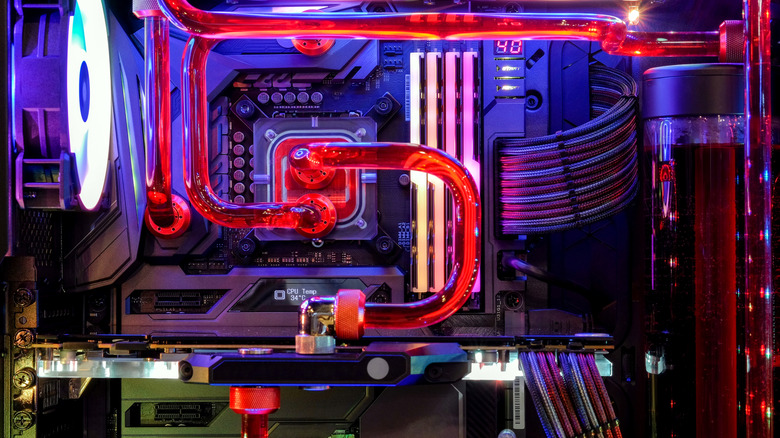
Much of liquid cooling maintenance goes beyond keeping the hardware clean and also depends on observing how the system works. So, paying attention to possible changes in the machine's behavior helps you identify potential problems before they happen. For example, knowing which temperatures your PC normally reaches during light or heavier tasks helps you notice when something falls outside the pattern.
For example, if you notice a gradual increase over several weeks, accumulated dust in the radiator or thermal paste losing effectiveness may explain it. A sudden temperature jump usually means something more serious, such as pump failure or an air bubble inside the loop. For that reason, understanding how your machine behaves is one of the essential PC maintenance tips.
In addition, you need to keep an eye on other points. Sounds that are not part of the normal PC experience also deserve attention, especially unusual hissing or vibration. A bubbling sound can also reveal trapped air near the pump or parts that are starting to wear out, and you should take a look.
Checking CPU block mounting and replacing thermal paste
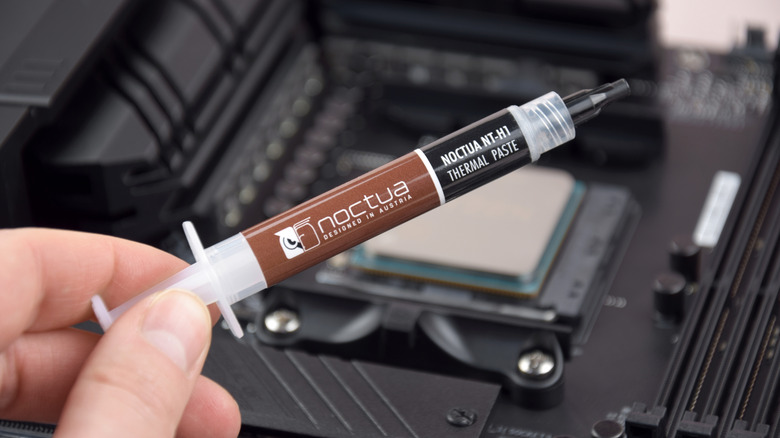
As efficient as the system is, the liquid never directly touches the processor or GPU. A layer of thermal paste and the metal base of the block always create this bridge, so understanding how a liquid-cooled PC works helps you see how this affects your desktop. Dry paste or a poorly positioned block lowers performance even with the pump and radiator working at full capacity.
In an AIO, the block already leaves the factory with pre-applied paste and simplified mounting, designed for anyone who does not want to deal with this type of manual adjustment. Still, it is worth checking the application again whenever you remove the cooler for any reason, since reusing the original layer does not always guarantee the same contact. Replacing the entire cooler usually makes more sense than trying to reapply paste on a sealed block.
In a custom loop, you must apply thermal paste and set the mounting pressure yourself for every CPU and GPU waterblock. The process takes more time than installing an AIO, but it also gives you greater control over the final result. During reassembly, remove all traces of the old paste, apply a fresh layer in the correct amount, and tighten the screws gradually in a cross pattern to distribute pressure evenly.
Replacing the coolant in your custom cooling loop
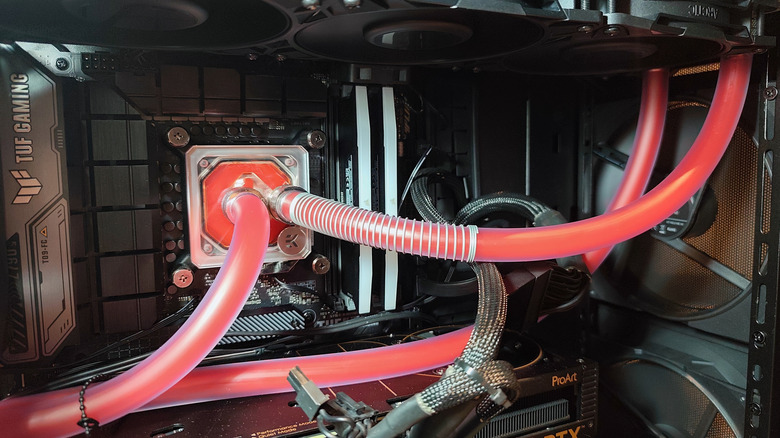
If you bought an AIO, it should remain sealed from the beginning to the end of its useful life, without needing to open it to refill fluid. A custom loop follows a different logic, since the coolant that circulates through the system loses quality little by little, either by changing color or by forming residue that blocks liquid flow through the hoses and block. Letting this wear go unnoticed creates room for clogs, corrosion in metal parts, and a gradual drop in cooling capacity.
Depending on the cooler brand, the loop materials and the manufacturer's guidance, the interval differs. In any case, it's useful to keep a close eye on the reservoir. Loss of transparency, free particles, stains on the inner walls or a continuous decrease in volume are signs that the change cannot wait any longer. When performing maintenance, only use products made for loops and never mix different coolants or use regular tap water on your system, since it carries minerals that can accelerate deposits and rust.