

5 Disadvantages Of Using An Amazfit Smartwatch
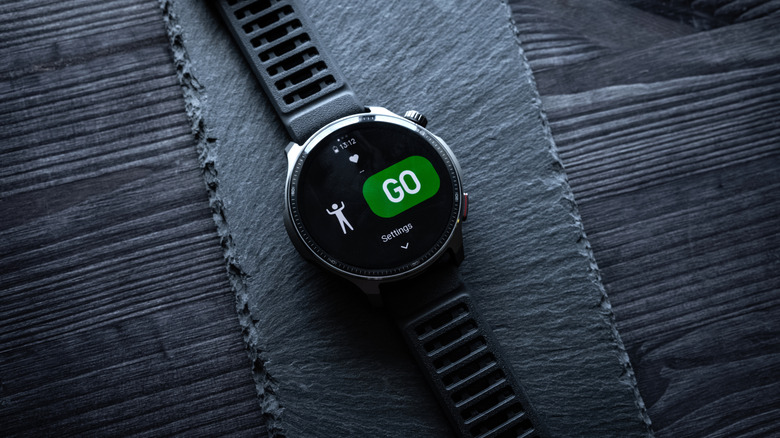
As far as competitors in the smart wearable field go, Amazfit can be an affordable alternative for those wanting health tracking and fitness features. Along with providing surprisingly great battery life, the devices can offer features similar to premium models like the Apple Watch or Samsung Galaxy Watch at a fraction of the cost. While users can get access to sleep metrics, heart rate monitoring, and even insights delivered by artificial intelligence, there are some disadvantages that can sour an Amazfit experience.
An Amazfit can come with an eye-catching price tag, but expecting every model to be on par with a higher-quality smartwatch may be asking too much. Storage can certainly be an issue on budget models, whereas certain features users may expect from an Apple or Android device, such as maps and contactless payments, may be unavailable or require some peculiar workarounds. Additionally, Amazfit devices promise extended battery life and water-resistant tech, but there are also some things users should be aware of concerning these details, as well.
None of this is to say that Amazfit devices are automatically a bad purchase; rather, there are simply some things users may want to consider if they're thinking of purchasing specific Amazfit models over something like an Apple Watch or a Google Pixel Watch. The capabilities of these watches can make them a handy accessory, but consider these factors before pulling the trigger on a purchase.
Keep an eye on storage
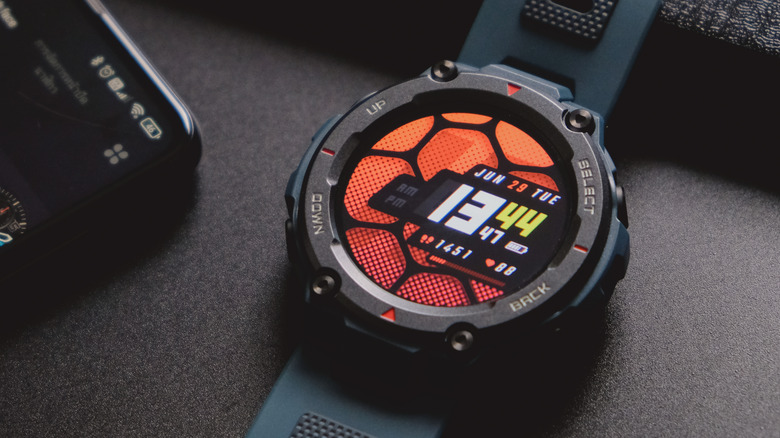
Users wanting cheaper options over wearables from companies like Google and Apple can have plenty of Amazfit options to choose from, but one thing users should certainly be on the lookout for is the storage size in specific watch models. This isn't going to be an issue in something like the Amazfit Balance 3, which offers 64GB of storage, or the Amazfit Bip Max, which has 4GB of space, but something like the Amazfit Bip 6 can go as low as 512MB of storage.
When you get into storage options that small, you're essentially fighting for space alongside the device's operating system. With devices that have less than a gig of storage, users can run into issues where the device can no longer store workout data, leaving a user unable to record their metrics. Even on devices that offer 4GB of space or more, it may not be the storage size you need for adding all of the music you want or downloading offline maps.
The problem isn't rampant enough that users should avoid the devices entirely. However, be sure to check how much storage a model has before taking the plunge. If you're still considering an Amazfit watch, be sure to do a bit of research beforehand to ensure the available storage options are actually going to fit your needs. Getting the Watch Storage Space app from Amazfit's Zepp Store might also help for storage management.
Navigational apps can be a challenge
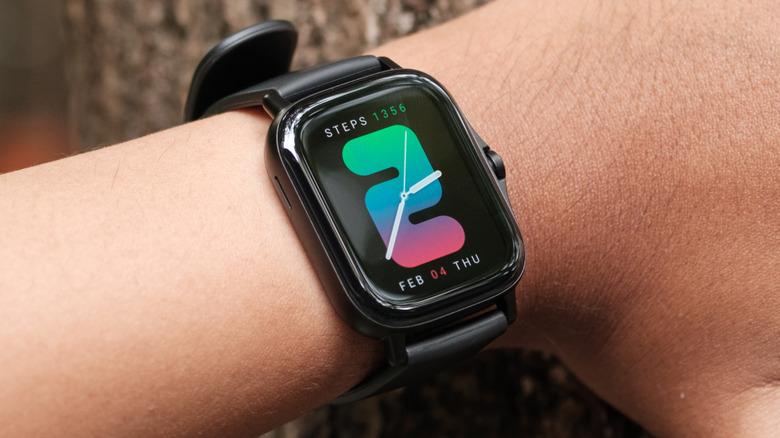
If you have something like an Apple Watch or Android smartwatch (such as something with Wear OS), then accessing popular navigation apps like Apple Maps or Google Maps likely isn't going to be too difficult. However, if you're looking for turn-by-turn navigation on an Amazfit device, things may not be so simple. If you want map notifications on an Amazfit watch, you might need to upload route files for outdoor sports, rely on a third-party app, or mirror navigation notifications to your device, depending on your watch model.
If you're hoping to get turn-by-turn direction notifications from something like Google Maps on your Amazfit device, you need to either adjust profile settings (Zepp app > Profile > Your Watch > App Alerts > Enable Google Maps notifications), change app notifications (Zepp app > Devices > [your device] > Notifications and Reminders > App Notifications), or rely on a third-party app on some models. These workarounds can be good, but if you're hoping for the official Waze app, forget about it (and again, you'll need to research if your Amazfit device even supports these options).
Even then, the experience may not be perfect, and it's certainly not going to be the same as using the official smart wearable apps on something like the Apple Watch or Samsung Galaxy Watch, for example. You also have to ensure your Amazfit device can support these options, as well. Those that want a smart wearable simply for workout and health metrics likely won't mind, but those looking for a full smartwatch experience may want to heed this warning.
Not everyone gets contactless payments
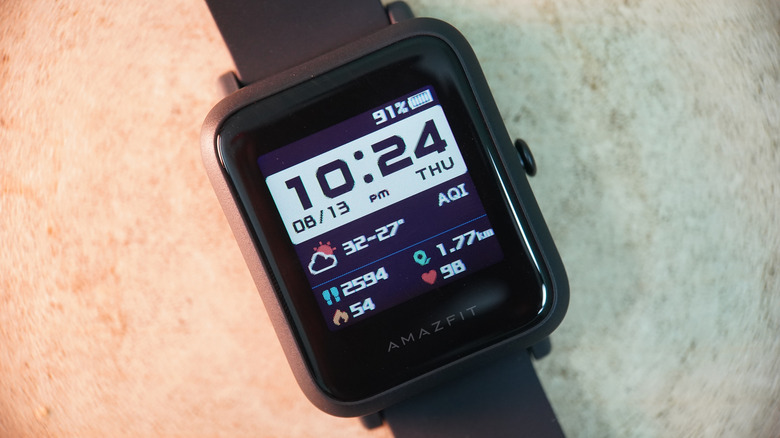
We're not going to spend this entire article exclusively addressing options from Google and Apple, but the lack of Google/Apple Pay on an Amazfit smartwatch can be a headache for some users. Again, if you plan on using the device primarily for workouts, then the lack of tap-to-pay features may not be a big deal, but there are some things you may be missing out on — especially when it comes to some of the lesser-known features of Apple Pay.
If you're looking for contactless payment options, Amazfit does include Zepp Pay, which allows users to connect up to eight bank cards to their smartwatch at one time. However, it's not currently available for everyone, including those in the U.S. Even then, there are still more steps involved, such as ensuring certain features like off-wrist lock function and passcodes are enabled on your wearable. That said, Zepp Pay doesn't support every bank, and users who fall into this category will need an additional wallet app such as Curve (Amazfit's recommendation).
Even with a third-party app, users may still be jumping through some hoops to get everything set up (such as taking photos of their government-issued ID). All of this is to say that making contactless payments from an Amazfit can be a hassle, and that's even assuming you live in a region that supports the feature. Some people may never think twice about this feature, but others may miss this feature while needing to pay on-the-go.
Battery drain is real
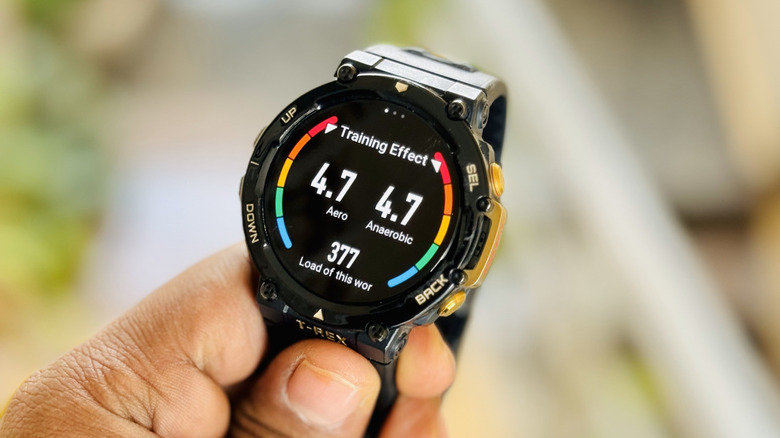
Before diving into this one, it's worth mentioning that battery issues aren't a problem that's unique to Amazfit watches, but they can become an inconvenience for users, nonetheless. Certain features like an always-on display or health tracking options can have a major influence on a device's battery life. For example, how often you use said health tracking features can have an impact on your battery life.
Looking at the Amazfit Balance 3 as an example, the company promises up to 10 days of battery life with "heavy use," but even the Balance 3's own product page notes that battery life can depend largely on how the device is used. Again, this isn't an issue exclusive to Amazfit devices, but finding users experiencing battery issues on an Amazfit isn't too difficult. The company does have a number of ideas users can try to maximize the battery life.
One of the ways to get better battery performance is by disabling the Always On Display (if you have one). It also recommends setting the response speed of the "Lift wrist to view the info function" to Normal mode. You can also disable certain health features such as Auto Stress Monitoring or Auto Blood Oxygen Monitor (if applicable). Amazfit also has a basic battery test users can perform that involves restarting the watch, fully charging it, disconnecting it from a smartphone, and disabling certain features. It may not be flawless, but users do have options.
Water is still wet
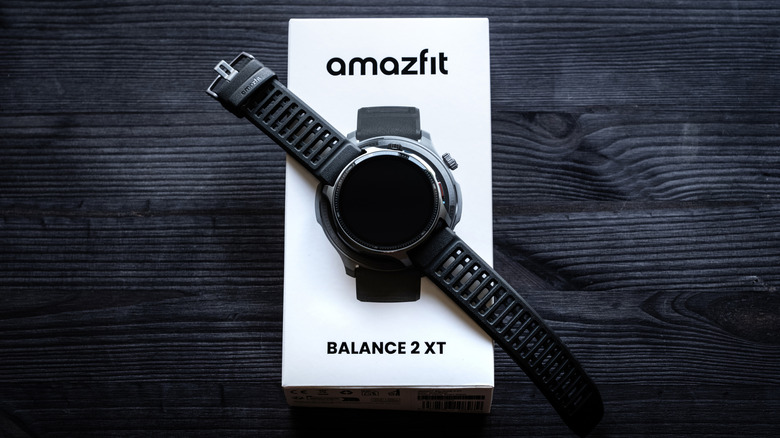
Several Amazfit devices have water-resistant features that make them seemingly built for getting wet. For example, the Bip 6, Active 2 (both Square and Round) have a 5 ATM ("atmospheres") water-resistance rating, which means these devices can handle pressure depths equal to the depth of 50 meters. Devices like the T-Rex 3 Pro, Balance 2, and the T-Rex 3, meanwhile, support up to 10 ATM of water-resistance, allowing up to 100 meters. However, what this means on paper and in practice can be two different things.
Water issues can be a reason you may find users across the internet complaining their Amazfit Balance 2 died after a casual swim, though even a T-Rex 3 Pro user reported problems after being in water as high as their knees. To be fair, even Apple Watch owners need to worry about whether or not their device is actually waterproof, and the reason this can be a problem has a lot to do with seal degradation. Other factors can still come into play, but how well the rubber gaskets and seals are functioning can be essential to a watertight watch.
Not only can seals naturally weaken over time, but certain things can help accelerate the process. Hot water, such as from a shower or sauna, can impact gaskets and seals, as can chemicals other than fresh water. Pressing buttons on a device while it's submerged in water can also impact seals and gaskets. Be sure to check your specific Amazfit model's guide for more information, but a little bit of maintenance can potentially mitigate these hazards.