

How Much Does It Cost To Replace The HDMI Port On Xbox Series X?
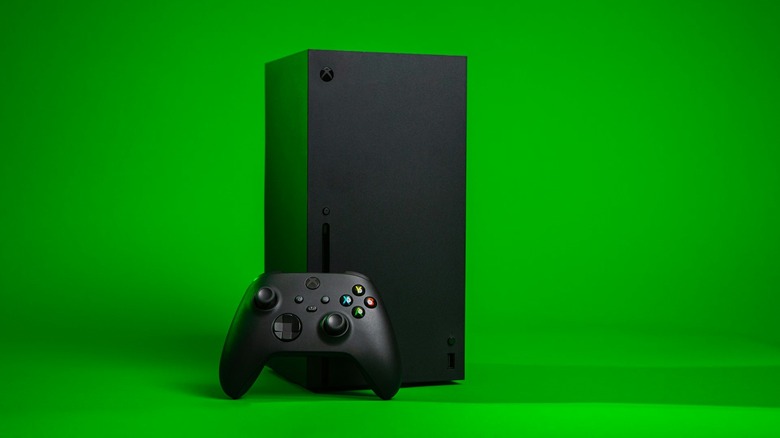
Game consoles are basically computers with proprietary hardware, designs, and software — though they are closed environments designed specifically to play games. That's why you can compare NVIDIA GPUs to an Xbox Series X to see which card offers similar performance. But unlike PCs, even laptops, you cannot usually upgrade components piecemeal inside a console; sometimes you can't even replace individual parts if they fail. In most cases, if anything inside your Xbox stops working or is faulty, your best recourse is to replace the entire console. However, you can fix some things, like the HDMI port. It's costly if you have it done professionally, about a third of the cost of a new console, but it is possible. You can also do it yourself with the right knowledge and tools.
If you take your Xbox to a repair shop and have it done professionally, it can cost anywhere between $90 and $190, depending on where you go. If there aren't many repair choices in your area, it could cost as high as $300. You may also have additional costs to consider, like shipping, holds or reservations, and extra parts.
eStarland, based in the Washington, DC, area, quotes $90 for an HDMI port replacement on the Xbox Series X. Logistics, a comparable repair firm based in Connecticut, charges $130 for a port repair. Meanwhile, iFixForU quotes $169, and uBreakiFix charges between $190 and $300 depending on your location and availability. If you go through a local repair shop, they'll likely charge less. At a shop near my home in Florida, it's $90 for an HDMI repair, with a two-hour turnaround. Your mileage may vary.
Why does an HDMI repair take so long, and why so expensive?
If you're curious, you can watch teardown and HDMI port replacement guides and videos; there are many on YouTube. That will give you a much better idea of what the repair involves. But it requires a complete disassembly of the Xbox console and advanced micro-soldering knowledge, as the new HDMI replacement has to be properly soldered to the motherboard (mainboard). It's not so complicated that you can't do it yourself if you have the skill and experience, but it takes time, and that's the biggest hang-up. Also, opening the console and resoldering will void any warranty you currently have. If you do have an active warranty, avoid bringing your console to unauthorized repair centers.
Depending on the repair shop, the team has a backlog of jobs and projects to complete. You'll notice most shops repair not just game consoles but also computers, smartphones, and other electronics. If and when you take your devices in for service, they may not be at the top of the list or at the front of the line.
Another relevant point is that the HDMI port may not be the sole source of the problem. The repair team will diagnose the issue before making any replacements, which could add time to the process. These same reasons may also make repairs more expensive in your area, especially if there are fewer shops nearby.
How common are HDMI port issues with the Xbox Series X?
If you take care of your console, you may never run into a port problem at all. It's not like a deluge of consoles see HDMI port failures spontaneously. Physical damage often comes from poor handling, whether someone was too rough plugging things in, the system was dropped, or the port was affected by cable strain. However, experts say it's one of the most common reasons modern consoles end up on a repair bench, including the PS5.
The Xbox Series X hasn't been around long enough to know definitively how it will fare long-term, having launched in 2020, only about 6 years ago. That said, some Xbox One S owners have had their consoles for over 10 years now. There's no reason an Xbox Series X cannot last as long with proper maintenance and care.
In the meantime, watch for HDMI failure signs like signal loss, loose connectors, oddly seated connectors, bent or damaged pins, and other visual issues. If you notice these issues and swapping the cable doesn't help, it may be time to take the console in for a repair, or at least some professional troubleshooting.