

MicroSD Cards Have A Big Problem With Fake Storage
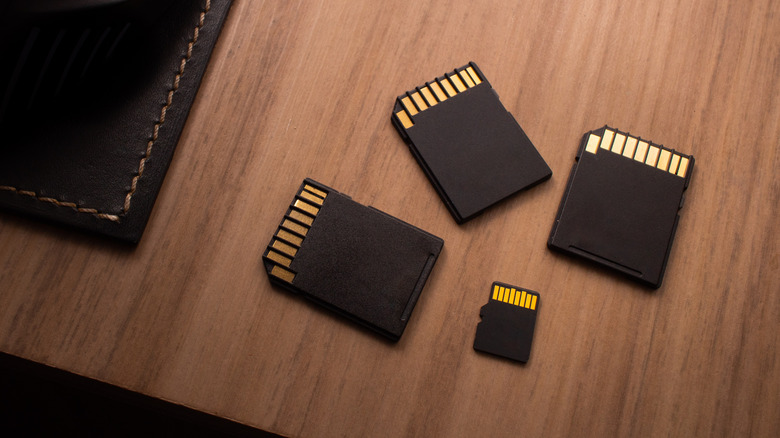
Thanks to crazes around AI data centers, there's an ongoing chip crisis that is driving up prices not just across RAM and SSDs used in computers and phones, but for external drives, flash sticks, and even memory cards, like microSDs. For many people, that means snapping up a bargain when they see one. Those deals, however, could end up becoming a poison pill that can erase a gamer's entire library of titles or ruin tens of thousands of photos from your camera due to counterfeiting.
The phenomenon of counterfeit memory products is not new. For years, third-party sellers have taken discarded storage chips from primary manufacturers and injected them with firmware that reports a fake limit to connected devices, and corrupts data written past the actual limit. They then use packaging similar to name-brand products and sell these fake memory cards online. That 2TB drive you just picked up could end up being good for just 64GB.
Scam drives and cards are just one obstacle to avoid in a marketplace filled with no-name products that may or may not perform to the same level as a Western Digital, Kingston, Samsung, or SanDisk item. There's not much you can do pre-purchase to ensure you're getting the real deal, but we do recommend adopting a procedure to minimize the impact if you do find a fakie.
What to do when you buy a microSD card
Your best bet is to buy from brick-and-mortar retailers like Best Buy, Micro Center, or CVS. Inventory here should come straight from the manufacturer, so you'll almost always get the advertised amount of storage. If you're shopping online, verify who the seller is. Yes, you can find lower prices on Amazon, especially during a Prime Day or holiday event, but make sure Amazon or your memory brand of choice is the one selling it. Also brush up on the returns and exchanges policy.
Before putting your drive into use for the first time, plug it into a computer and run a validator app to confirm the drive's size. Many exist, like the free DIY-oriented Fight Flash Fraud suite that's compatible with Linux, macOS, and Windows. Other examples include F3XSwift and ValiDrive from Gibson Research. This process can take up to a couple hours depending on how big your drive is. To find out if a drive can achieve its advertised speeds, CrystalDiskMark and AmorphousDiskMark are go-to programs for Windows and macOS, respectively.
You might scorn chipmakers for selling their off-cuts to the open market so that they can be exploited in this way, but there aren't any laws preventing them from using this avenue to maximize profits. Still, a mix-up at the factory or the seller's warehouse means there's a chance you'll suffer a bad drive or card. All we can really do as consumers is be aware and stay prepared to deal with it.