

Should You Clean Both Sides Of A Camera Lens?
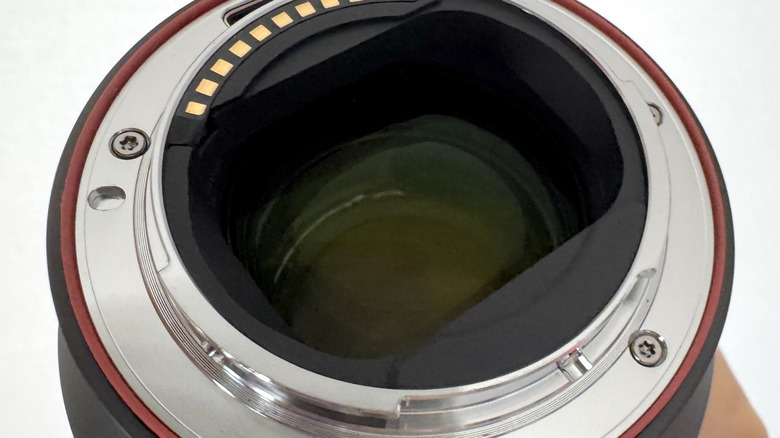
The last thing you want as a photographer is to see dust, grit, or any other contaminants on your camera lens that could ruin your images or worse, damage the glass. That's why it's important to handle your lenses carefully, inspect them regularly, and clean them when necessary. For digital cameras with removable lenses, this means taking care of not only the front glass, but the rear glass, too.
If you have more than one lens, there's a good chance you'll sometimes be changing it over, say from a telephoto to an ultra-wide lens. Every time you change the lens, the rear glass is exposed to the elements, with dust or anything else at risk of attaching itself to the rear, as well as the front, of the lens. A good way to reduce the chance of contaminants reaching the rear glass is to become familiar with the process of changing the lens so that you can do it in as quickly as possible. Most lenses attach to the camera body using a bayonet mount, but be sure to know precisely where the lens aligns with the body so that you don't have to fiddle about trying to find the alignment spot. Once it's lined up, a steady but firm twist causes it to click into place.
You should also get good at quickly transferring the rear lens cap from the lens you're about to use to the rear of the lens you've just removed. The longer the rear glass is exposed, the higher the chance of debris attaching itself. Let's take a look at the best way to clean your lenses to keep the glass free of particles.
How to safely clean a camera lens
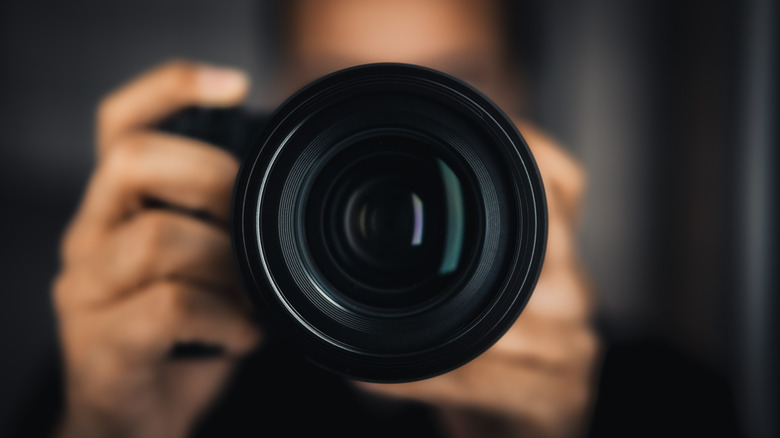
Over time, contaminants can land on your lens glass, especially at the front. When it comes to cleaning, a good routine is to check the front glass before you head out on a shoot, and after you get back, preferably in a clean, sheltered environment. Also, check the rear of the lens when you go to swap it out. Have some basic cleaning essentials as part of your camera's accessory kit, so if you spot dust, you're ready to get stuck in. Start by using a manual air blower to try to remove the contaminant. If the particle won't come off, try removing it using a soft lens brush by gently brushing in a circular motion from the middle outwards.
For fingerprints, oily marks, or smudges, you can use a lens-cleaning tissue or microfiber cloth with a tiny amount of lens cleaning fluid. Add a few drops of the fluid to the tissue or cloth and, as with the brush, work in a circular motion from the middle to the edge of the lens. Once you've finished, use a dry microfiber cloth to dry the glass, using the same circular motion. It's vital you remove any dust or particles from the glass before using a cloth as wiping over them could scratch the lens.
The glass on the rear of a lens is often slightly recessed and harder to reach, making it less prone to marks and smudges. Dust can still find its way there, though, so regular checks with a blower or brush should be enough to keep it clean without having to physically touch the glass.
Camera care doesn't stop at the glass
A quick inspection of the glass on your lenses before and after a shoot can prevent a buildup of debris and marks over time, helping to ensure that the glass stays in good shape and images have the best possible quality. You can also add a high-quality glass filter to the front for a layer of protection, but you'll need to keep this clean, too. Inspecting the glass is a good time to look over the lens body for grit, allowing you to remove it before it has a chance to work its way into the focus and aperture mechanism, protecting smooth operation.
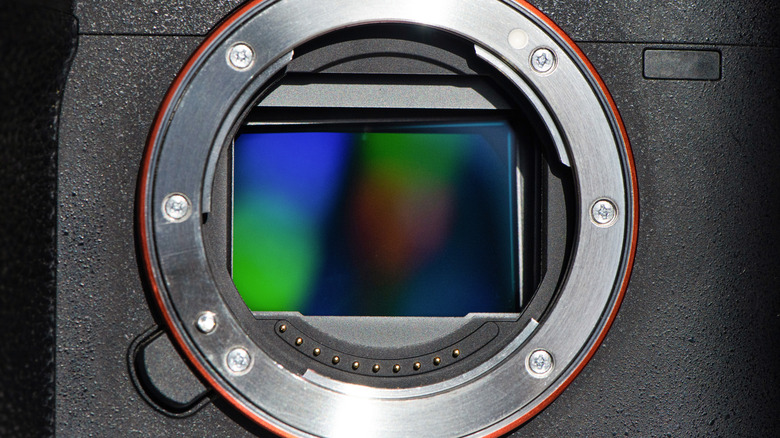
It's also worth knowing that the longer you take to swap a lens, the longer the camera's sensor is exposed to the elements. This increases the chance of contaminants entering the body. Some cameras from the likes of Nikon, Sony, Fujifilm, and Canon have vibration units that shake the sensor to attempt to remove any dust. While they can be effective, some dust particles are hard to shift. When this happens, dark spots may show up on your photos.
While they can usually be removed using editing software like Lightroom, a buildup of spots over time can spoil the first look at your photos and take longer to fix in post-processing. You can use a blower to try to remove the dust, but be careful not to touch the sensor. While it's possible to clean a sensor by yourself using a specially designed sensor brush, be aware that it's a highly sensitive component. Unless you're confident about what you're doing, it's better to visit a camera specialist for professional sensor cleaning, a process that usually costs around $60.