

Can You Really Tell The Difference Between DVD And Blu-Ray Audio Quality?
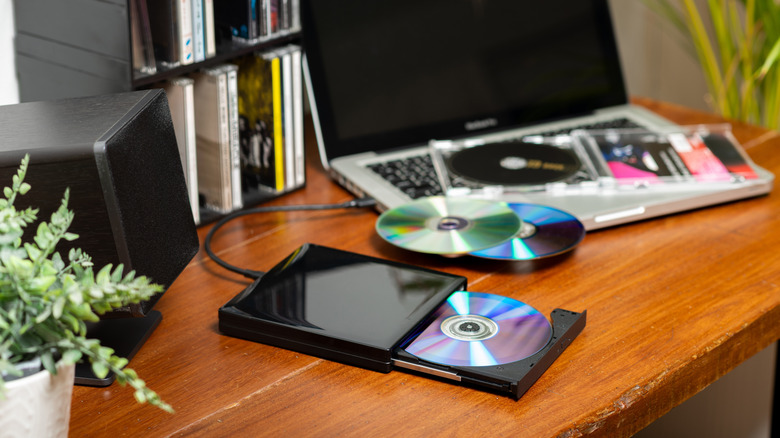
The biggest selling point of switching from DVDs to Blu-Ray is generally the step-up in image quality. Considering the leap from a 480p resolution up to 1080p HD — or in the case of Ultra HD or 4K Blu-Ray, up to 2160p — that's no real surprise. But image resolution isn't the only improvement Blu-Rays have to offer over DVDs. They can also support a wider range of audio options, often providing a better overall sound experience compared to DVDs.
More specifically, Blu-Rays can offer support for a variety of audio formats like spatial audio options such as Dolby Atmos or DTS:X. The reason why Blu-Rays have an advantage in this regard is because they have much larger storage capacity than regular DVDs do. More specifically, Blu-Rays can hold up to around 10 times more data than a DVD can, with a maximum capacity of 50 GB — or even more when it comes to BDXL discs. As a result, Blu-Rays can hold a lot more data than DVDs, which is a useful trait for storing large, high-quality audio files and multichannel codecs.
That's not to say that DVDs sound terrible, or even that you'll always be able to hear the difference between the two formats. Not only can DVDs still offer lossless audio, but you also won't be able to reap the full benefits of Blu-Rays' enhanced audio if you don't have the right audio equipment for it. That's because spatial audio formats need spatial audio setups, like a soundbar or multi-speaker home cinema setup.
Why can Blu-Rays hold so much more data than DVDs?

The main reason why Blu-Rays have a larger storage capacity than DVDs is a little strange — and it's one of the same reasons why you need a specialty Blu-Ray player to watch your discs properly. It comes down to the type of laser needed to read the discs. Each type of laser operates on a different wavelength, with one being shorter than the other.
As you may have already guessed based on the name, Blu-Rays can only be read with blue lasers, which Blu-Ray players use to read discs. Blue lasers have a wavelength of 405 nanometers (nm). Meanwhile, DVDs actually use red lasers. Red lasers have a comparably much longer wavelength of 650nm. As a result, Blu-Rays can store data at a higher density than DVDs can, without preventing the laser from being able to read said data accurately.
Although this might all sound a little abstract, the knock-on effect storage size can have on audio and video quality can be huge. That's because formats like Dolby Atmos often require a lot of storage space, given how many audio tracks and how much information they require to work properly. Plus, audio tracks for film and TV are naturally much longer than the length of most songs, making the file size larger. So, with the right setup, you can expect to hear a difference between a DVD and Blu-Ray's audio quality based on that alone.