

5 Ways To Make Your Bose Headphones Last For Years
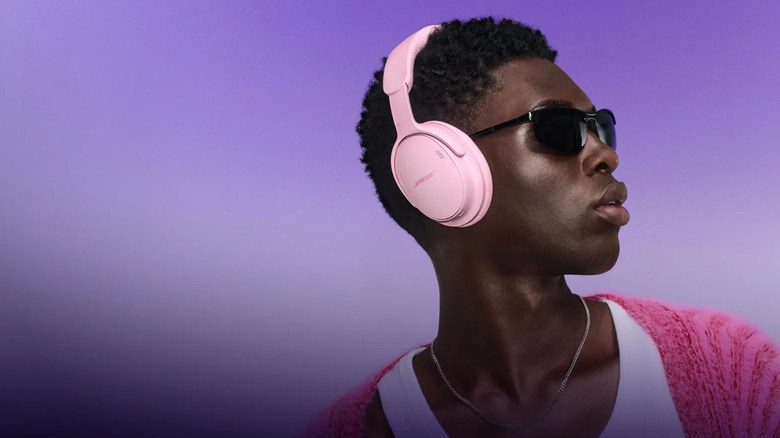
Good headphones are a worthy addition to your tech collection. They're something that you probably use pretty frequently, so you want to make sure they're comfortable and make your music, podcasts, or audiobooks sound as good as they possibly can. But they aren't cheap, so you don't want to have to replace them too soon. Thankfully, there are a few things you can do to help keep your headphones in good condition for as long as possible. Bose headphones aren't any different.
Just like with other headphones, you can make sure you're on top of a few different adjustments to extend their lifespans and make sure they last for a long time. That includes cleaning your headphones regularly, alongside easily replacing any parts you can before giving up and buying new ones. You should also be careful and considerate about how and when you use them, to help minimize the amount of water damage or general wear and tear they're exposed to.
Keep in mind that when we're talking about headphones, we're specifically referring to the over-the-ear kind — not earbuds that you put inside of your ear. Exactly how you can expect to take care of your earbuds and headphones can differ slightly, since they're designed and built quite differently, even though they fulfill the same purpose. Despite that, keeping your earbuds clean and dry, and replacing parts when needed, are still a few good ways of keeping your earbuds in good nick, too.
Clean your headphones regularly
Headphones can get dirty fairly quickly, particularly if you wear them often. That's not surprising, considering you keep them on your head most of the time, where they can easily pick up loose hair, skin cells, wax, and all kinds of other stuff. It goes without saying that that's gross, but it can also potentially shorten the lifespan of your headphones. Dust and debris can work their way inside your headphones, potentially clogging up or damaging internal components and making your headphones sound worse over time.
So clean your headphones semi-regularly using a handful of tools you might already have lying around, like a couple of microfiber cloths, paper towels, rubbing alcohol, dish soap, and water. A pair of tweezers and some kind of bristled brush, like a toothbrush or a specialist cleaning tool, can also help. Carefully clean your headphones by:
-
Power off the headphones.
-
Remove your headphones' earpads.
-
Wipe the earpads and the headband in small, circular motions with a slightly damp cloth. Make sure you let them dry thoroughly before putting them back on to use your headphones.
-
Wipe the inner screen part of your headphones lightly with a dry cloth to dislodge any buildup.
-
Use a small amount of rubbing alcohol on a paper towel to clean up your headphones' casing.
-
Brush or use tweezers around any buttons to remove dirt.
Avoid getting any water or rubbing alcohol inside the headphones, and dry them as much as possible if that does happen.
Choose where you wear them wisely

Although wearing your headphones will always get them a little dirtier, you can help manage just how dirty they get by choosing where to wear them carefully. For instance, while you can't stop your headphones from getting a little grubby, you can stop them from getting moisture damaged from sweat or rain by avoiding wearing them to the gym, running, or while otherwise on the go. You might want to ditch the headphones altogether for that heavy workout to help prevent excessive sweat damage.
It's no secret that water damage can break your headphones, long-term, incremental damage from subtle exposure — as opposed to dropping your headphones in the bath — can be easy to miss at first. Your headphones thankfully aren't fragile enough to break altogether because you get a little sweaty in them once or twice, but it can significantly contribute to wear and tear over time.
Sweat can degrade headphone ear cushions significantly, as it can work its way into the inner foam. Since that's a dark space, and it gets warm while you're wearing them, they can easily become a breeding ground for bacteria. In turn, that can cause discoloration and bad smells. Besides being completely gross, that also means you need to replace your headphone cushions sooner than you would otherwise. Plus, if you're particularly sweaty, then that could potentially work its way into your headphones themselves, too.
Store your headphones carefully when they aren't in use
Unfortunately, your headphones can get surprisingly grubby just from lying around as well. Storing them carefully between uses is one way of keeping on top of this, as it can help to prevent dust, lint, or even moisture from messing up your headphones. Try keeping your headphones safe and sound inside a special case to protect them from any spills or build-up.
Cases can also help to keep your headphones safe if you take them with you when you go out. Leaving your headphones loose in your bag or backpack puts them at risk of being damaged by other stuff rolling around alongside them, or from bumps or knocks as you move around. Some cases are even especially designed to offer shock protection and are made with anti-press material, which can go a long way toward extending your headphones' lifespans if you take them out often.
You can buy specialist cases specifically for your headphones from music stores like Sweetwater, larger box stores that sell tech items like Walmart, or online from vendors like Amazon. They vary in price, with cheaper models starting out around the $15 mark. They also vary in size and compatibility. That's because they're molded to keep your headphones snugly inside the case, so they can't slide or bounce around too much when you're on the move. So, make sure you grab one that can accommodate your model of Bose headphones specifically so that you aren't wasting your money.
Replace individual parts where you can
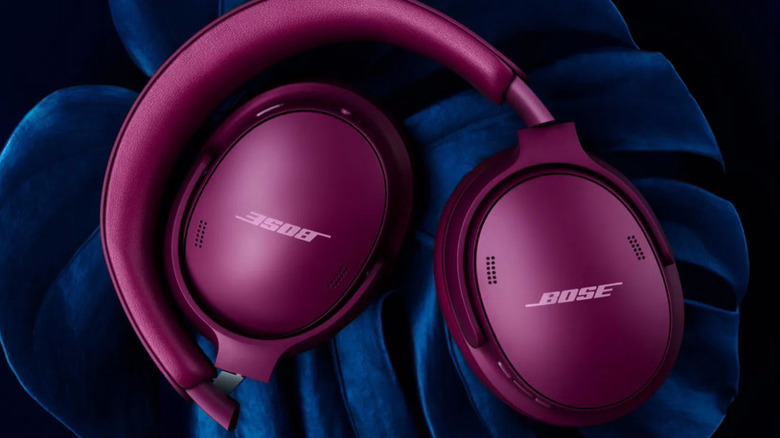
You can replace some parts of your headphones, so you don't have to replace them with a new model at the first sign of damage. In the case of wired headphones, you sometimes have the option of replacing the cable, making it easy to keep them going for far longer than you might expect. In terms of wireless headphones, your best bet is to replace the earpads or headphone cushions once they start to wear in.
You'll know it's time if they start flaking, don't create a very strong seal, or won't fit onto your headphones anymore. New cushions won't be able to keep your headphones going forever, as the majority of the most significant damage they can withstand tends to be internal, but it can certainly help to give them a new and refreshed lease of life. Bose offers a large range of accessories, including replacement ear pads for many different headphone models.
Depending on which model you use, you can anticipate spending anywhere between $20 and $55 for a new ear cushion kit (including scrims) directly from the manufacturer. Alternatively, you can pick up unofficial alternatives online for a little cheaper if you want to save some cash. Replacing them is easy — you just need to be ready to pull the old pads off, install the scrims with the built-in tape strips, and attach the new cushions. You can do that by aligning each pad, pressing it against the mount until all ten tabs snap into place, and pressing the cup lightly for 30 seconds to lock it in place.
Be mindful of your headphones batteries
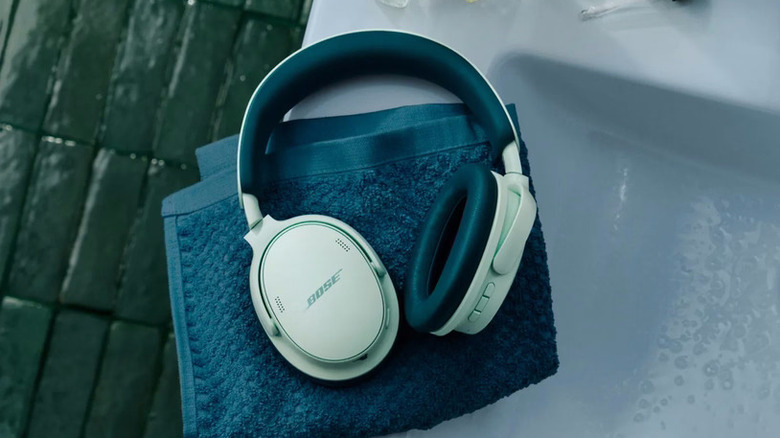
Of course, earpads aren't the only part of headphones that wear away. Bluetooth headphones use rechargeable batteries, which start to lose the ability to hold a charge over time. If you're particularly handy or don't mind going to a repair shop, then you might be able to replace those batteries using components from brands like iFixIt. Just be sure to approach this safely, and know that any modifications can and will invalidate your warranty if it's still covered by it.
You can also take some precautionary measures to keep your headphones' battery in good stead for the years to come. For example, try to avoid running your headphones down to below 20% charge as much as possible. Lithium-ion batteries have somewhere between 300 and 500 charge cycles, which is essentially the number of times you can charge and use them. Dipping below 20% charged uses up one of those charge cycles, in turn degrading the battery.
Once you run out of charge cycles, you won't be able to use your headphones anymore. With that in mind, keeping your headphones charged up is an unexpected way of extending how long they last overall. You might've heard about overcharging before, too. As you might've guessed from the name, that happens when you charge a device too much. Thankfully, that isn't possible with lithium-ion batteries, so you don't need to worry about it. Just try to keep your headphones charged up instead.