

How Much Treble Should Your Headphone EQ Have For Better Audio Quality?
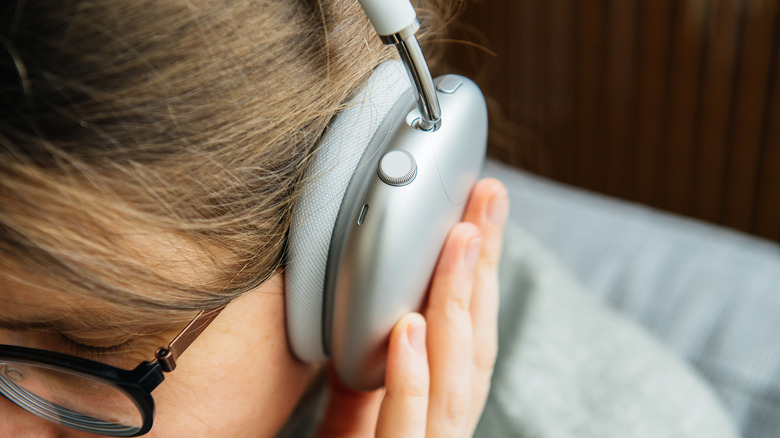
Dialing in great sound is a never-ending quest. Sure, if you're listening to music on a phone, you might have tried flipping on Atmos or enabling a few other settings to get better audio quality, but that's just the beginning. To get the best audio out of your noise-cancelling headphones or earbuds, you'll eventually have to dig a bit deeper into settings and adjust their equalization (EQ).
Since many headphones are generally bass-heavy these days, you'll probably spend more time adjusting and balancing out the treble. While sound is subjective, some headphone manufacturers try to adjust the treble range (two kilohertz and up) to balance out the bass and end up going a bit overboard. If you feel that vocals are too harsh or nasal, you might try adjusting the two-to-three-kilohertz (kHz) range. In some cases, manufacturers may exaggerate the seven-to-eight-kilohertz range, which can result in tinny sounds. In that case, make a slight cut in this area to give the sound a bit more bottom.
What if your headphones sound dull out of the box? In that case, don't cut the bass, but rather make a slight boost around the two-to-three-kilohertz range to give the audio some clarity and reduce muddiness. Going higher, the range between three kHz and eight kHz is where higher-pitched instruments like cymbals shine. This part of the treble range is mostly a matter of taste: It will give music and voices some sparkle, but too much can make your ears bleed, figuratively speaking. Boosting anything above eight kHz can add even more shine to the vocals and higher-pitched instruments. A good rule of thumb to follow is to make only slight adjustments at one time, as too much treble can actually damage your hearing, in addition to sounding harsh.
More than just treble trouble
Before going wild with EQ settings, keep in mind that most aspects of sound are subjective, and there's no set amount of treble you'll need to add or cut. We all have different preferences, listen to different kinds of music, and ultimately, have different ears. Tread lightly and don't think you're doing anything wrong if you find certain setups pleasing that might look odd on paper. That said, there are some common problems with headphones you might run across.
For instance, the music you're blasting might sound empty. Let's say that guitars sound a bit anemic, male vocals are buried in the mix, and drums lack body. To remedy this, make a slight boost at around 400 hertz (Hz) or 500 hertz. Keep your adjustments modest, though, because if you go overboard in this range, you can muddy up the picture and make the song sound boxy.
Then there's the bass itself. If your headphones are lacking in this department (for example, many people boost the bass on their Anker Soundcore earbuds), feel free to boost the area around 60 Hz to 200 Hz. Stop when you get that oomph. In case you find that the bass is still a bit too weak for your taste, if your EQ has that particular range, don't be shy about boosting the area below 50 Hz. On the other hand, if adding treble didn't balance out the aggressive bass, make a slight cut at 60 Hz to keep the low end under control. After you're done, always do some testing to see if you've dialed it in right. The more time you spend doing this, the more your ears will lie to you, so it doesn't hurt to take a breather.