

What Happens If You Never Update Your Galaxy Tablet?
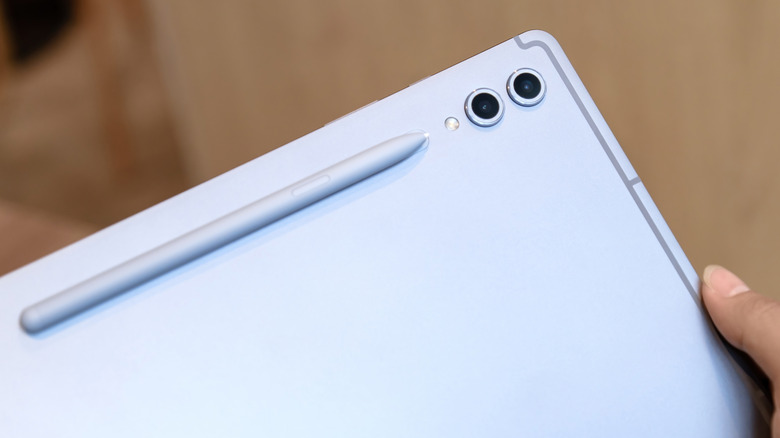
Most Android users set device updates to automatic, as each patch promises new features and faster processing. But what if someone switches it to manual and forgets to update to the latest iteration? That can spell trouble for several reasons, with security breaches being the biggest one. Not only that, but users may face unusual crashes, slower processing speeds, and loss of support for certain apps.
The Samsung Galaxy Tab is no different, and patch updates are essential to keep it running properly. These updates allow Samsung to patch security vulnerabilities, improve device performance, fix bugs, and occasionally introduce new features. Minor patches often take a couple of minutes, while major patches may take longer, depending on the update size and internet speed.
It is also helpful to know the different types of updates released for Samsung Galaxy Tabs. Samsung has three distinct types of updates: Security Maintenance Releases (SMRs), Maintenance Releases (MRs), and Operating System Upgrades. SMRs and MRs deliver security patches and improve performance, whereas OS and One UI upgrades add new features, redesign the interface, and extend the life of your tablet. Here's why all of them matter, and why you need to keep your device up to date.
The consequences of skipping Galaxy Tab updates
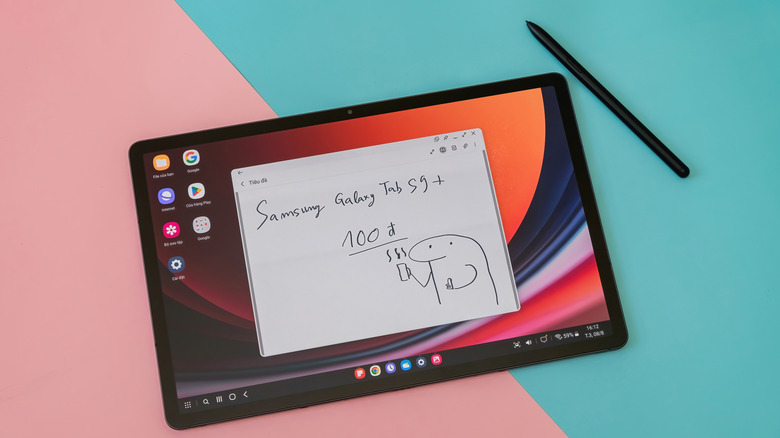
The problem with using an outdated Galaxy Tab isn't just about sluggish performance; it's about safeguarding user data. According to the Ponemon Institute (PDF warning), nearly 60% of data breaches can be avoided with better update management. Security updates patch weaknesses found in the operating system. Once that weakness is public knowledge, all devices must receive a proper security update to fix it. Otherwise, private data can easily be leaked online.
Next, users can face support issues for apps if they refuse to update. Many new-generation apps require a recent OS to function properly. If you forget to update your device to newer Android versions, some apps might lose compatibility. This can cause them to become unstable, crash, or stop working altogether. Since maintaining older operating systems can become difficult, updating to a newer Android version becomes essential when the last one becomes problematic.
The final major downside of not updating the Samsung Galaxy Tab is slower processing. A lack of security doesn't pose a risk if you don't enter sensitive information, and basic apps can run on an older OS. But once the tablet itself starts slowing down, it is frustrating to even play a simple video on it. The reason out-of-date devices slow down is that updates target performance improvements that help the device run smoothly, while also optimizing battery usage. Without them, the device starts deteriorating.
Can a Galaxy Tab become too old to update?
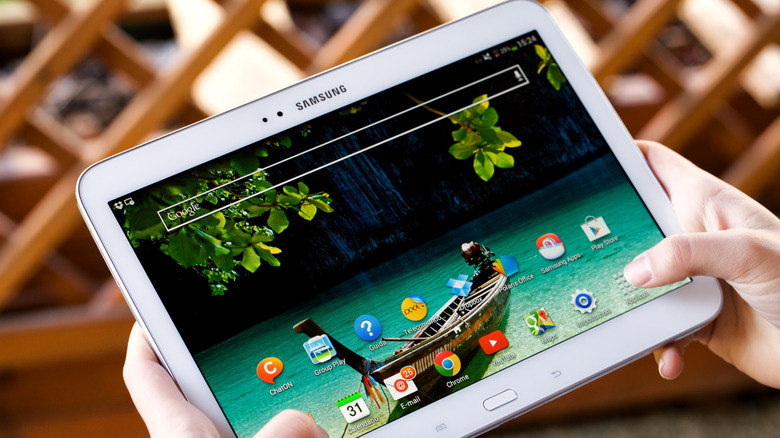
Every Samsung device is bound to stop receiving updates eventually. Whether update support ends soon or far in the future is entirely dependent on the device itself. For example, the Galaxy Tab Active 5 will receive Android updates until January 2028, while the Active 5 Pro will get them until 2033. That's around seven years of updates for the Active 5 Pro. On the flip side, the Samsung Galaxy Tab A9+ and A9 were only promised Android updates through October 2026.
But regardless of how long it takes for support to end, every device will become obsolete with the introduction of newer generations. Once the Tab stops receiving updates, you can still utilize basic functionality and run compatible apps, at your own risk. Another point to keep in mind is that Samsung Galaxy Tabs continue to receive Security Maintenance Releases until one year after the final OS upgrade. Even though the device won't receive new features, it can safeguard user information for an extra year.
If, even after all that, you decide to use your unsupported-yet-functional Galaxy Tab, extra precautions should be taken. It is not recommended to use banking apps or conduct e-commerce transactions with an outdated Galaxy Tab due to a heightened risk of security breaches. Other than that, remove any unusable apps, since those may also provide access to malicious spyware and phishing tactics. Lastly, you should avoid public Wi-Fi, as it provides access to the device by sharing the same internet connection.