

Your Nvidia GPU Has A Surprising Fix For Bad Microphone Quality

Graphics cards are capable of much more than just simple rendering these days, and Nvidia GPUs in particular are packed full of fancy features. Nvidia markets most of its GPU-specific perks like DLSS and frame generation heavily, but there are minor features that some Nvidia owners might not be aware of.
Nvidia Broadcast is one such feature. It's a free app that makes your microphone sound significantly better by cutting out background noise and improving clarity. Background chatter and even noisy mechanical keyboards won't be picked up if you're using Nvidia Broadcast, and it can even enhance your microphone with a feature called Studio Voice that mimics high-end broadcast equipment.
All RTX graphics cards support Nvidia Broadcast, so if you have a relatively new Nvidia GPU, you can test it out for yourself. There's even a workaround to get it working on older GTX graphics cards as well, but the results may not be as clear.
How to use Nvidia Broadcast

To get started with Nvidia Broadcast, all you need to do is download the app from Nvidia's website. It's a software solution, so you don't need any special connectors or equipment for your microphone. Even budget PC microphones will work.
After setting up the app, you'll be met with a brief tour that walks you through all the major features. On the default audio tab, noise removal and room echo removal are enabled by default. You can turn on Studio Voice underneath, but it's not recommended to use with games or GPU-intensive apps since it requires more processing power than the other effects.
To actually use Nvidia Broadcast, you need to change your microphone input in whatever game or app you're using. Installing the app will create a virtual microphone input named Nvidia Broadcast. Select that to apply all the effects to your microphone. Make sure your microphone is selected in the Nvidia Broadcast app if you don't hear anything when testing.
Is there an AMD equivalent to Nvidia Broadcast?
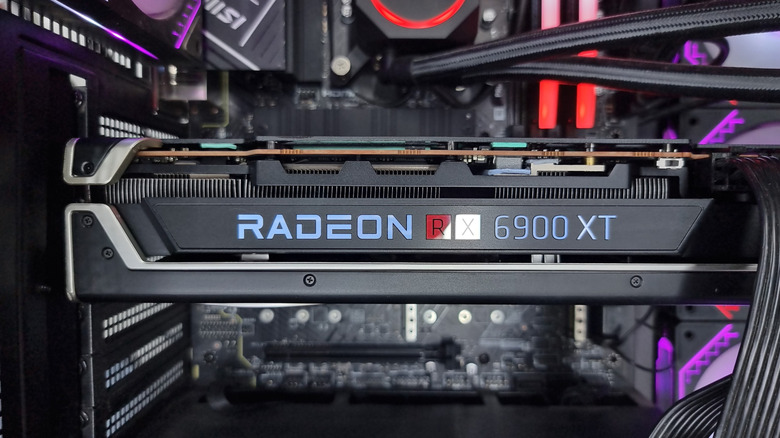
Unfortunately, Nvidia Broadcast is locked to Nvidia hardware. You can't use it with AMD or Intel graphics cards. Thankfully, there's an alternative for people without Nvidia GPUs. AMD's Noise Suppression technology is built right into the AMD Software: Adrenalin Edition app. It's mainly intended for use with AMD graphics cards, but you can also choose to process the noise suppression with an AMD gaming CPU as well. As long as you have one or the other, you can use the software.
To set it up, open the AMD Software: Adrenalin Edition app and click the cog icon in the top-right corner to open the settings page. Then, navigate to the Audio and Video tab. There, you can enable AMD Noise Suppression for your chosen input device. AMD Noise Suppression isn't as effective as Nvidia Broadcast, and some background sounds may slip through the cracks, but it's better than nothing.