

Apple Keeps Your Siri AI Conversations - Here's How To Delete Your History
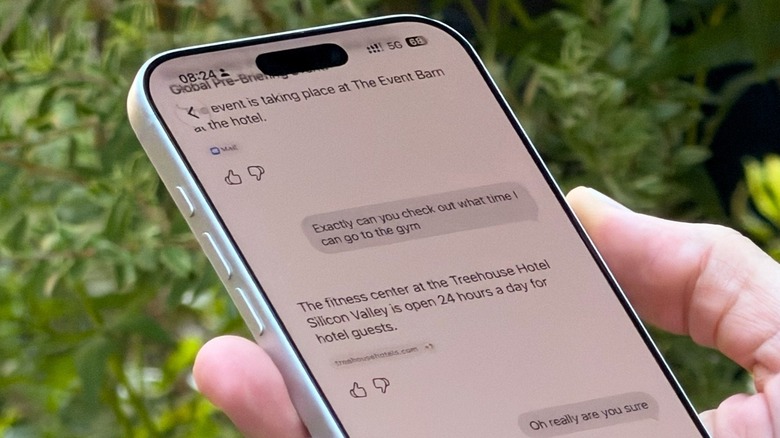
With iOS 27, Apple introduced the all-new Siri AI, upgrading the personal assistant into a useful AI chatbot that can tap personal information and help you with on-screen awareness. The upgrade also introduced a new Siri app, which, just like ChatGPT, Google Gemini, and others, can store your chats so you can come back to them later. Still, just as some users might not want Siri to tap into their apps, there are others who don't want to maintain a history of the things they talked about with the new Siri AI. Fortunately, there is a straightforward process for removing that history, as you can just open the Siri app, roll your finger from right to left on a chat, and tap to delete. Users can also tap the menu in the upper right corner, tap Select, and then delete several chats at once.
Under Settings, in the Siri section, users can also tap the Keep Conversations option to set a retention period, ranging from forever to a year to 30 days. In any case, Apple states that it does not access this data, which stays on-device, and when that data is used to process a cloud request, Apple immediately deletes what's been processed as soon as the user device receives the server response. And, unlike the other chatbots, Apple is not training its models with your data — unless you specifically give it permission to do so. There are also a few steps you can take to ensure your Siri AI conversations remain as private as possible.
How to keep your Siri AI conversations more private
From the Siri settings, one big way to keep your information to yourself is to turn off the ChatGPT extension. While this feature was useful in the early days of Apple Intelligence, as Apple's own models were not as good, OpenAI was able to gather that information if you logged in with your ChatGPT credentials. To ensure Apple and others are not collecting your data, you can go to Settings, select Privacy & Security, then select Analytics & Improvement and ensure that not only the Improve Siri & Apple Intelligence toggle is turned off, but all the other options as well.
While Apple says that turning these toggles on can help Apple improve its products and services, including Siri and other intelligent features, many users would rather have their data stored safely without sharing it with third-party companies or even Apple. Finally, a good way to make your Siri AI conversations more private is a feature that has been available for a few years now, but one not everybody remembers. By long-pressing the Siri app, you can use the Require Face ID/Touch ID feature. With that, nobody can check your chat history, as it will be locked with your biometric data. This is really useful since you and anyone else will still be able to use Siri AI, but you'll be the only person with access to the messages, images created, and other information you'd prefer to keep private. This combination gives you a solid protocol to protect your Siri AI chats and delete them whenever you can.
Are there any concerns in using Siri AI?
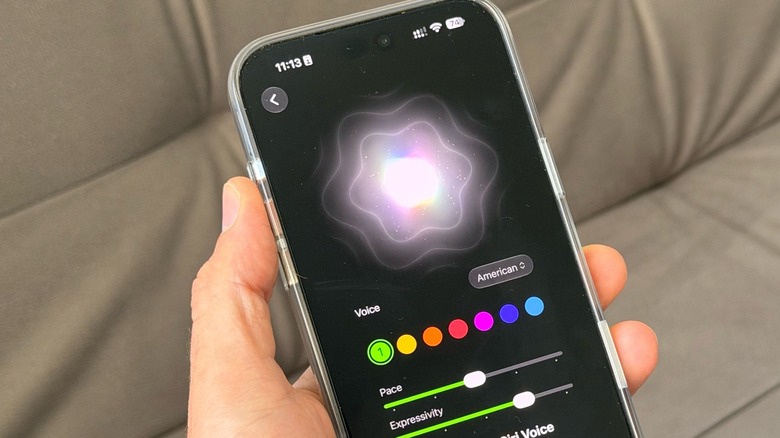
So far, there are no huge privacy concerns over using Siri AI, as Apple says your communications are private and stored on-device, and whenever the service uses the cloud, it takes advantage of a feature called Private Cloud Compute, which ensures that data never gets stored at Apple's servers. The company also offers a security program that offers money to anyone who can find flaws in those systems, or prove that Apple is storing, by any chance, your data. That said, there are any number of reasons why you'd delete your Siri AI history, such as if you're asking the personal assistant for tips on what to gift a partner, asked a silly question with Siri's world knowledge and you don't want anyone to find out, or just because you don't like keeping the history of your AI chatbot.
It's also important to note that Siri AI is only available for devices that support Apple Intelligence, including the iPhone 15 Pro or newer. The all-new Siri AI is also not available for European users, and even though iOS 27.2 expands the languages Siri can speak to six, it's still lagging behind the 15 supported Apple Intelligence languages. In terms of privacy, though, there's no particular reason why users should worry about using Siri AI, and the ability to delete your conversations brings a bit more peace of mind.