

Single Tower Vs. Dual Tower PC Coolers: Why The Extra Tower Isn't Always Recommended
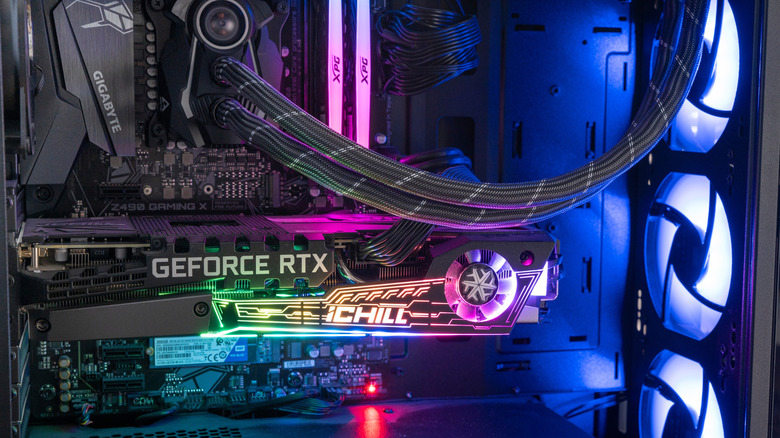
All computers require cooling systems. Except for the MacBook Air — that laptop can stay cool without a fan — but that is neither here nor there. Traditional logic says more of these systems means more cooling, but that's often unnecessary and impractical.
Air cooling systems rely on more than just fans; they also use vacuum-sealed metal heat pipes that transfer heat from your hard-working CPU and GPU to a heatsink. Heatsinks are often built as large stacks of metal fins that soak up heat, which is why they are often called "towers." Each tower's fins are arranged to maximize surface area and heat absorption. But that's just one tower. Logically, if you build a PC with a cooling system that uses two towers instead of one, your computer should never overheat. That's a correct assessment, but there's always a price to pay, and we don't just mean in cash.
From a practical standpoint, a single-tower cooler will suit most people's needs. Even with an Nvidia RTX 5090 (good luck, since that GPU now costs more than a PS5 Pro), a quality cooling tower will keep your PC running at comfortable temperatures. But if you want a dual-tower setup, you will weigh down your PC considerably; that extra mass could easily break your desk or mounting bracket. Also, a second tower will eat up space needed for other components. Only the largest PC cases can accommodate dual tower coolers, and even then you probably can't install a dual tower cooler kit without sacrificing RAM slots. What's more important: A computer that runs faster or a computer that runs cooler?
There's always exceptions to a recommendation
Just as no two PC setups are identical, no two people use their computers for the same reasons. So while a two-tower PC cooler setup is overkill for most people, some people might find it necessary.
Let's say you built a PC, purchased the largest case you could find, packed it with the most powerful CPU and GPUs on the market, and overclocked the chips for even more performance. Do you invest in a fan or liquid cooling solution? While a liquid cooling system will draw heat away from your components more efficiently than a single cooling tower, dual cooling towers are even more effective than liquid coolers. Plus, they're quieter and less expensive, so if you blew all your money on CPUs and GPUs, a dual-tower kit will give you more cooling for your buck. You will almost always spend more on a dual-tower cooler than a single-tower alternative, but tower coolers are still cheaper than liquid systems.
Dual tower PC coolers — and by extension single tower coolers — have one more advantage up their sleeves: longevity. Liquid cooling kits have more moving parts and are more susceptible to wear and tear. And even if something happens to your tower cooler, replacement parts are cheaper and easier to find than liquid cooler parts. If you are a die-hard gamer and can buy large RAM sticks that take up as few slots as possible, a dual-tower PC cooler makes more sense than a single tower.