

3 Affordable Ways To Get Wired Internet In Rooms Your Router Can't Reach
We may receive a commission on purchases made from links.
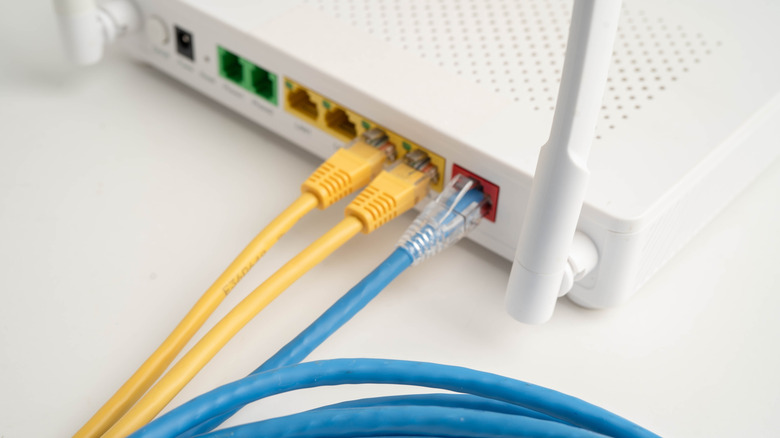
One of the biggest downsides of Wi-Fi is limited range. Theoretically, Wi-Fi has a range of 50-60 feet when using the 5GHz frequency band indoors. But when you factor in the things inside your home that interfere with Wi-Fi, such as cordless phones, your neighbor's Wi-Fi, and thick walls, the effective range can drop considerably. So, somewhere in your home, if it's big enough, you might find yourself in an area where Wi-Fi goes to die — a dead zone. Wi-Fi extenders help eliminate dead zones and are also quite affordable. However, they tend to slow down internet speeds and increase latency and network congestion.
There are other solutions for creating a direct, reliable, fast, and less congested wired internet backbone through your home. Affordable ways to get internet from the router to the dead zones are longer Ethernet cables, powerline adapters, and Multimedia over Coax Alliance (MoCA) adapters. When you finally get the wired internet to the room you want, it's advisable to create an access point so other devices without Ethernet ports, such as phones, tablets, streaming sticks, and ultrabooks, can connect.
It's usually more effective and elegant to run it through the walls. Depending on your home's layout, it can be a frustrating endeavour because there will be a lot of cutting, drilling, fishing cables through the wall, and terminating the jacks. This work is best left to professionals, but it can cost up to $400 or more per Ethernet port. Luckily, these cheaper solutions exist.
Use long Ethernet cables
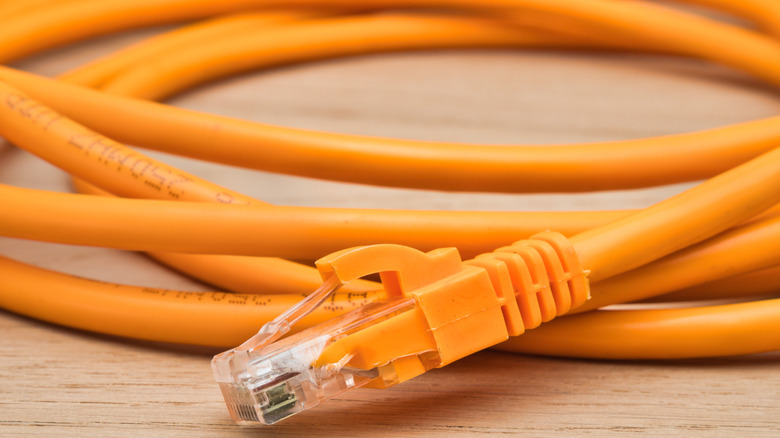
Long Ethernet cables are a good solution when eliminating dead zones, but one thing to pay attention to here is length. The longer a signal has to travel, the more it will degrade. To keep signal degradation at the minimum, the ideal length for an Ethernet cable is less than 100 feet.
Not all Ethernet cables are built equal, though. What you need here is a category 6 or Cat6 Ethernet cable, as it has a maximum length of 328 feet. It can only achieve a speed of up to 1Gbps at this length, but at 180 feet or less, it can go up to 10Gbps. Cat6a Ethernet cables can reach a speed of up to 10Gbps at that maximum length. Even though rooms in the average house are rarely 100 feet apart, you can get the Jadaol Cat6/Cat6A Ethernet 100-Foot Cable for $18.99. For a 50-foot cable, it comes down to $9.99.
One big problem with having loose cables throughout the house is the tripping hazard they create. On top of being expensive and difficult to run them inside the walls, it gets complicated when you live in a rental property. But if you can chart an optimal path to the room, using adhesive clips can keep the cables out of the way and along the walls. It's not elegant, but it works.
Powerline adapters
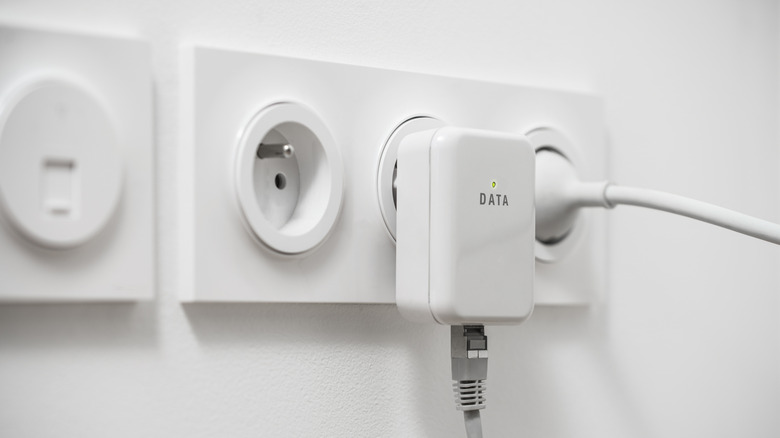
A much less involved solution is to use powerline adapters. These leverage your home's copper electrical wiring to send data signals between units. You just connect one to the power outlet next to the router, and another in the room where the dead zone is. Then you connect the router to one of the powerline adapters, and data starts flowing back and forth between them once they're paired. Powerline adapters communicate using internal logic to ensure signals travel between them efficiently. Furthermore, they don't clash with the current running through the wires because their signal travels on a different frequency.
Unfortunately, there will be some signal interference, especially from other devices using the same wiring to draw power. The distance between one powerline adapter and another can also lead to signal degradation. Also, if the electrical wiring in the home is quite old, that will also contribute to the signal degradation. They also need to be plugged directly into the power outlet, as power strips, surge protectors, extension cords, or a UPS usually don't work.
Still, creating a power line network in your home is quite easy, and you can start setting one up for less than $50. For example, the TP-Link AV1000 Powerline Ethernet Adapter KIT costs $49.99. Each powerline adapter features one Gigabit Ethernet port for transmitting signals up to 750 feet.
MoCA adapters
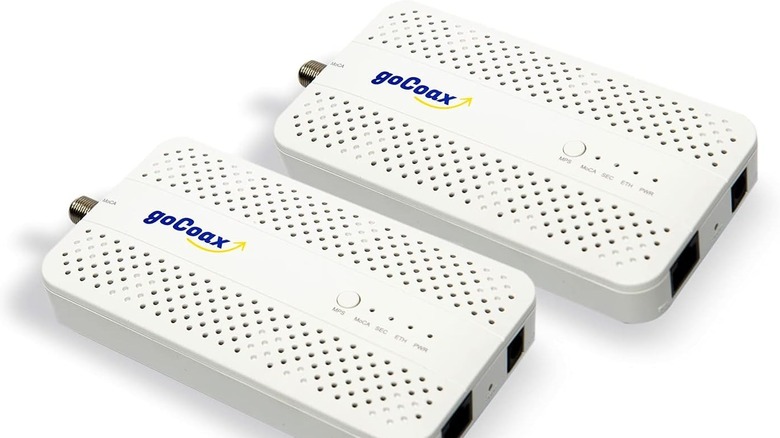
If you have coaxial (coax) cables running through your home, you can use the coax wall outlets to route Ethernet throughout your home. Coax cables and wall outlets bring cable television or internet into your home through a service provider. With MoCA adapters plugged into the coax wall outlets, these cables can create a network similar to powerline adapters. However, there's a big difference — coaxial has better speeds since there's less interference from every other device and appliance in the home.
While MoCA adapters are faster than powerline adapters, they do cost more. This goCoax MoCA 2.5 Adapter costs $119.99 for the two-pack and offers up to 2.5GbE (Gigabit Ethernet). Regardless, it's more affordable than getting a professional electrician or network technician to run Ethernet cables inside your home's walls.
If you have cable TV and internet signals coming through the coax and into your home, your MoCA signals can leak out of the point of entry. Several things can happen, including signal degradation, your neighbors receiving your internet, and interference from nearby MoCA signals. You will have to get something called a MoCA point of entry (POE) filter, which can cost less than $10 on Amazon. You place it at the point where the cable company's coax cable connects to your home. Afterward, it will trap your MoCA signals within the home and prevent those from the outside from coming in.