

Cheap Ways To Cool Down Your Mini PC That Won't Damage It
We may receive a commission on purchases made from links.
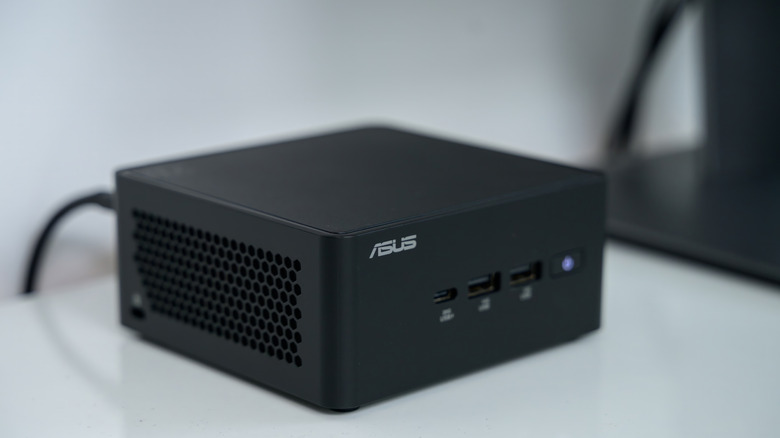
A mini PC is a small and compact PC that doesn't take up as much space as a full-sized one. All of the parts that make up a PC are packed together inside a square box that make it look like a game console. And just like a regular PC, they can heat up when being used, especially if you run a lot of programs at once or do heavy activities such as gaming. However, there are a few ways you can cool down a mini PC if yours ever gets too hot.
Overheating issues can be related to debris blocking air vents or cooling fans, gaming, using too many applications at once, old thermal paste, a failing cooling fan, and more. To alleviate your mini PC from overheating, you could look into getting a cooling pad, fan or even cool your laptop by replacing thermal paste and even dusting the mini PC.
Mini PCs are smaller, lightweight, and take up less space, but they are still a computer. This means they may heat up if pushed too much, parts may wear down, and fans can get clogged up by dust. All of which can cause the mini PC to overheat, causing it to run less efficiently and make more noise, but there are ways you can prevent the mini PC from doing so.
Using a cooling pad or fan
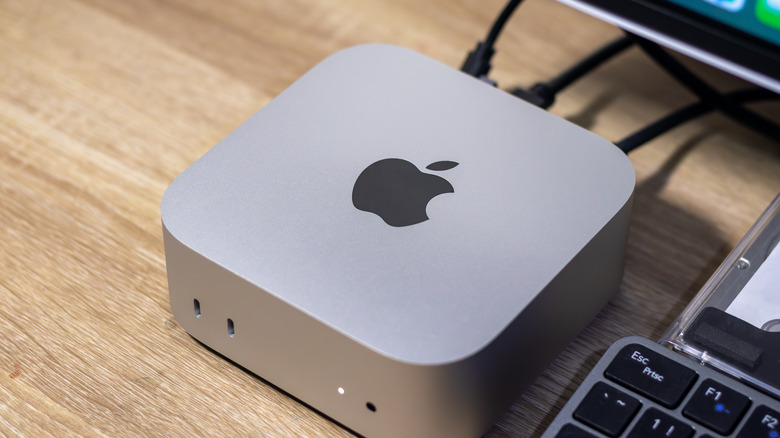
If you need to cool down an overheating mini PC you may want to consider using a cooling pad or fan. Either works by providing fresh cooling air to cool down your mini PC without damaging it further. You can even connect them using the mini PCs USB ports so everything is readily and easily available to you on the same desk or wherever you have decided to place the mini PC.
Cooling pads blow air underneath the mini PC and are connected with a USB cable. Many are adjustable so you can angle the direction. Air is spread evenly throughout the underside of the mini PC that is capable of cooling down the computer. The Aluminum Mini PC Cooler Stand from Amazon is one option for about $39, but others are available at various price points and one could be snagged for even as low as $20. Though, it's important to not use laptop cooling pads incorrectly.
A cooling fan blows cool air on and inside the mini PC. Mini PCs come with interior fans to cool down components, but you can get an exterior one that sits beneath the mini PC, too. This works in tandem with the installed cooling fan and can improve airflow all around. The Rgeek Computer Fan is one such cooling fan for around $34 on Amazon, but you can find more starting at $15 and ranging up to $40 and above.
Dusting or replacing the thermal paste
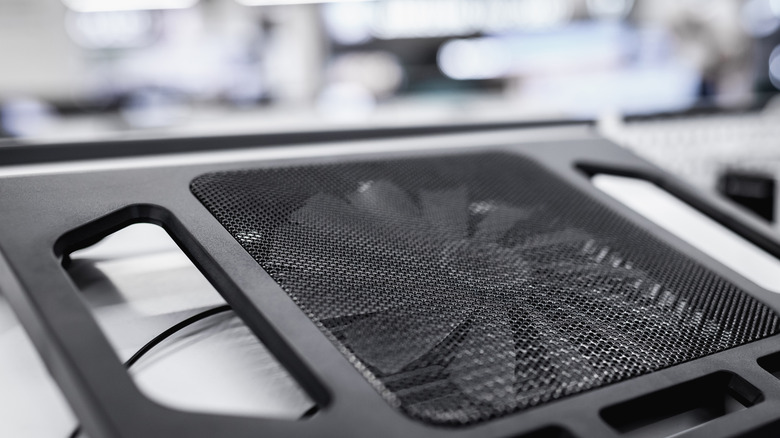
A few other important routines you can do on your mini PC can prevent it from heating up, too. Even if you aren't a tech wizard, you may be able to do both on your own without harming your mini PC. All you need is a can of compressed air for dust and a replacement thermal paste kit to replace thermal paste.
Overtime, dust and debris can build up and block ventilation to your mini PC. This blockage can reduce its performance and lead to it overheating. To remove it, first, turn off the PC and use a can of compressed air to blow air into the ventilation areas and cooling fan. This can remove any clogs due to hair, dust, and particles.
The other potential fix is to go inside your mini PC to replace the thermal paste. Thermal paste is essential for any PC and transfers heat more effectively between the CPU cooler. You can get a kit online for less than $5 and do it yourself by following instructions. There may be programs you're using that cause the mini PC to warm up such as playing video games or rendering a video. If that's the case, you can also download a program such as Fan Control to gain control over the cooling system on your mini PC.