

How To Cool Your Laptop Without A Cooling Pad
We may receive a commission on purchases made from links.
All computers heat up while in use, especially when performing heavy tasks such as gaming. However, laptops can get especially hot because they aren't as good at dissipating heat as desktops. You can use a laptop cooling pad to keep your portable computer cool (especially if you want to put it on your lap), but you might not need this accessory if you use a few simple tricks.
If you find your laptop gets a little too hot for your liking, you should first make sure the cooling vents (often on the back or side) aren't blocked and have enough space — placing them against a wall will not let air flow properly. In fact, you should avoid putting laptops on your lap altogether. Instead, set up a laptop on a hard flat surface to maintain a steady flow of air into the computer. Situating the device on soft surfaces will slowly kill your laptop, especially if you use these surfaces often. Aside from heat dissipation, using a table is also just plain better for ergonomics.
Since laptops generate progressively more heat as they use extra power for processes, you can also keep your laptop somewhat cool if you restrict the energy draw by adjusting certain settings. Decreasing a screen's brightness or throttling the CPU with a "Power Saver" energy plan or equivalent, for example, can prevent a laptop's keyboard from feeling uncomfortably warm. Heck, just scour your computer for superfluous programs and close them so the CPU can catch a break. Save the overheating for when you're playing games or using other applications that require a lot of power. In these situations, you usually can't have it both ways.
An ounce of prevention is worth a pound of cure
Desktops can stay cool with either traditional air fan systems or liquid cooling kits. However, liquid-cooled laptops are rare, so if the standard tricks don't lower your laptop's heat levels, it may be time to step up your fan-maintenance game.
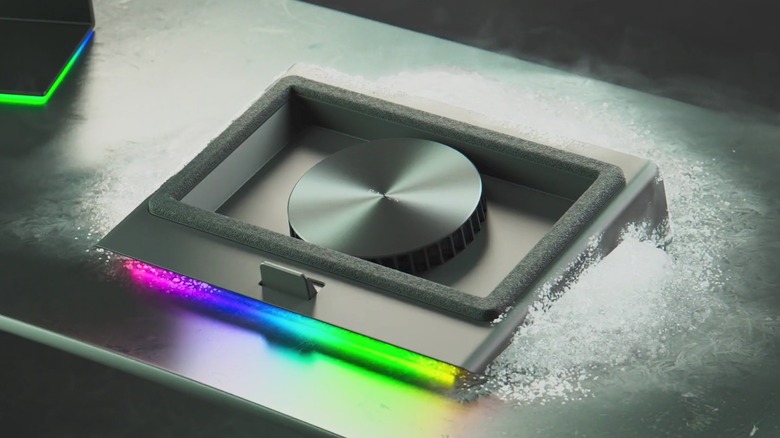
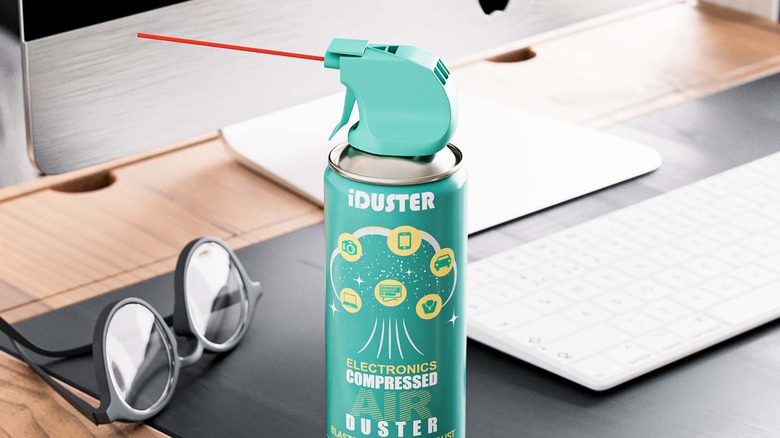
As a general rule, if you own a computer (laptop or otherwise), you should purchase a duster. It doesn't matter if you buy a bottle of compressed gas or a $32 electric duster off Amazon – you just need something that has enough power to blast dust off the cooling fans. Otherwise, the congregation of particulates will clog up airways and weigh down fans, making it harder for your laptop to stay cool. Give your computer a few blasts every so often as a preventive measure, because it's easier to get rid of dust that hasn't quite settled yet than months — if not years — of accumulated grime.
Depending on a laptop's age, you might also need to explore the computer's internals to fix overheating problems. For instance, while fans keep computers cool, they don't last forever — screws and bearings might become loose, making them less efficient. You might have to tighten up these components or replace them, especially if you hear odd noises when the fans speed up. And while you're there, you might as well check on the laptop's thermal paste. This material helps transfer heat away from components such as the CPU and GPU, but it can dry out with age. If your computer is running hotter than it should be, you might want to apply a fresh dab of thermal paste. Given the complexities of disassembling and reassembling a laptop, you also might want to hire an expert at your local computer shop.
Sometimes the situation is out of your hands

For the sake of argument, let's assume your laptop is running hot, and you've done everything we've mentioned so far. Heck, let's also assume that you used the best antivirus software on the market to rule out the possibility of malware, yet your laptop is barely any cooler than before you began. Is it time to buy a cooling pad? More likely, you're in the wrong spot.
While air-cooling systems are simple and cost-effective, they all share the same Achilles' heel: The hotter the air they draw in, the harder it is to cool down. Sometimes, finding cool air is as easy as entering a well-ventilated area or moving out of direct sunlight. But if you live in a location that is normally warm, or if you're in the middle of a heatwave, you might just have to wait for cooler weather ... or turn on the air conditioning. Otherwise, a cooling pad could potentially have some benefit, same as if you work in a hot or cramped office.
In any case, a bit of heat is normal for standard laptop functionality. Constant blisteringly hot temperatures, however, are not. If you suspect your computer is getting too hot, use a built-in temperature monitoring program or install one, and keep an eye on the data. Your laptop might get hot, but it could very well still be operating within the acceptable limits of its design. It always pays to double-check, though.