

Your Video Doorbell Can Have A Tough Time In The Winter - Here's How To Fix It
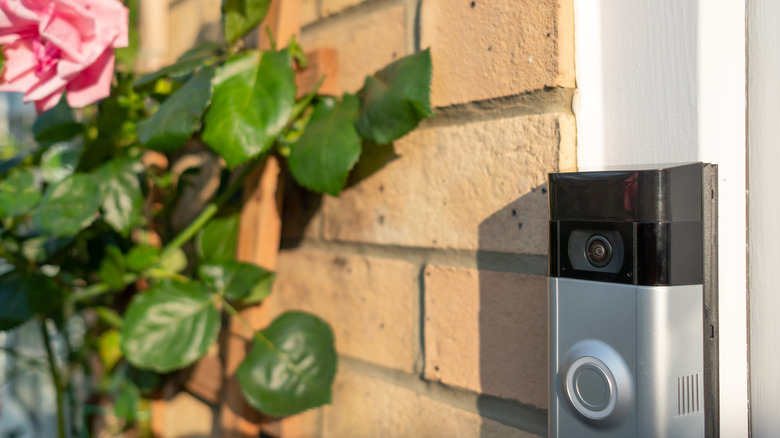
Video doorbell devices have become a staple in home security systems, and for good reason: They provide around-the-clock monitoring of the front of your house from the comfort of your phone. But with winter right around the corner, you might face a few issues with your Ring doorbell's uptime. The reason behind this is the power source and how it works. If you're using a battery-powered video doorbell device, the battery stops charging at extreme temperatures, especially below freezing. This causes the device to die out fairly quickly compared to warmer months, when charging isn't an issue. But why does this happen?
Most battery-powered devices use lithium-ion batteries, which often stop accepting charge once the temperature drops below freezing. This is to protect the battery's chemistry and sustain its longevity. However, this also means that the device will eventually stop functioning in colder climates. As the temperature drops, you'll notice your Ring doorbell charging more slowly and running out of battery more quickly. Once it surpasses the device's temperature limit, it will stop charging and shut down completely.
This doesn't mean the video doorbell has stopped working, though. It will be back to normal once the temperature comes within a suitable range again. Methods such as turning off unnecessary notifications and features, using protective covering, placing it in sheltered areas, and bringing it inside to charge can greatly increase its efficacy in the colder months. While the device may not work as well as it does during summer, those are better alternatives to not having a doorbell camera at all. Understanding why lithium-ion batteries fail to charge in the winter, and how you can circumvent that problem, is the first step toward keeping your video doorbell online through the winter.
Why lithium-ion doorbell batteries stop charging in the cold
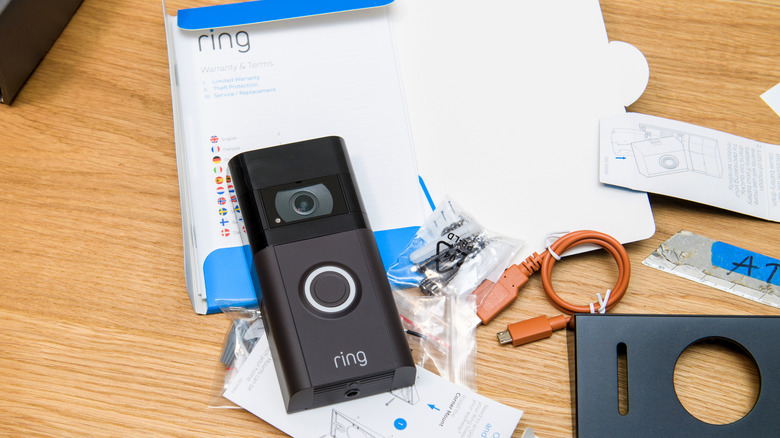
Before talking about how to charge a doorbell camera in the winter, it's helpful to understand why it stops charging in the first place. And that comes down to its lithium-ion battery. These devices usually come with temperature warnings on the side of the device or on the packaging that tell you the optimal temperature range for operation. Once the temperature exceeds or falls below that limit, the battery pulls less current from the power supply to avoid excessive wear and tear. This process starts at the freezing point and will eventually cut power to the battery.
Now, this process is built into video doorbell devices by design to prevent hardware malfunction. If the battery were to continuously try to charge itself during harsh weather, lithium plating would build on the battery's anode. Left unchecked, this could eventually ruin the battery. The protective mode allows batteries to avoid this condition by waiting until the temperature is warmer to start charging normally.
While this applies to battery-powered Ring devices, why do people face the same complaint with hardwired devices as well? That's because some hardwired devices are actually also battery-operated. The doorbell wiring only supplies a maintenance trickle charge to the battery, rather than powering the camera directly. So in cases where hardwired Ring devices fail to perform in cold weather, chances are it's actually a battery-powered device with a charging port connected to it. The only devices not affected by significant temperature changes are pure hardwired video doorbells without any batteries, since they only require a constant power source to function.
How to keep your Ring doorbell charged during winter
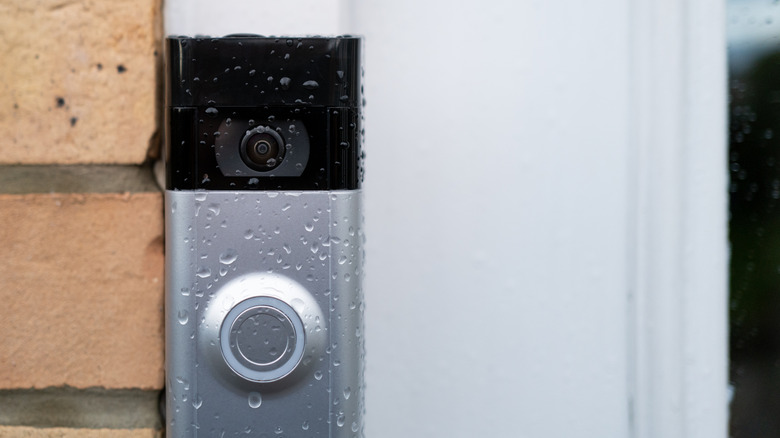
Given these issues, how should you keep your Ring doorbell charged during the winter? The best way is to simply bring it inside and charge it in a warmer temperature. This is a fairly straightforward method, but the drawback is that your device's charge will still drain comparatively quickly. You'll need to do this multiple times in a week, depending on device placement and external temperatures. This is why device placement is important. Installing your doorbell camera in a sheltered area helps protect it from chilly drafts and can slow down charge depletion.
You should also turn off unnecessary features on your video doorbell device. Features like Live View, frequent motion detection, and continuous screen recording consume a lot of battery charge. Limit the instances you are notified by your Ring doorbell and reduce motion sensitivity so that you will only be notified when someone is at the door, rather than the device turning on for every passing car or pedestrian. Finally, use a protective cover over your device or switch to a hardwired device to help avoid temperature-related charging issues.
Diminished battery life isn't the only problem your doorbell camera might have in the winter. Ice crystals or frost can form over the camera lens, creating a blurred video feed. This happens when the air has a high moisture content, which can crystallize once the temperature goes below the freezing point. If this is why your video doorbell is malfunctioning, you can try placing it away from water sources and HVAC systems, providing sun exposure, and applying an anti-fog coating to your camera lens. You can also apply heat trace tape (also called heating cable) to keep the device warm when the temperature drops below freezing.