

Setting Your Video Doorbell To Record Longer Isn't Always Better - Here's Why
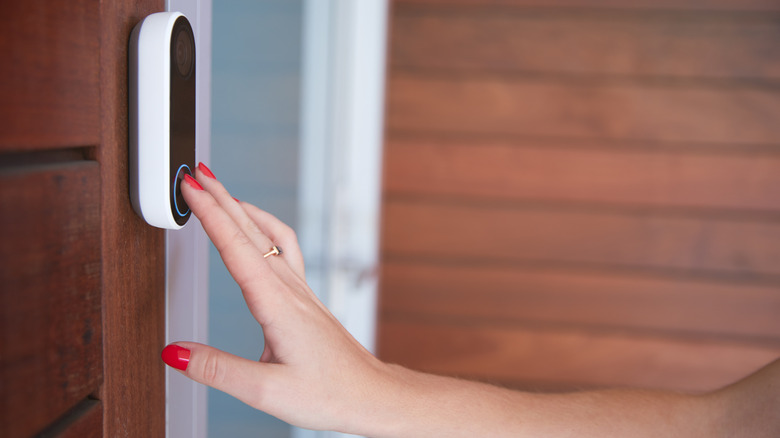
Most video doorbells don't record all the time. There are a couple of reasons, but mostly because they're designed this way. For starters, longer videos, especially in HD, take up more storage space. Constant recording also uses much more power than standby, draining batteries faster, especially without a wired power hookup. All of this means that when it's time to adjust recording lengths, you'll probably want to avoid max-length or continuous options to save resources.
Most smart home security cameras and surveillance devices, such as a video doorbell, can record in two formats: continuous (24/7) or timed event captures. Continuous recording, where available, means the camera or device records indefinitely, capturing everything it sees, even when nothing eventful is happening. Do note that some cameras don't support this. Timed event captures, on the other hand, usually trigger on a specific action or detection alert and continue recording for a set period. A great example of the latter, and how a video doorbell usually works by default, is when movement is detected, or someone rings the doorbell; it begins recording for up to a minute or so afterward. That way, it captures everything important, and when you review the footage, you see the visitor approach, ring or knock, and eventually leave.
With timed event captures, you can also customize how long the device records after an event. Ring doorbells, for instance, let you choose between 15 and 120 seconds of recording time. Although total recording times vary by model and brand, an upper limit still exists, and you may want to avoid it.
Storage space can limit more than you think
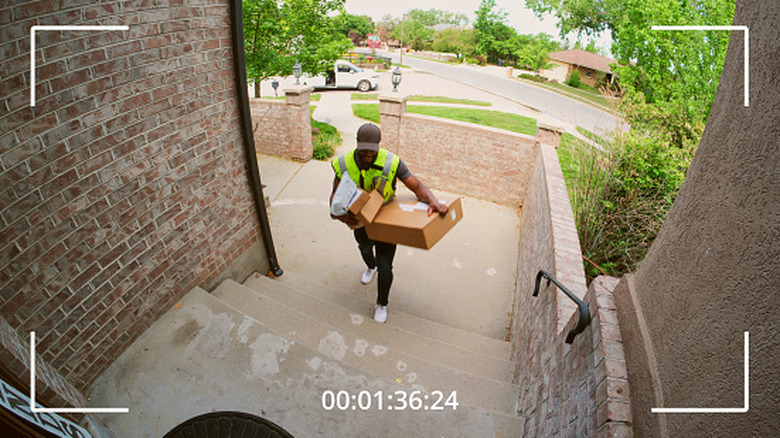
Video doorbells, like most security cameras and surveillance systems, have storage limitations. When it comes to retaining footage digitally, the data is stored on drives, either internal drives inside the device, like flash storage or MicroSD cards, or a remote NAS with hard drives. Cloud storage is a third option, but those files are still being stored physically somewhere on a server in a data center. There are always limits to consider with the storage options above.
Many security devices get around this by reusing available storage, rewriting old files or overwriting data. That means backups are only kept for a certain time, likely between a week and 60 days. Auto-overwrite modes or loop recording automatically overwrite old video clips you presumably no longer need, though you can back up important clips.
Even with loop recording, storage space is limited. Most home security cameras need about 256 GB to 1 TB (1000 GB) to capture 30 to 90 days of HD footage. Tapo says its C500 camera can store up to 40 days of 1080p footage on a 512 GB microSD card, or 10 days on a 128 GB card. Not all doorbells support MicroSD storage expansion.
The higher the video recording resolution (2K or above), the more space you'll need, and the longer you want continuous footage, the more storage you'll need. To support this, video doorbell manufacturers tend to limit recording length and recommend timed event capture over other options. The same applies to battery usage for battery-operated doorbells. Longer recording increases power draw and shortens the time between charges.
It's important to consider your local laws
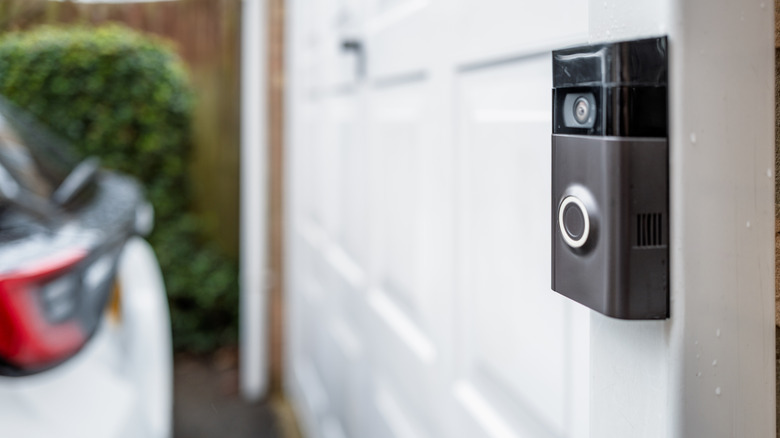
You can record on your own property in pretty much every state, as long as you're not recording someone in a private space, like a bathroom. So, you can have security cameras outdoors, facing your driveway, for instance, or a video doorbell watching your front door. But that doesn't mean there aren't limitations. Every state has distinct rules, and things can also get challenging depending on where that surveillance device is pointed. If it's mounted near your door but still points across the street at your neighbor's home, that could cause issues, especially if the device records 24/7 and captures private areas.
Some states make it illegal to record audio without consent, so if your doorbell records both, you could be facing a violation. Review and understand local rules and guidelines before installing any smart home or surveillance devices. It may not even be a good idea to have a device that's continuously recording in some areas. In fact, some Ring owners discarded doorbell and security cameras because the service enrolled them in unwanted integrations and shared user data. However, mass surveillance and privacy concerns are contentious issues with all smart home doorbells, not just one brand.