

Ripping Your Old Discs Gets You Lossless Music That No Subscription Can Take Away
We may receive a commission on purchases made from links.
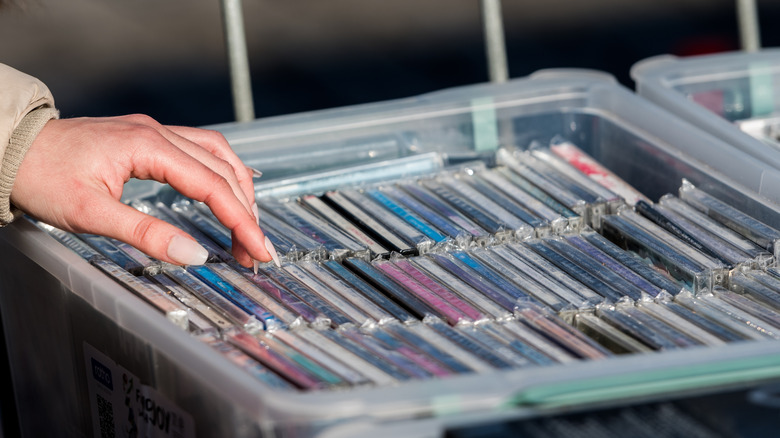
Are you paying for a service to stream lossless music? That access you're paying for can be taken away at any moment. Licensing deals frequently cause music to completely disappear from streaming libraries. Meanwhile, you probably have access to high-quality, lossless music that you can keep forever stored in your closet. That source is CDs, a format that stores uncompressed lossless-quality audio. By ripping your CDs, you can create an archive of your own that no corporate entity can take away.
Contrary to what you might guess from the term, "ripping" music from a CD doesn't remove it from or do any damage to the disc; it only saves a copy of the music to your computer in the form of an audio file. That file, if you choose the correct settings, can be stored as lossless audio. You also might worry that ripping music is illegal, since it does technically involve copying copyrighted material. It depends on your jurisdiction, but in the U.S., ripping CDs you own for personal use is widely considered fair use, though no law explicitly guarantees it. If you're outside the U.S., it's best to look up local laws and regulations on ripping music from CDs before proceeding.
How To Rip Lossless Music You Can Keep Forever
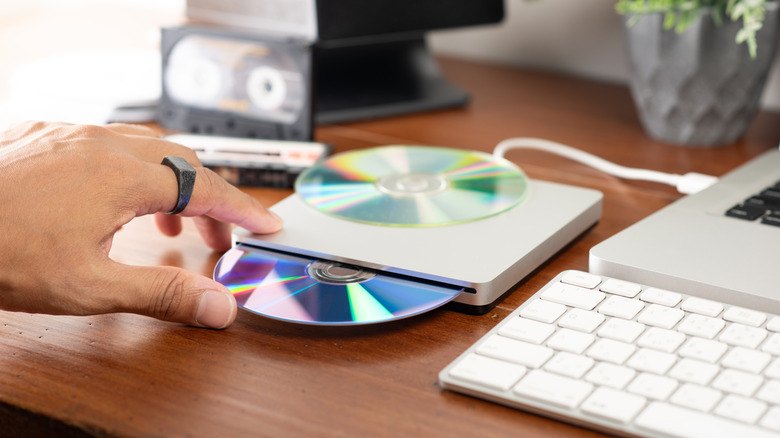
It's surprisingly easy to rip music from CDs in 2026. You need a disc drive, a device to rip the music onto, and an app installed on that device to do the ripping. Android users can rip directly onto their phone or tablet using the Discs app from the Play Store. Your computer, though, comes with an app — the standard-issue Media Player on Windows 11 or Apple Music on a Mac — that's totally capable of ripping lossless media. Enthusiasts prefer more advanced software, like Exact Audio Copy, XLD, or dbpoweramp, which can ensure "bit-perfect" rips. Whether that level of archival quality is worth it you is something only you can decide.
Regardless, you'll need a disc drive, and computers sold with those built in have become almost extinct over the past decade. Luckily, you can still buy them for cheap at just about any tech store. Amazon sells the popular Amicool External DVD Drive for $23, and you can probably find preowned units on eBay or Facebook Marketplace for even less.
Once you have an optical drive, it's as simple as plugging into your computer or Android device and opening the CD ripping software of your choice. Look for a "Rip," "Save," or "Import" button after you've inserted a disc to get started. You'll be asked which format you want to use, and the two best lossless format options at your fingertips will be FLAC and ALAC. They offer the same quality, but ALAC (Apple Lossless Audio Codec) is the best choice for people who live primarily in the Apple ecosystem. Then, you can start the ripping process, which, depending on the drive and the disc, can take a few minutes.
How To Store And Organize Your Lossless Music

Of course, ripping audio tracks is one step in preserving and enjoying your lossless music. The next best course of action is applying metadata and artwork to the audio tracks, which makes the music in your collection easier to find and much more fun to flip through. I personally recommend the free and open source MusicBrainz Picard, which automatically pulls a ton of metadata from a huge trove of records and writes it to your music files.
You also need an app for playing music that isn't just for streaming. The app you used to rip it might work well for playing the music too (especially Apple Music), but there are high-quality options for mobile listening like Poweramp Music Player for Android. For the Apple crowd, you have multiple audiophile-level iPhone apps to choose from. Since you're no longer locked into a streaming service, try out several local music apps and find the one that fits your listening style best.