

The Data, Storage, And Hardware Costs Of Lossless Music
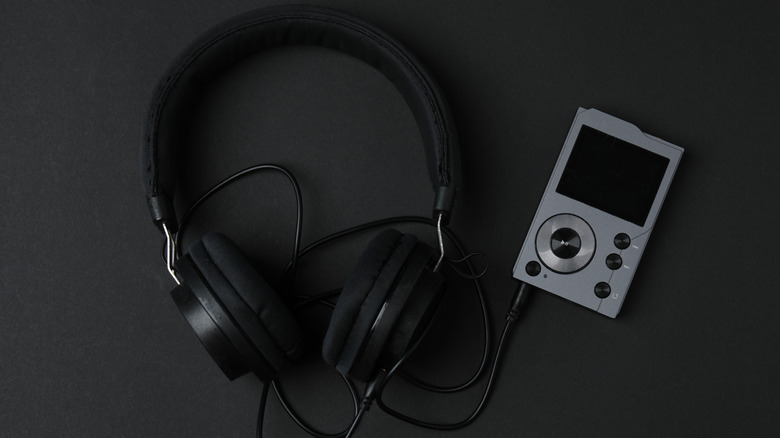
Lossless music is generally of a much higher quality and resolution than standard audio streams. It's in the name — lossless means there's little to no data lost during compression and, ultimately, during playback. While some people might not be able to hear the difference between high-resolution and lossless audio streams, there is certainly a noticeable change if you make the upgrade from standard-definition audio to lossless, and many will deem that worth whatever extra cost is incurred. But the move to lossless also introduces some concerns you might not have considered. For example, to truly make the upgrade, you need the right hardware, not just for playback but also to store the much larger digital lossless files. If you're streaming, you'll also be using up a lot more bandwidth, which can mean extra expenses for mobile data use, as well.
It makes a lot of sense to weigh these higher costs and requirements despite how exhilarating it is to get the maximum audio quality possible. An audiophile willing to spend all that extra money on the best of the best is a given, but for the average person, the decision could hinge more on the extra data, storage, and equipment costs. So, how much of a data leap is there really?
The usual lossless file, using Free Lossless Audio Codec (FLAC), streams at 1,400 kilobits per second (kbps) or above on average, which is around four times the bitrate of standard MP3 audio. Depending on quality and bitrate, FLAC files can be 20 to 40 megabytes (MB) per song, versus an MP3's three to eight MB per song. These numbers mean songs take up more space, so you'll need a bigger hard drive or MicroSD card, and they'll eat more bandwidth during transfers and streams.
More data means higher costs all around
Starting with physical storage for the media, you'll need more space to store a full album in lossless formats like FLAC as compared to MP3. That's due to differences in both audio compression and file compression. To play audio, whether streaming or via wireless connections like Bluetooth, devices use compressed data so it's smaller and more efficient to transfer. Different media formats, like MP3, AAC, or FLAC, use varying forms of compression. FLAC uses a lot less compression than MP3, so the audio files are much closer to the original and have nearly flawless quality. But again, they're also larger in size because of the higher quality and bitrate, and they also require better hardware for the best playback. On top of storage costs for larger hard drives or external media, you'll need headphones, players, and devices that support and can deliver the higher-resolution playback, which may also require an upgrade if you're rocking legacy equipment.
You'll also be using up a lot of data during wireless transfers. If you're streaming over your home's Wi-Fi network or locally via Bluetooth — like from a phone or media player to headphones — that's not a big deal, but if you're using mobile data to stream from the cloud, the added costs could significantly increase. Lossless audio codecs will consume three to four times more bandwidth than a standard definition format. Spotify's lossless formats can use around one gigabyte (GB) of data per hour, and if you have limited data caps, you'll hit them fast. Even if you have an unlimited data plan, you won't necessarily be capped by your provider, but you may experience throttling, something that's fairly common for customers who regularly use lots of mobile data.
There are some ways around the added expenses
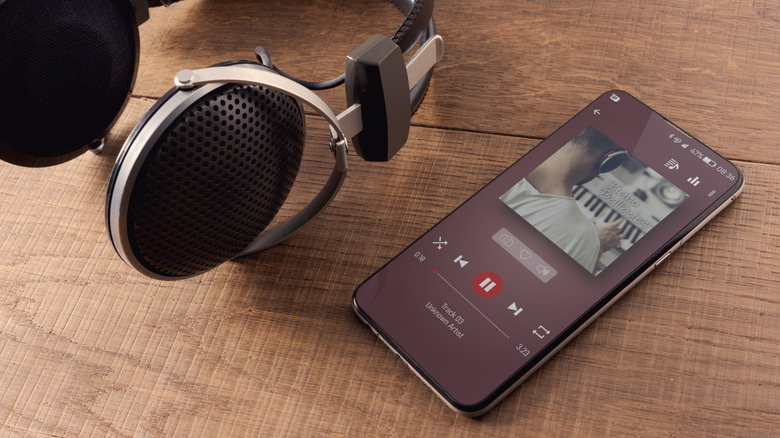
If you're worried about spending more to listen to higher-quality audio, you'll be happy to know there are ways to lessen the blow. For example, instead of streaming lossless audio via your phone in the car, a simple USB stick may be a smarter setup. You can get one large enough and fast enough to house and play back lossless digital media. Plug it into a compatible USB port in your car, and you have instant high-res library (assuming your music files are stored using FLAC). Alternatively, you can grab a digital audio player (DAP) or use your phone's storage to house local files for playback rather than streaming.
Media providers like Spotify offer low-cost perks to premium subscribers, lossless streaming being one, which just leaves the added mobile data costs to worry about. You can, of course, eliminate any overages or data expenses by springing for an unlimited plan. However, local media playback from your phone or a DAP will often be a better low-cost option than streaming.
With local files, you have more control over the bitrate, so you can change the audio quality in unique ways. You can lower bitrates slightly to decrease the file size, using less storage space and lowering some of the costs involved. There are a few additional ways to get better sound quality with local audio. Opt for a DAP, adjust files with a digital audio workstation (DAW), or use better headphones or speakers. If you introduce Bluetooth, though, you aren't getting true lossless quality because the protocol cannot handle it without some amount of compression, however small. Unless you're using LDAC, LHDC, or aptX via Bluetooth, lossless probably won't buy you much audio improvement.